Daily Site Report in Kaizen CAFM
What is DSR? DSR stands for Daily Site Report. It is an important tool used by facility managers to monitor and maintain daily operational activities across sites and facilities. It is usually…
 Simplifying Facilities...
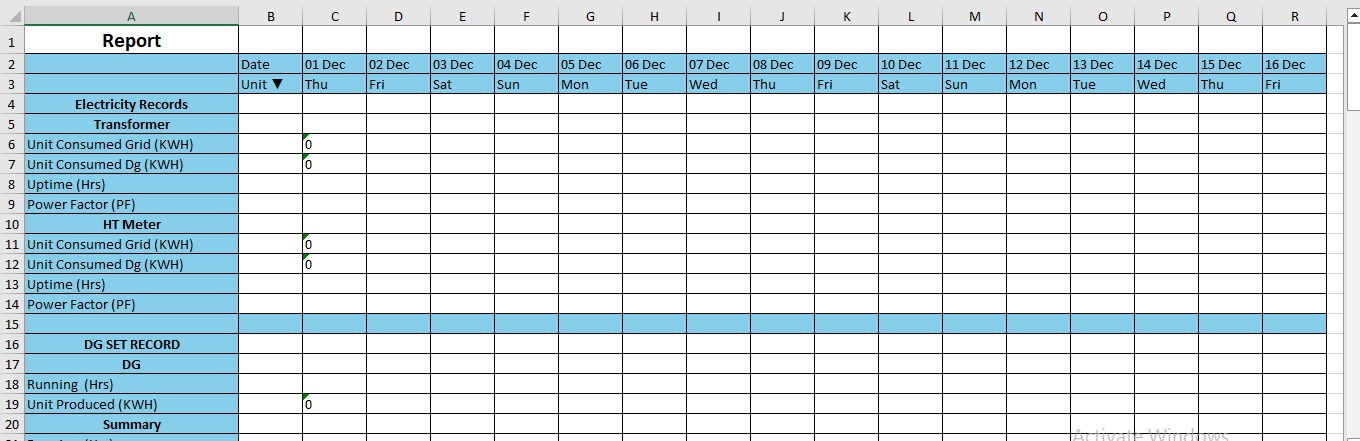
What is DSR? DSR stands for Daily Site Report. It is an important tool used by facility managers to monitor and maintain daily operational activities across sites and facilities. It is usually…
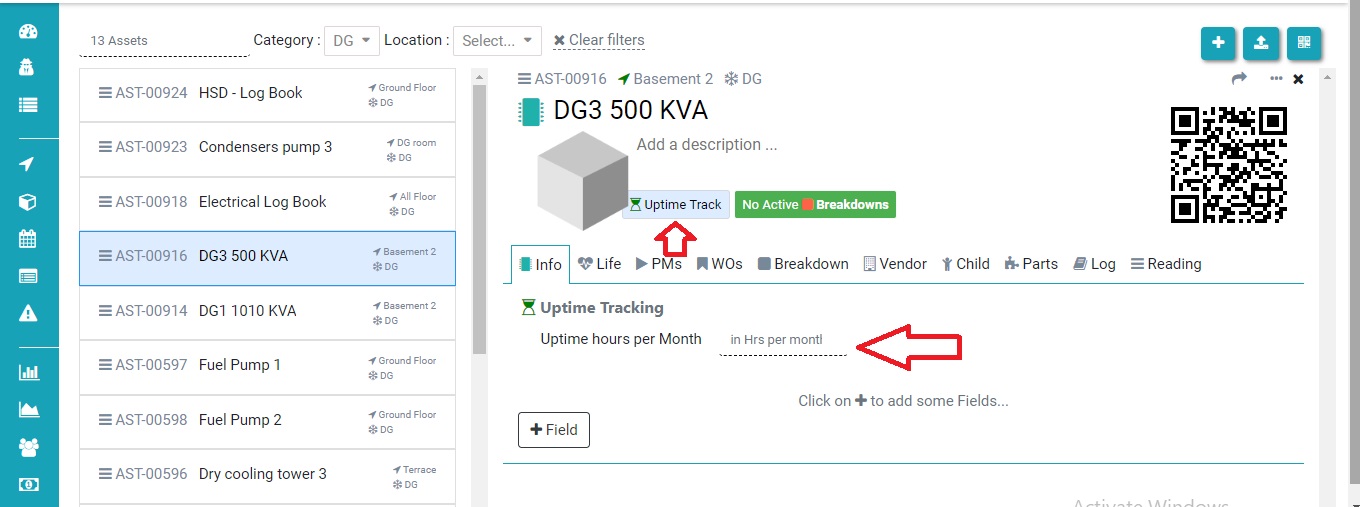
Uptime tracker means how much your asset runs as per the schedule. In this FAQ we learn how to configure the data for uptime tracker. Step 1. Set the Uptime hours per…
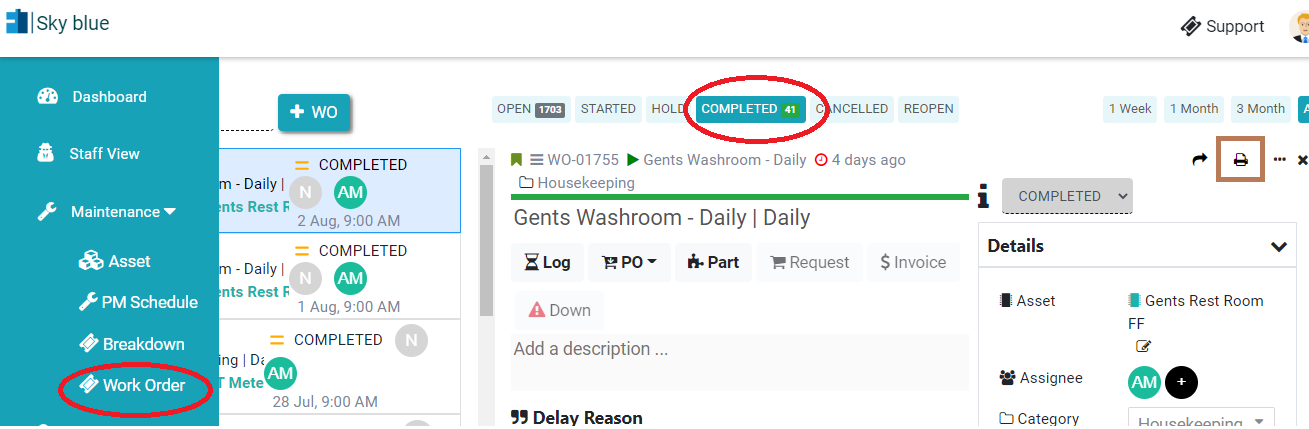
In Kaizen CAFM, if you have permission, you can print or download pdf of the work order. You can download the Work Order PDF individually by following these steps: Steps to Download…

Step 1. Log in through factech.co.in Step 2. Click on Asset & PPM ( refer screenshot) Step 3. Select the meter which you already added as meter for reading purpose. Then click…
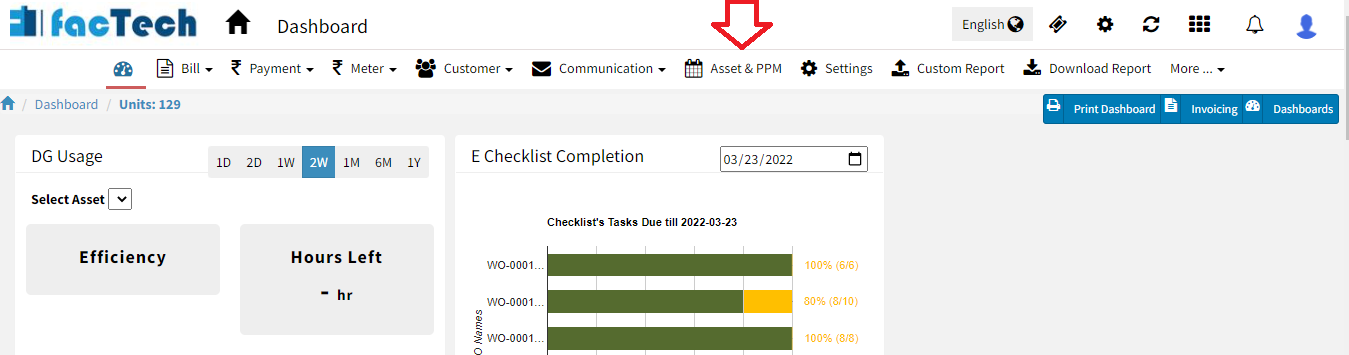
Step 1. Log in through factech.co.in Step 2. Click on Asset & PPM tab.(refer screenshot). Step 3. Then click on PM Schedule under the maintenance option. (refer to screenshot) Step 4. Click…
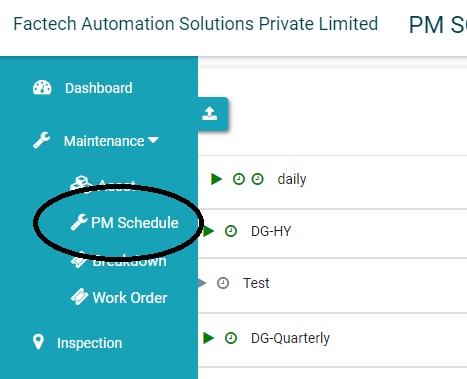
Admin with permissions can assign – schedule or the specific work order to the designated staff. A prerequisite for this is staff should be added to the System. Refer How to add…