How to print QR Code for locations?
Why do we need to print QR codes for location? We need to print QR codes for locations to perform all the work orders related to that location. ( If same staff…
 Simplifying Facilities...
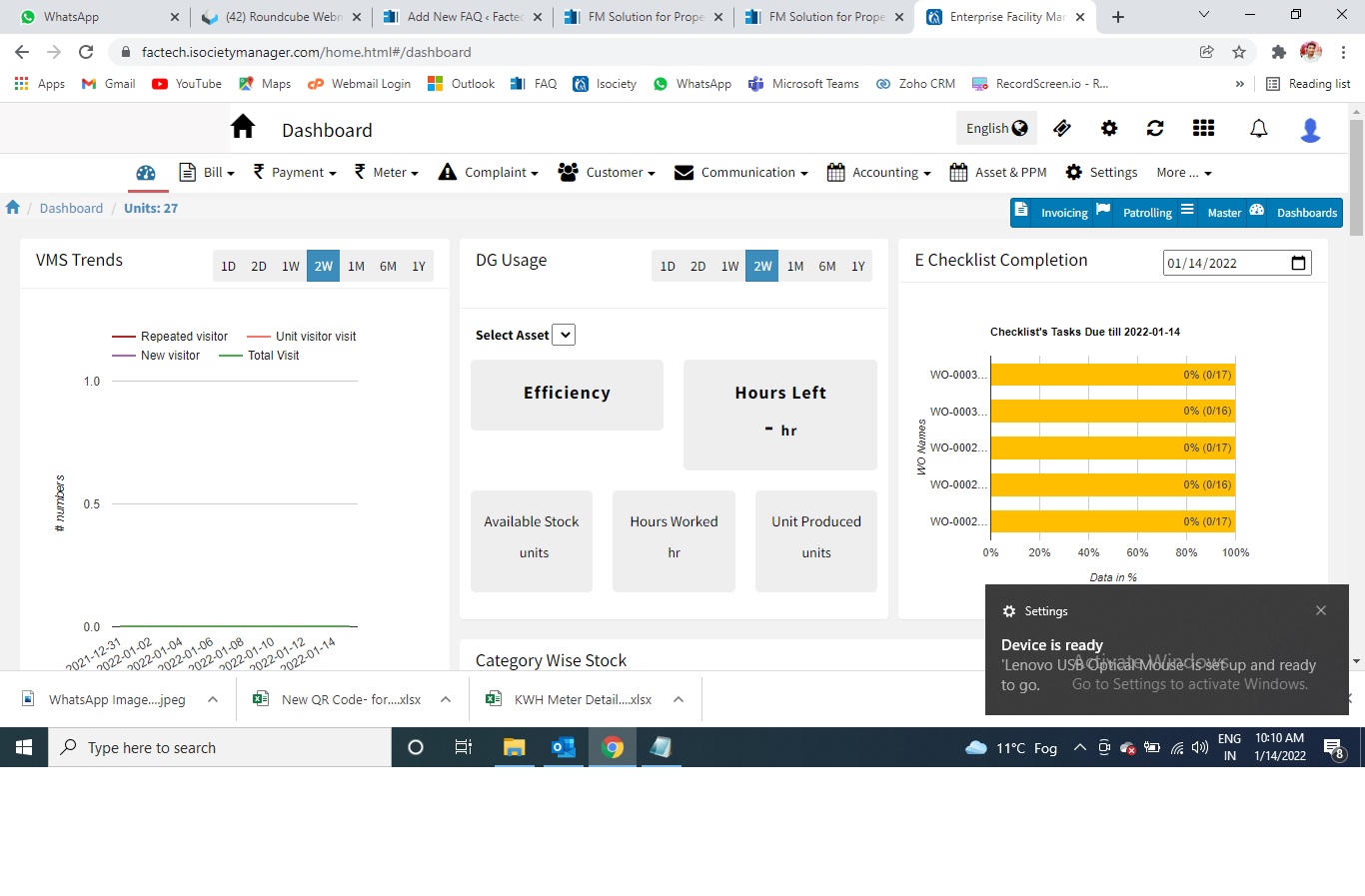
Why do we need to print QR codes for location? We need to print QR codes for locations to perform all the work orders related to that location. ( If same staff…
Sometime it happens that you tried to scan the QR code through the technician app and you scan the QR code, but the system doesn’t recognize the QR code. There are multiple…
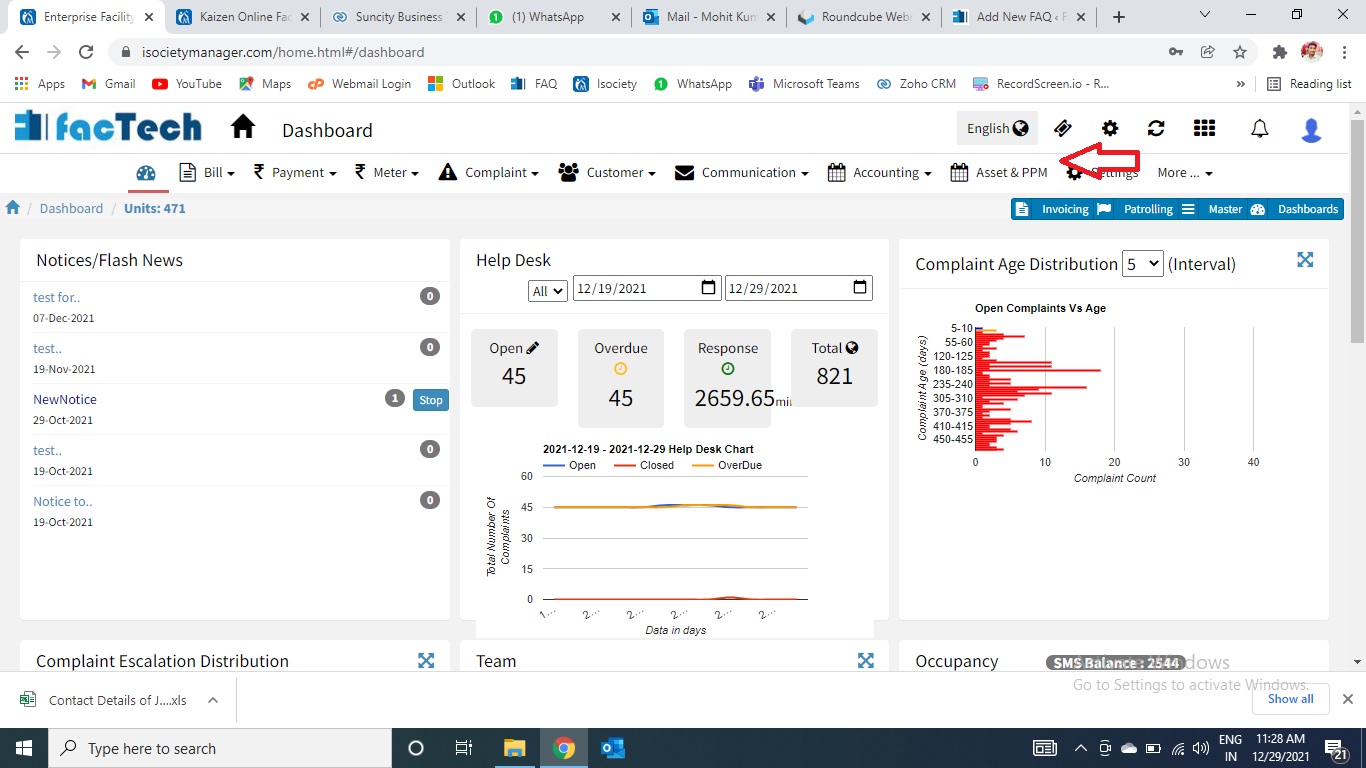
What is Schedule? The purpose of the Schedule is to add the frequency, instruction for a particular work order and map the same to respective asset. By doing this we got alerts…
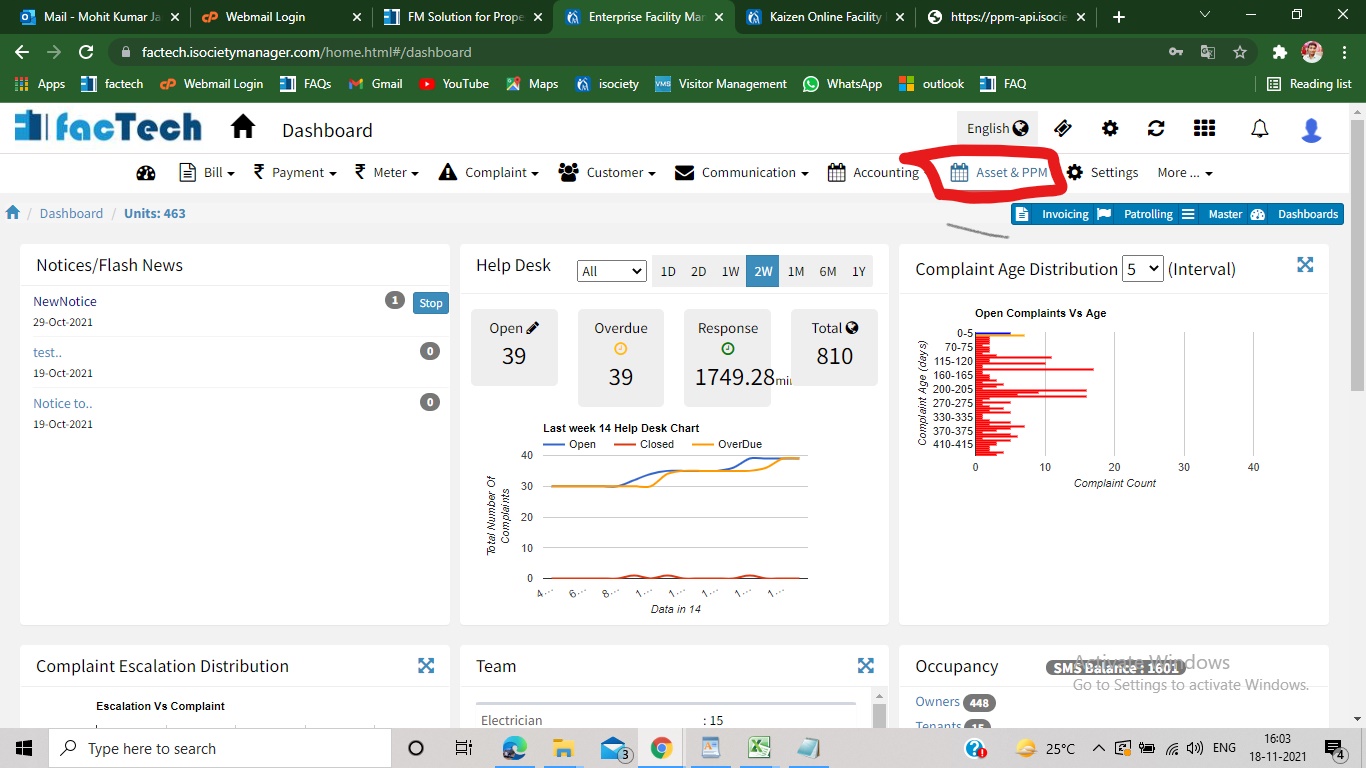
Step 1. Sign in to https://factech.co.in using your login id and password. Step 2. Click on Asset&PPM tab, available on the upper right of the screen. Step 3. From the left side…
Step 1. Sign in to factech.co.in using your login id and password. Step 2. Click on Asset & PPM tab available on the upper right of the screen.(refer Screenshot) Step 3. After…
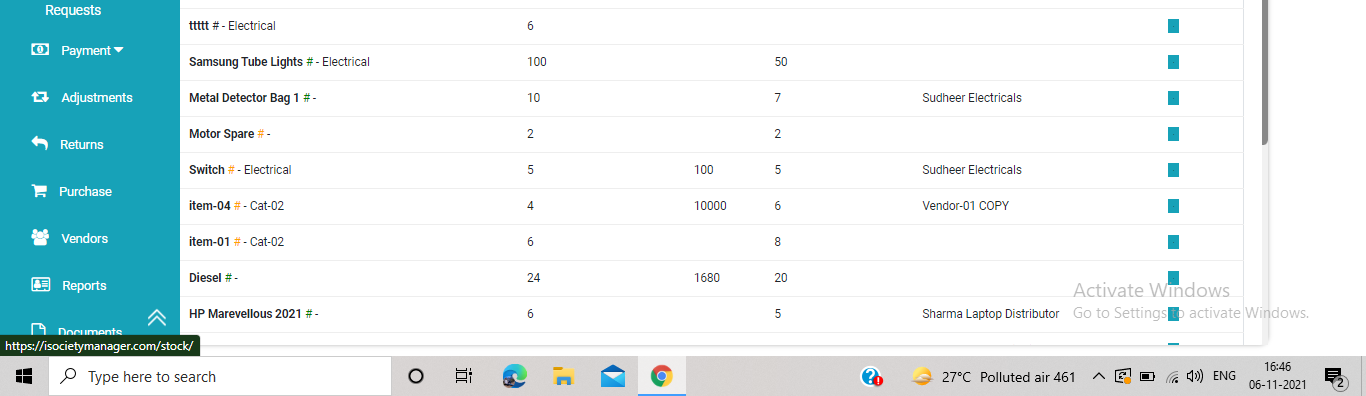
Step 1. Click on the purchase option from the left side of the Inventory Management page. Step 2 After clicking on purchase option, new page appears on the screen. Step 3 Click…