FAQ Category: Asset Management

What is Work Order in CAFM or CMMS?

Work orders are the tasks you create to track what you need to do. Work Order can be scheduled, or on demand (planned, un-planned). Examples are: DG A Check : scheduled daily HVAC – cold air not blowing : corrective maintenance Assets are the things you’re maintaining. Work orders are the tasks you create to

Read more

Document upload through instruction of the checklist

Previously, we could take only live photos as per the instructions. Now we can add both, live pictures and documents from the instructions. It enables the facility manager to upload related documents for the particular photo. Please take a look at the step below to add document instructions. Step 1- Login>Asset & PPM>Checklist and add

Read more

Optional Instruction in the Checklists

Now we can add the optional instruction in the checklist. This enables the facility manager to add instructions that are not recurring. Check the step below to configure optional instruction. Step 1. Login>Asset & PPM>Checklist then we need to enable following option(refer screenshot)- Thank You!!

Read more

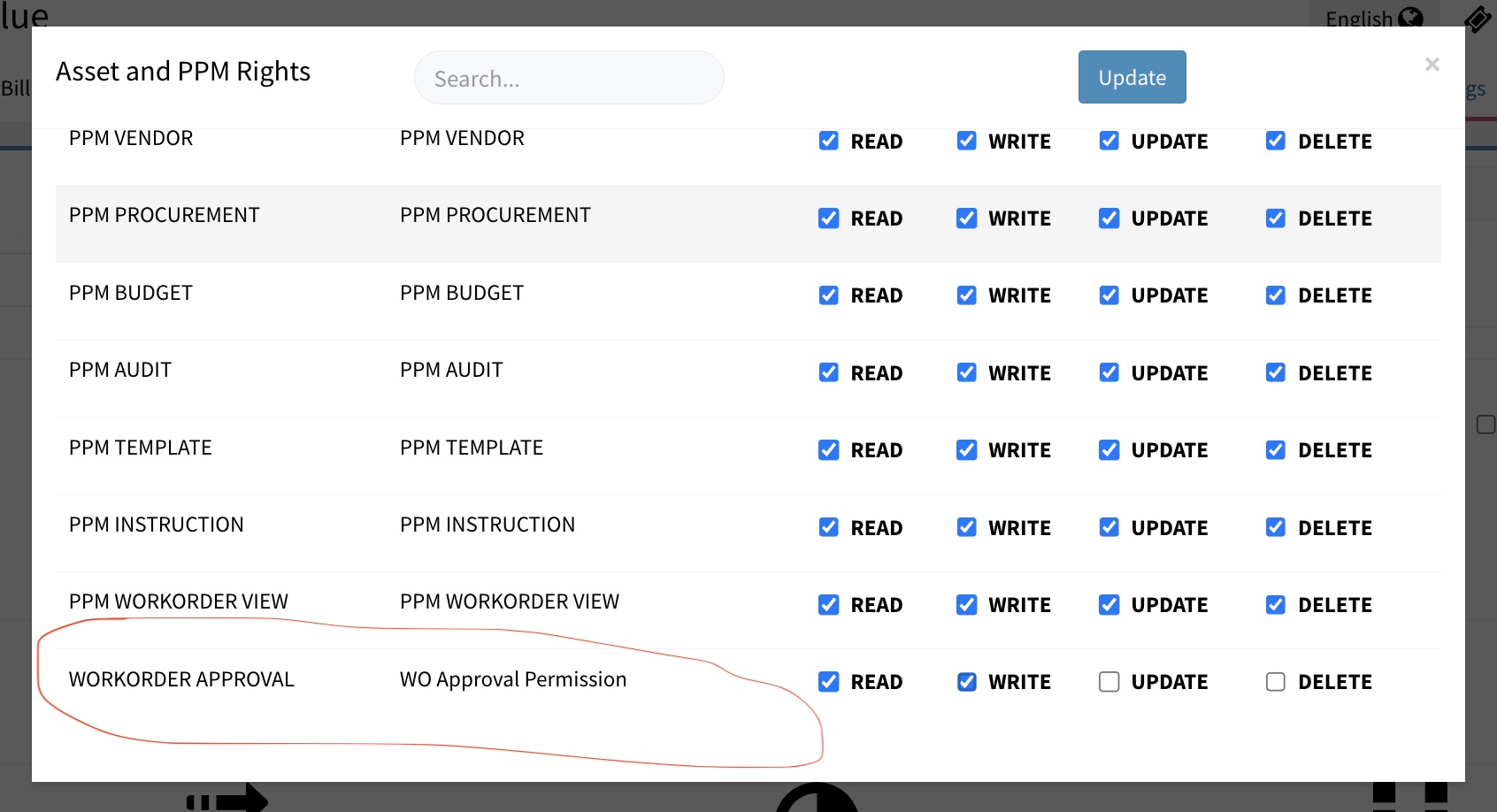
Work Order Approval Permission

How to Approve work order completed by Technician?

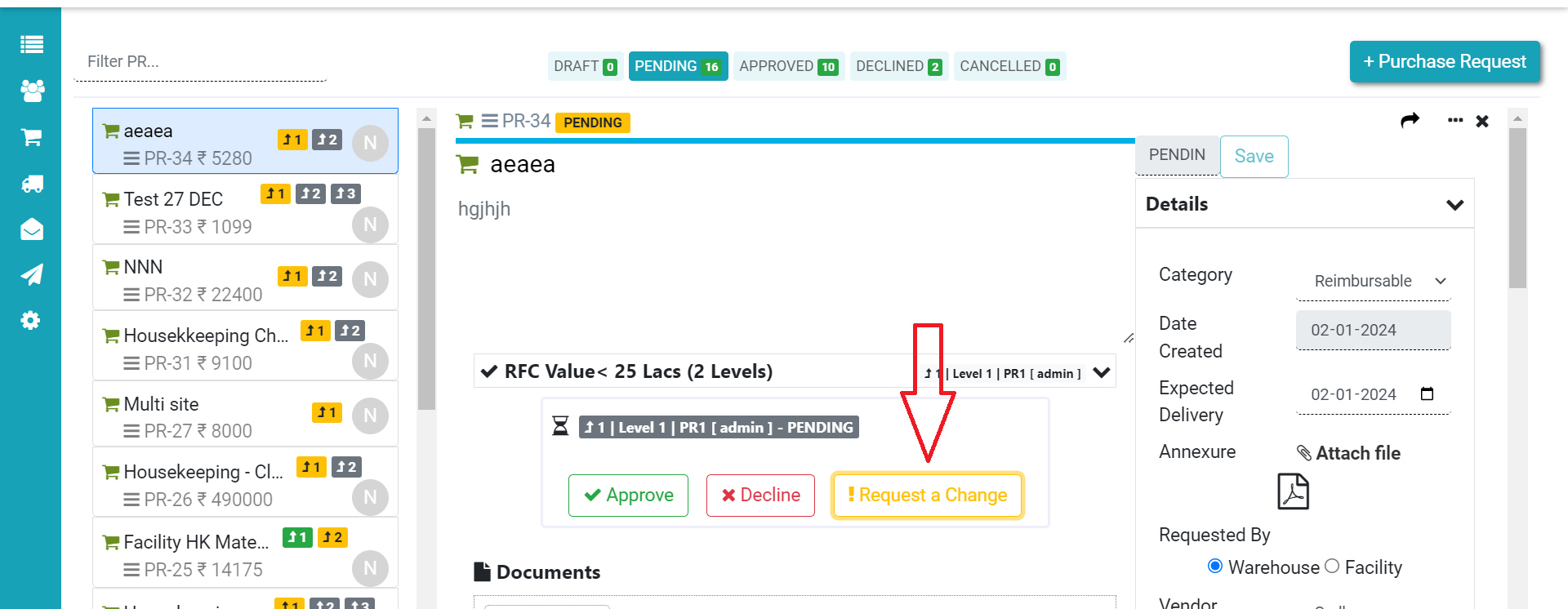
As facility manager or supervisor, you can approve or verify the job completed by a technician. This ensure that the maintenance or cleaning job is done satisfactorily. Approval process brings more trust in the FM system. In Factech, if you have permission for Approved. You can open the completed Work Order and approve it. 1. 

Read more

Preventive Maintenance Schedule details in CAFM CMMS

How to set Weekly Off in a schedule?

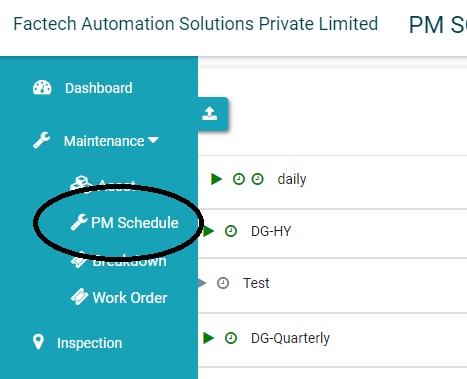
As admin, if you have update permission for schedule you can set off any week days on which you don’t want to create schedules. 1. Go to PM Schedule and open the schedule which you want to update. 2. Select the schedule. As in below image Cleaning schedule is set for daily 11 am &

Read more

Hello ! If You Are Ready To Take Your Facility Management To Next Level...