FacTech iOS Technician App
Technicians can use iPhone app for: Executing PPM or Maintenance Jobs Inspection and housekeeping green checklists Service Request or complaints To download it, follow these steps: Step 1: Go to…
 Simplifying Facilities...
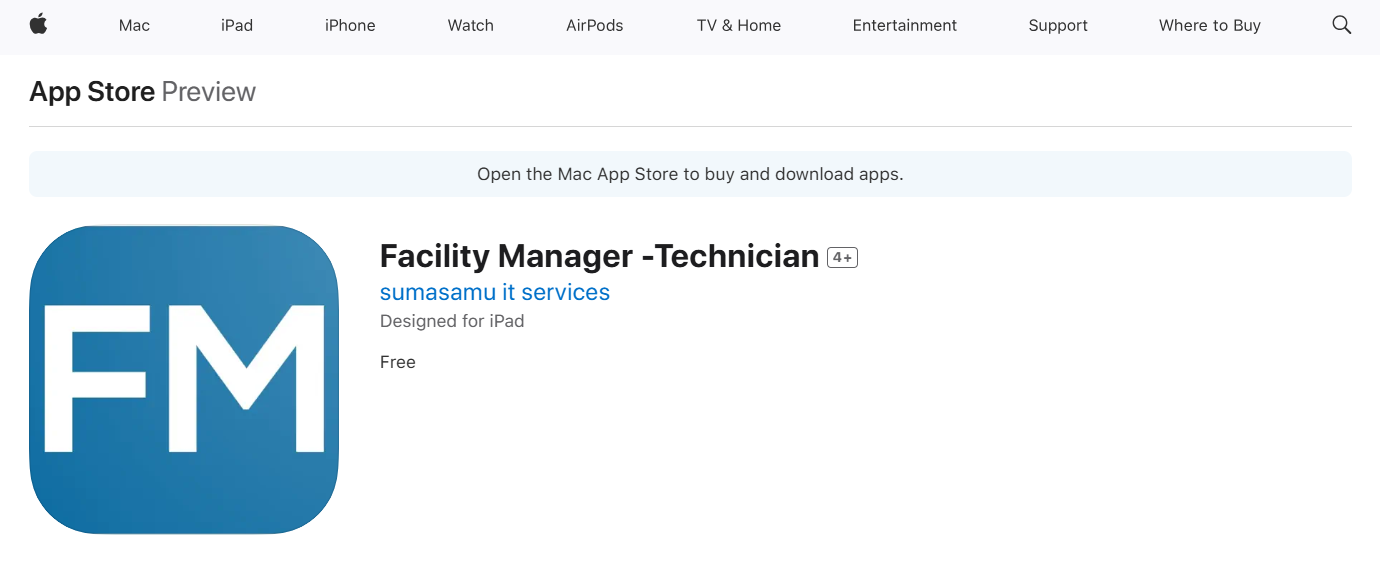
Technicians can use iPhone app for: Executing PPM or Maintenance Jobs Inspection and housekeeping green checklists Service Request or complaints To download it, follow these steps: Step 1: Go to…
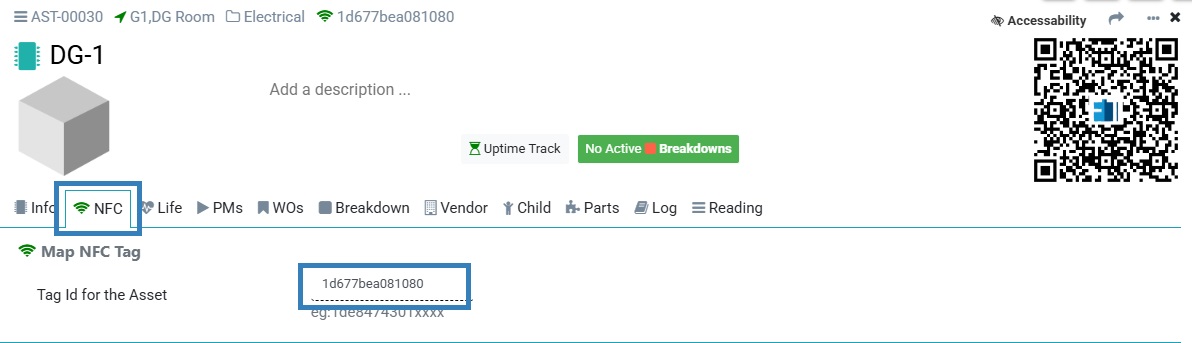
Previously, FacTech did not support NFC, but now we can map the NFC to the FacTech system. To map the NFC with the asset we need to follow these steps:…

Verification of a Planned Preventive Maintenance (PPM) Work Order completed by a technician is crucial to ensure accuracy, compliance, and equipment reliability. It helps confirm that all tasks were performed correctly, prevents…

We are excited to announce a new update to the Asset QR code view in the FacTech system. Now, we can download the Asset QR Codes along with the site’s logo, which…
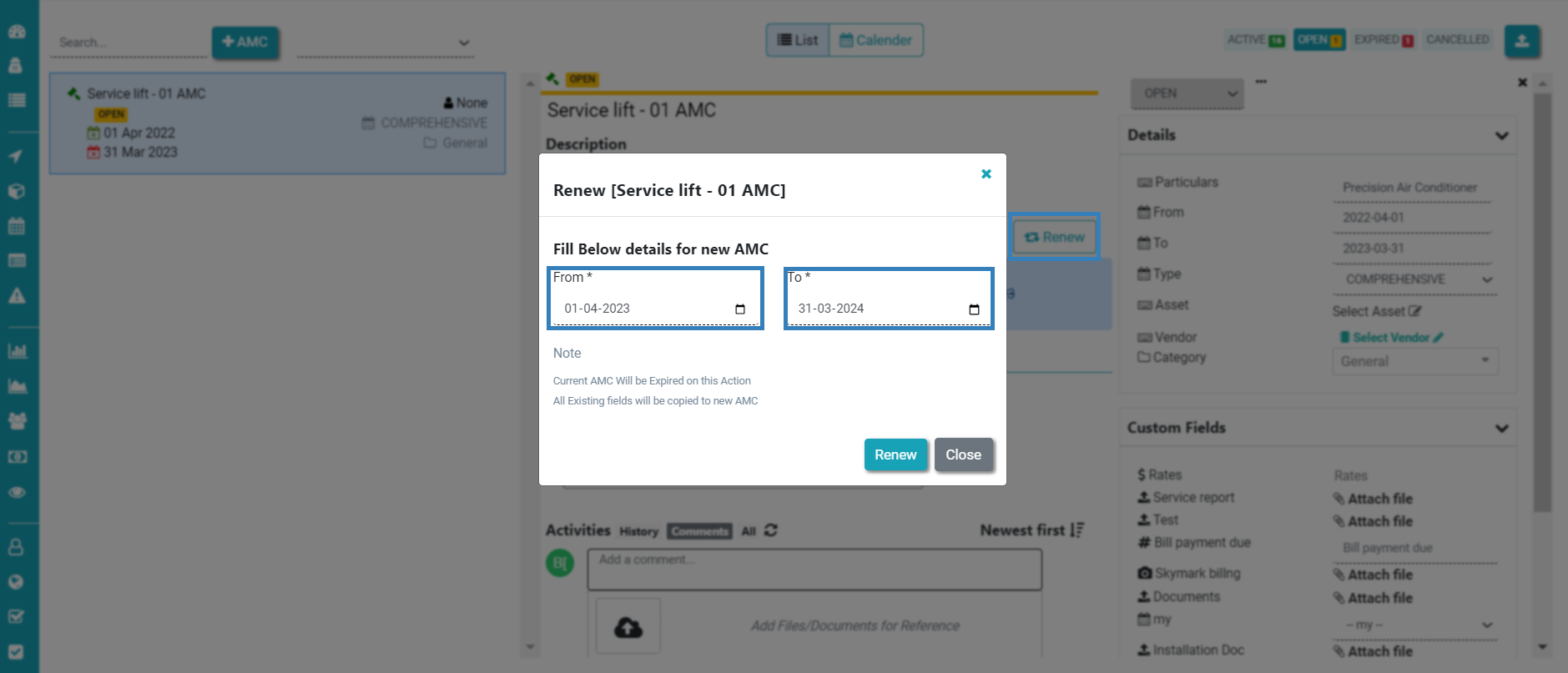
If we want to update(renew) the time of the AMC & Contracts in the FacTech system, we need to take these steps: Step 1: Login > Asset & PPM > Contracts &…
Work orders are the tasks you create to track what you need to do. Work Order can be scheduled, or on demand (planned, un-planned). Examples are: DG A Check : scheduled daily…