How to change asset category/location
Factech allows authorized users to update an asset’s category and/or location using the Export–Update–Import process. Steps to Change Asset Category or Location 1.Log in to Factech using a user account that has…
 Simplifying Facilities...

Factech allows authorized users to update an asset’s category and/or location using the Export–Update–Import process. Steps to Change Asset Category or Location 1.Log in to Factech using a user account that has…
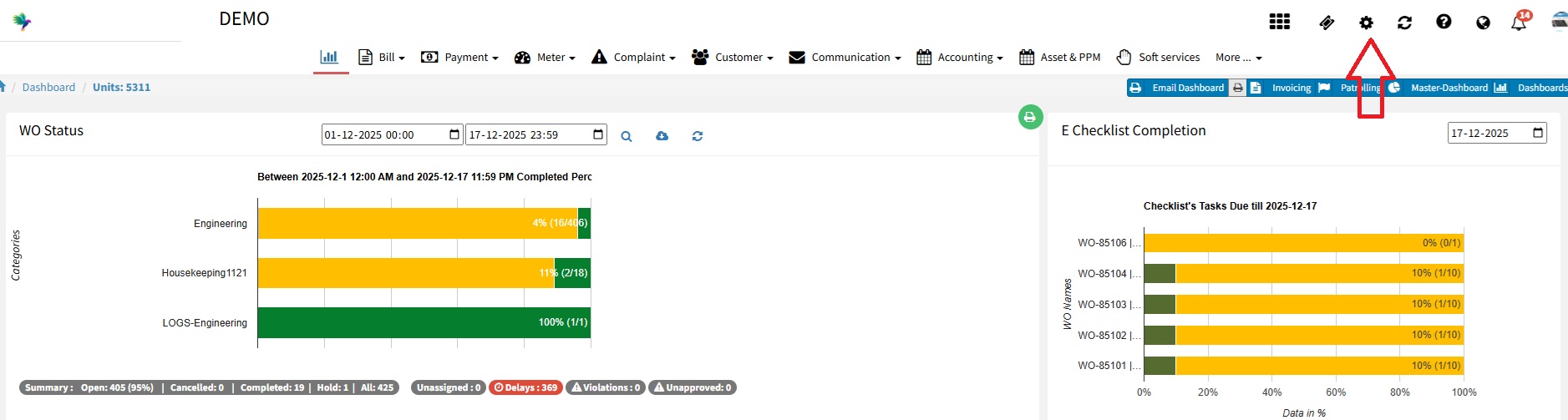
Overview FacTech has introduced a Geo-Fencing feature that allows site locations to be mapped within the system. With this feature enabled, ground staff can mark attendance and fill checklists only when they…
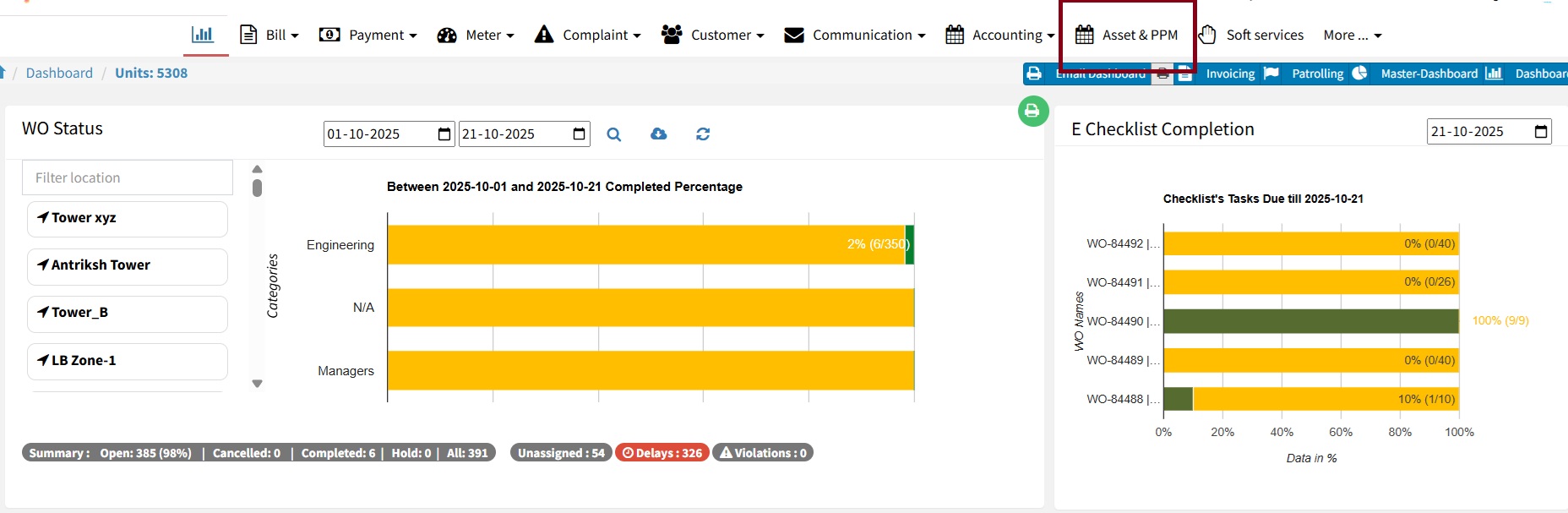
At FacTech, we are continuously working to enhance your CAFM experience based on valuable client feedback. Previously, both Housekeeping and Technical Checklists were managed under a single module, separated only by categories…
As Admin, you can see upcoming or future scheduled Jobs (Work Orders) in PPM -> Calendar view.

After scanning the QR code, the expected work order is not visible in the technician app. This may occur due to several reasons. Possible Reasons: Internet or connectivity issues – Ensure the…

In the FacTech system, we can export the month-wise PPM calendar in PDF format. To download that we have to follow these steps: Step 1: Log in to the FacTech,…