How to add notification or alert for maintenance job?
As admin, you can add email id of your team or vendor so that reminder is sent before the maintenance job is open. 1. Go to Schedule and open that. 2. Add…
 Simplifying Facilities...
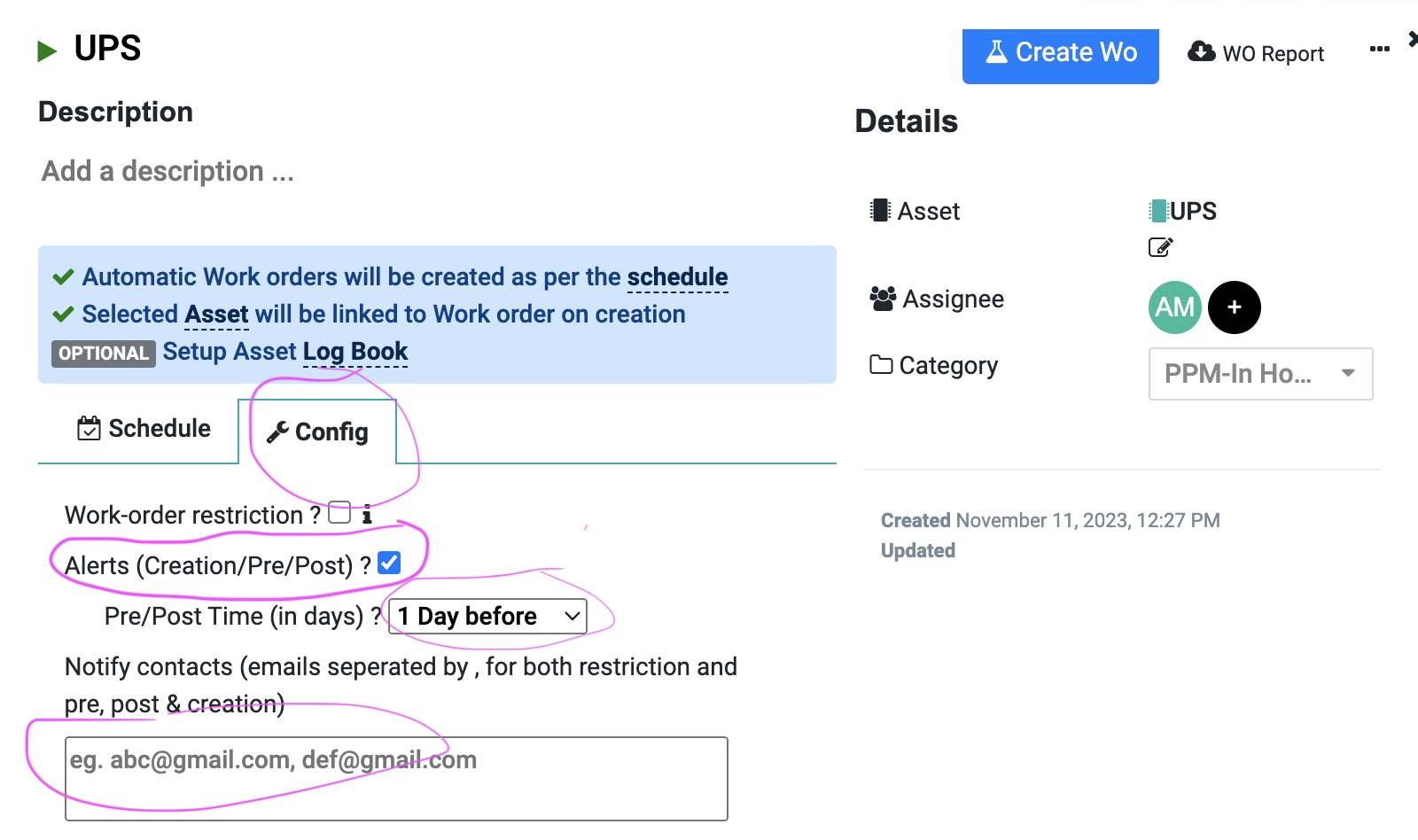
As admin, you can add email id of your team or vendor so that reminder is sent before the maintenance job is open. 1. Go to Schedule and open that. 2. Add…
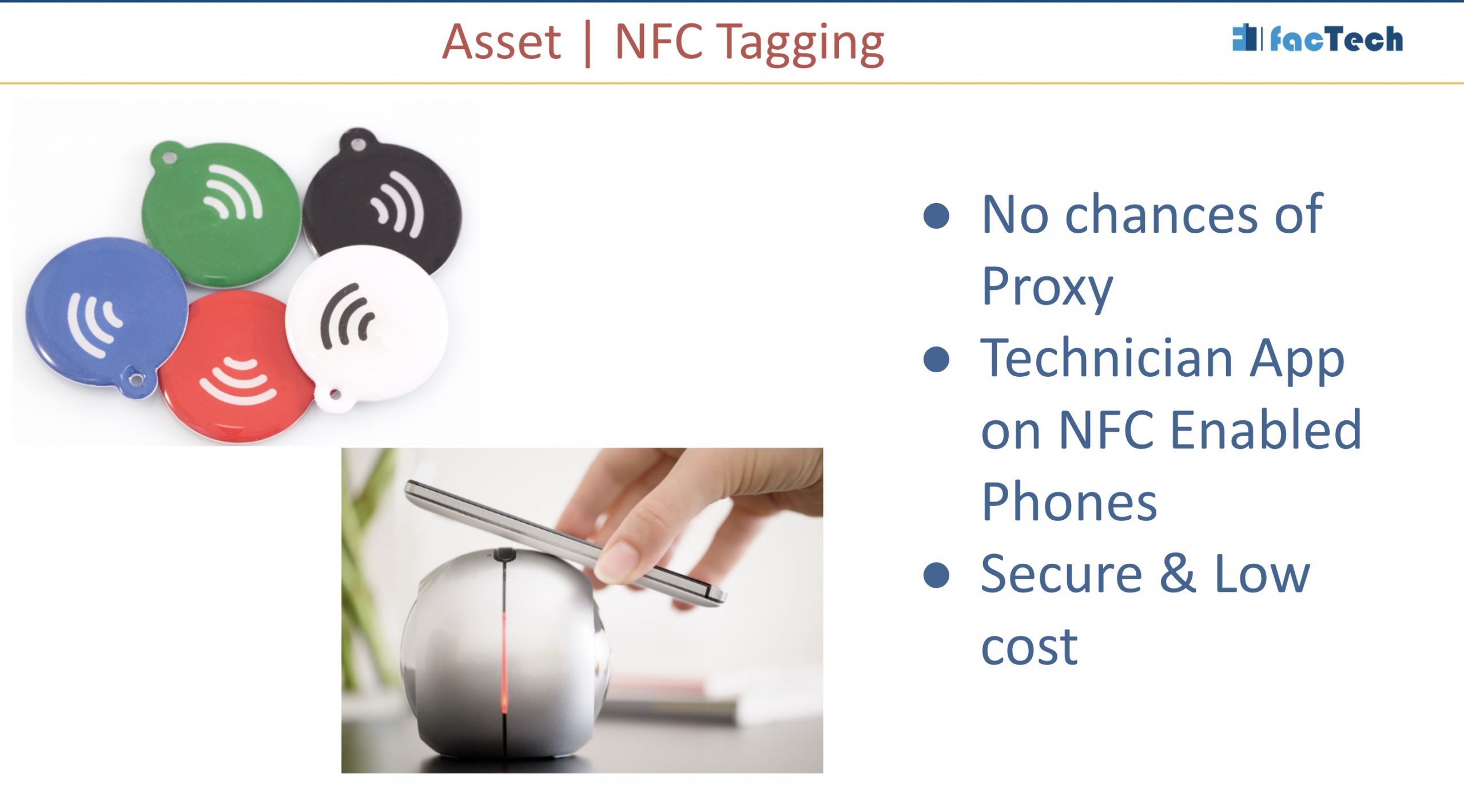
Yes, latest Technician Mobile App supports NFC. Facility Teams can install Factech app in NFC enabled android phones and use this feature. What is NFC? Near Field Communication (NFC) is a set…
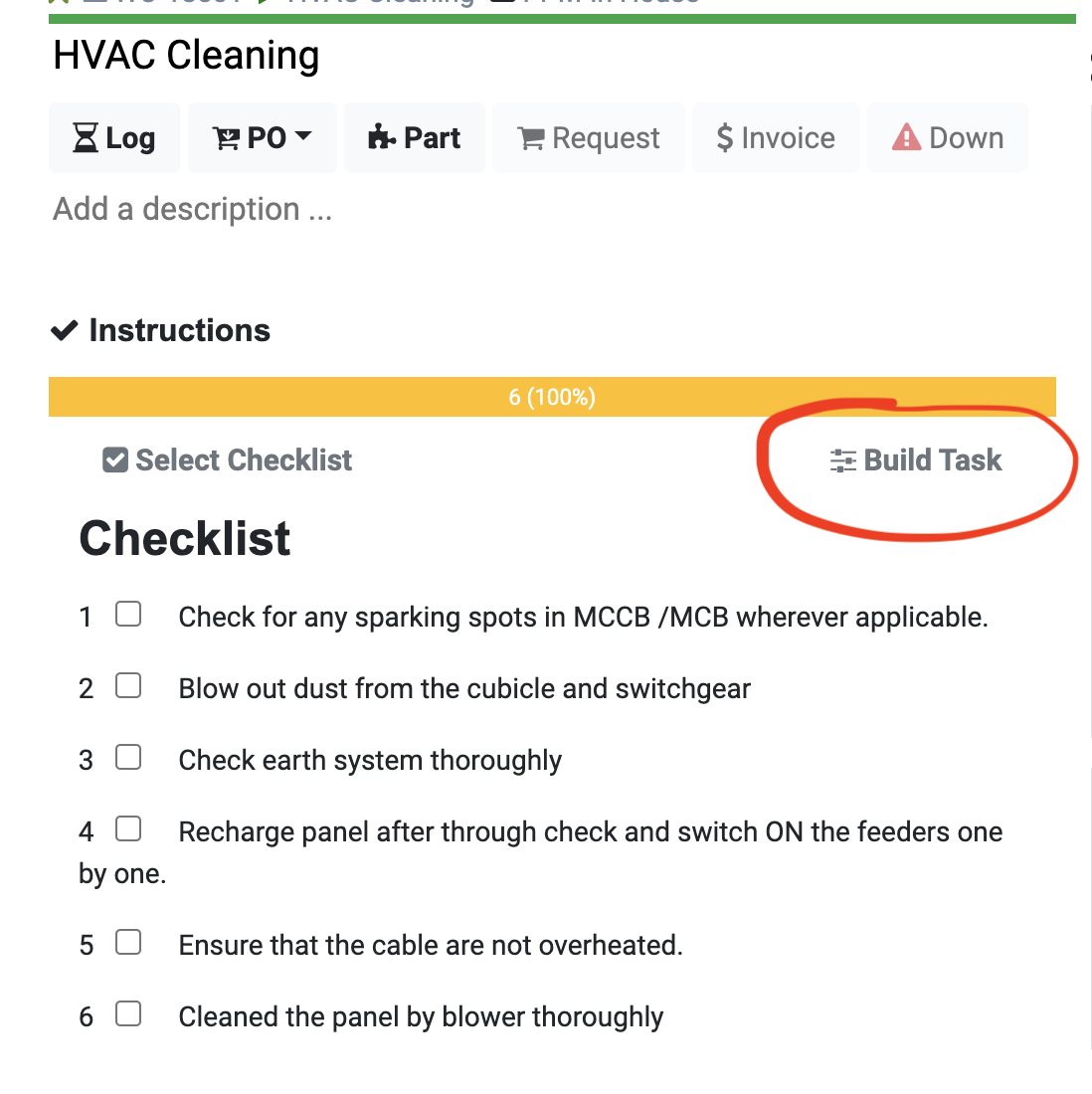
These are the different types of field types in checklist or instruction set including drop down, check box, number, text, image ( camera). As admin, with required permission you can update instruction…
As facility teams, we collect many inputs related to assets. Basis of the inputs we expect related valuable insights. Few examples are: DG Efficiency based on Unit produced & Fuel consumed Power…
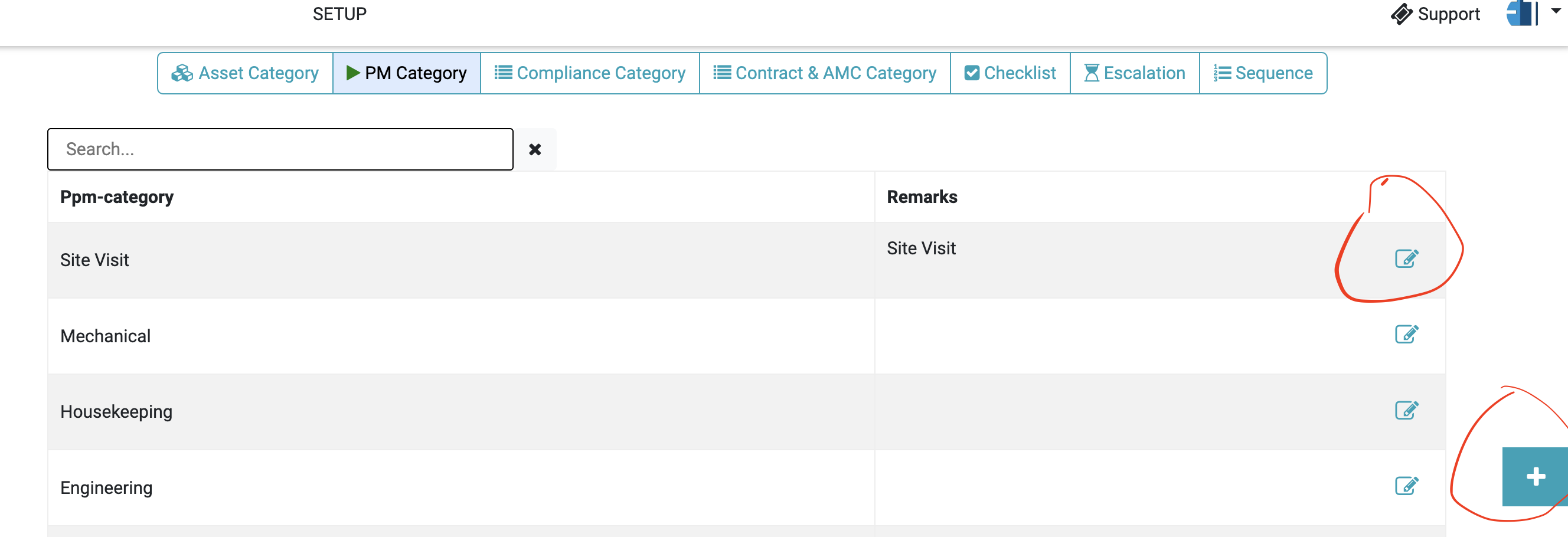
Preventive maintenance schedules are organized into categories to help businesses and organizations efficiently manage and execute maintenance tasks on their equipment, machinery, and facilities. These categories provide structure and help ensure that…
Export all completed Work Order between 2 dates in single excel sheet. 1. After login -> Asset/ PPM -> Go to Report Menu from Left pane …