FAQ Category: Asset Management

Tag assets with NFC cut false digital checklist filling and are secure

Does Factech CAFM support NFC Asset Tagging?

Yes, latest Technician Mobile App  supports NFC. Facility Teams can install Factech app in NFC enabled android phones and use this feature. What is NFC? Near Field Communication (NFC) is a set of short-range wireless technologies, typically requiring a distance of 4 cm or less to initiate a connection. NFC lets you share small payloads

Read more

How to add drop down options in checklist?

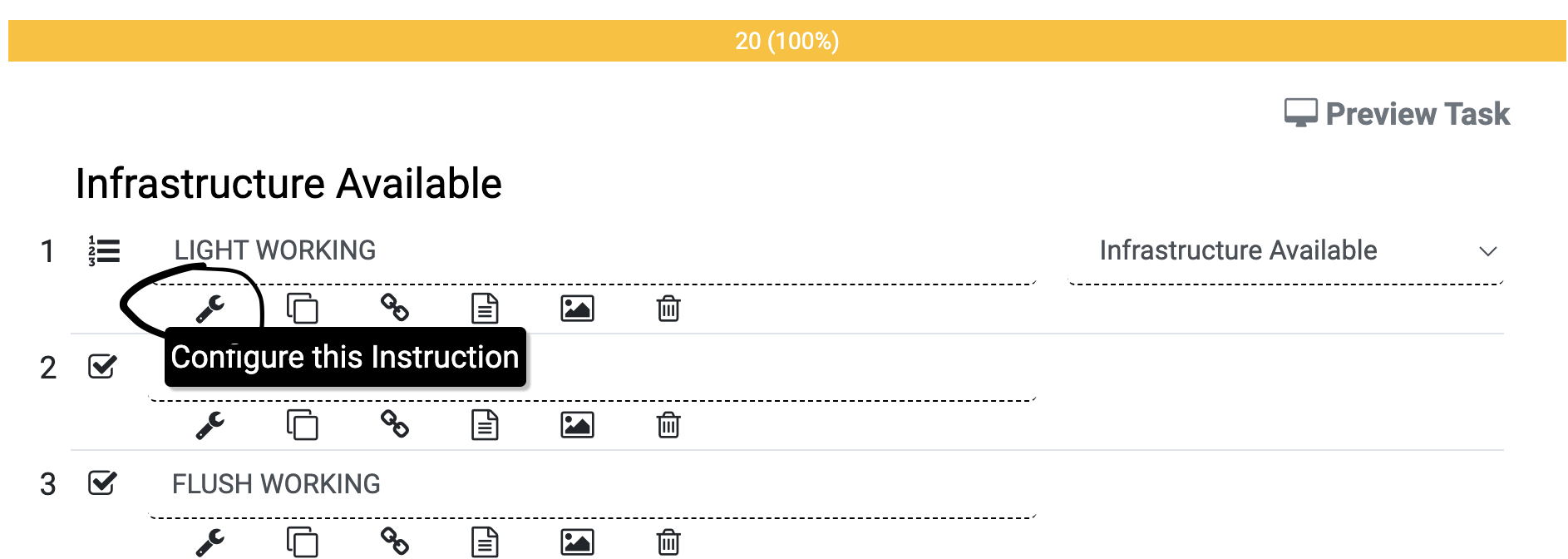
These are the different types of field types in checklist or instruction set including drop down, check box, number, text, image ( camera). As admin, with required permission you can update instruction type as required. The dropdown field allows users to You can add or update any checklist field as drop down 1. Go to

Read more

How to populate values based on other fields in Asset Management?

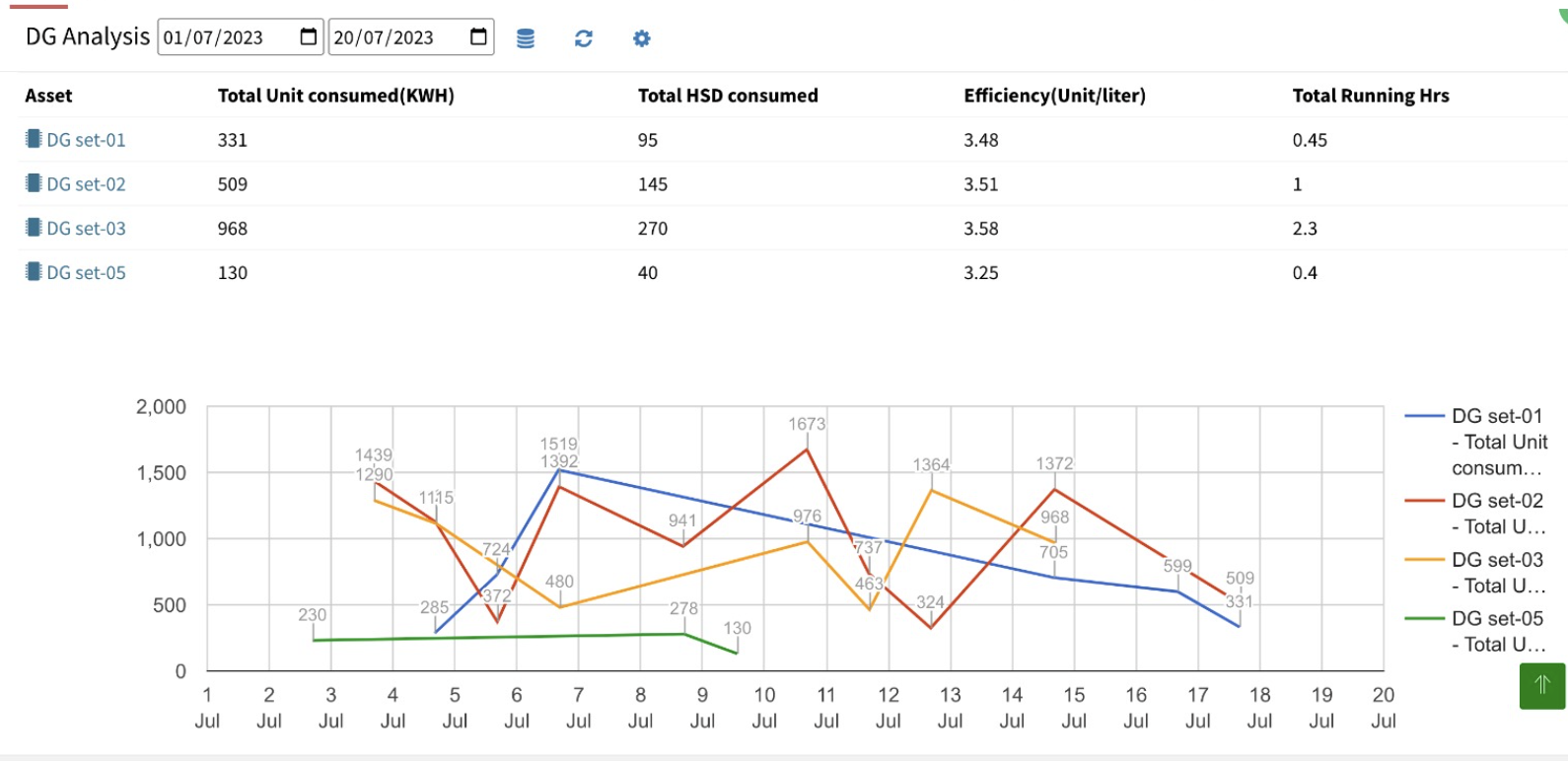
As facility teams, we collect many inputs related to assets. Basis of the inputs we expect related valuable insights.  Few examples are: DG Efficiency based on Unit produced & Fuel consumed Power Consumption with Multiplication Factor Below video explain how we can configure the formulas for the fields that will populate information based on other

Read more

How to edit and add ppm schedule category in facilio

How to add schedule category?

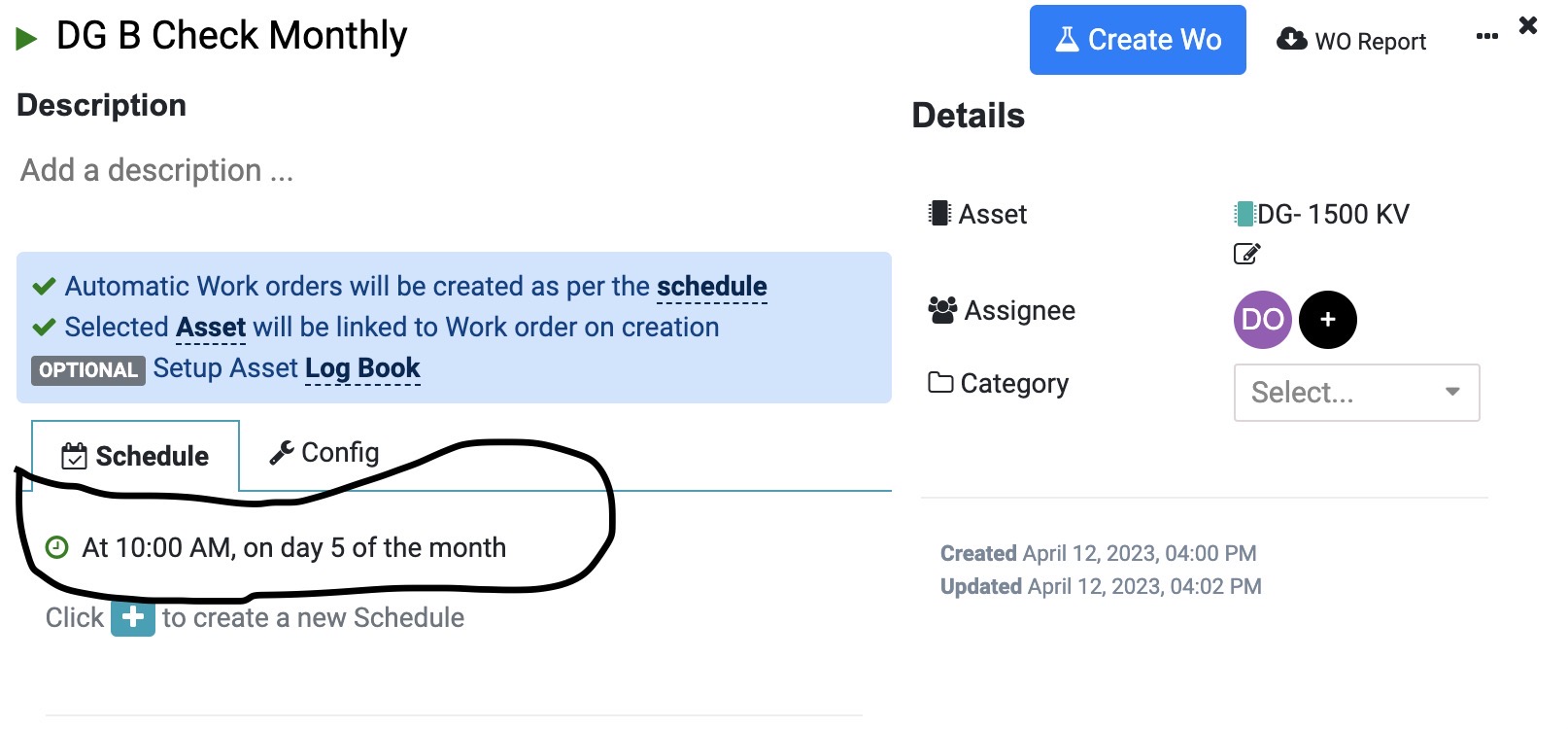
Preventive maintenance schedules are organized into categories to help businesses and organizations efficiently manage and execute maintenance tasks on their equipment, machinery, and facilities. These categories provide structure and help ensure that all critical maintenance activities are planned and carried out regularly. The specific categories may vary depending on the industry, equipment, and organization, but

Read more

How to view reports in Asset PPM CAFM Software

How to export completed Work Order Report

Export all completed Work Order between 2 dates in single excel sheet. 1.  After login -> Asset/ PPM -> Go to Report Menu from Left pane               2. Click on description of Work Order Report ( Last Option as below) 3. Choose dates for which you want to export

Read more

Hello ! If You Are Ready To Take Your Facility Management To Next Level...