
How to import Unit ledger in Tally ERP9 and Prime through iSocietyManager?
As we know Tally ERP9 and Prime can’t import ledgers or transactions directly from excel to Tally, you have to add a tally ledger one by one.
Following are steps to add ledger in Tally ERP9
- Step 1: Go to Gateway of Tally > Masters > Account Info. > Ledgers > Create
- Step 2: Press F12: Configure to view the Ledger Configuration screen.
- Step 3: Set the option Use addresses for ledger accounts? to Yes . The Ledger Configuration screen appears as shown below:
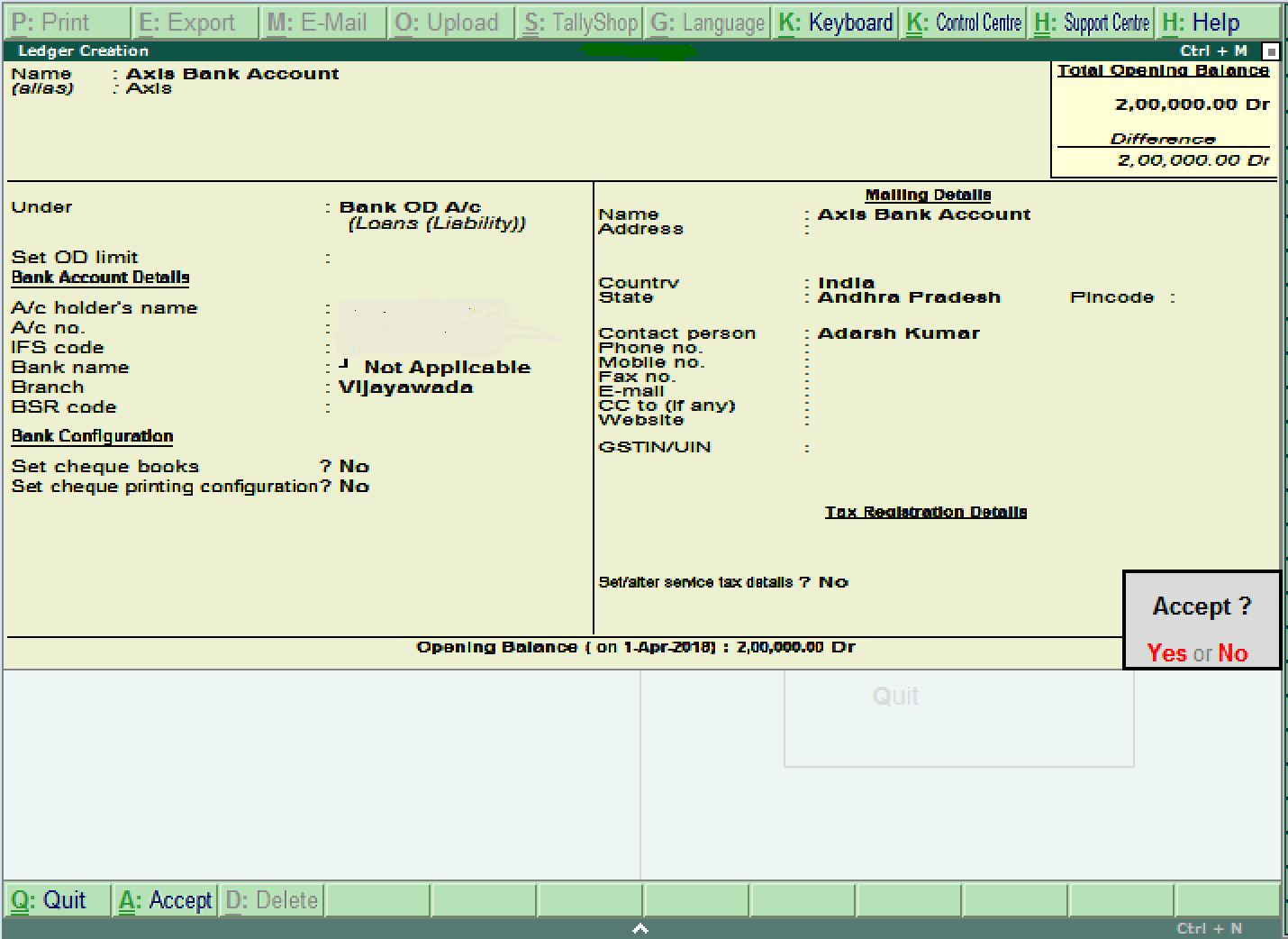 Step 4: Press Ctrl+A to accept.
Ready to Transform Your Facility Management?
See how Factech automates maintenance, assets, and compliance in one intelligent platform.
Let's Talk
Have questions about our AI-powered solutions? Our team is here to help you digitize your facility operations.
Ready to Transform Your Facility Management?
See how Factech automates maintenance, assets, and compliance in one intelligent platform.
Let's Talk
Have questions about our AI-powered solutions? Our team is here to help you digitize your facility operations.


Leave a Comment