
How to generate a Meter Consumption Report in Factech Automation?
This feature allows users to view and export detailed reports on meter consumption for units. It helps monitor utility usage, track billing, and identify anomalies.
Steps:
Log in to the Factech portal with your credentials.
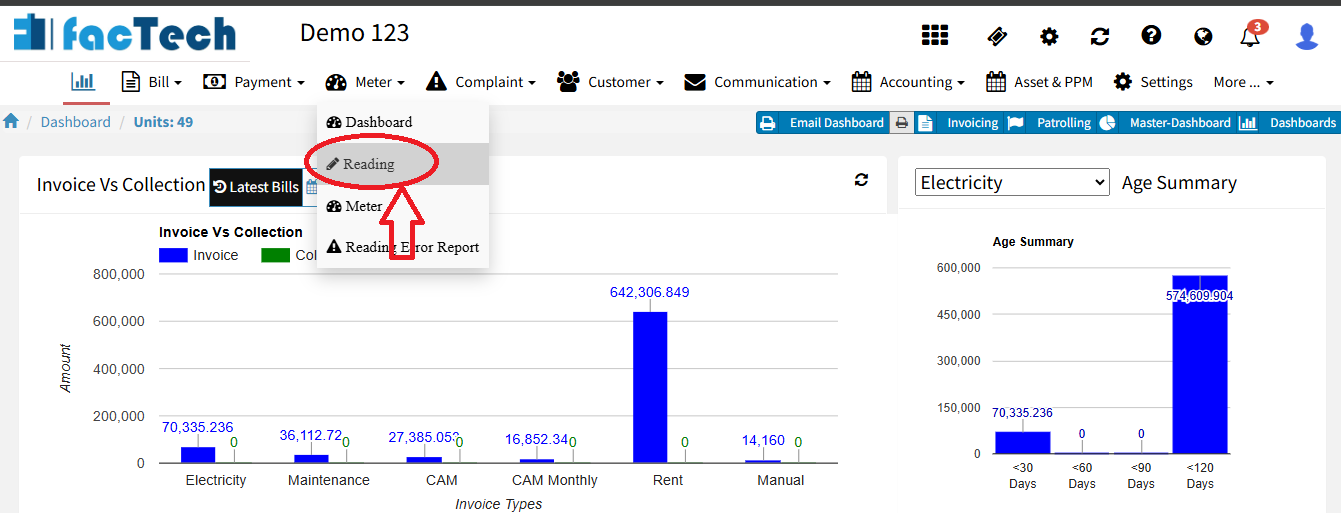
Go to Meter → Reading.
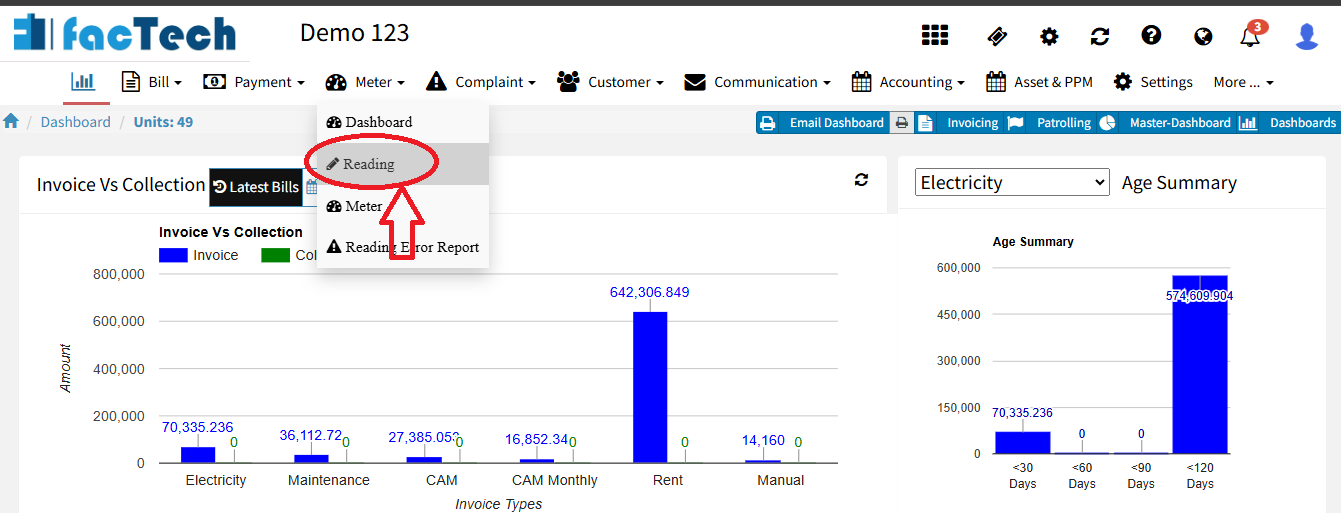
Click on Consumption Report.

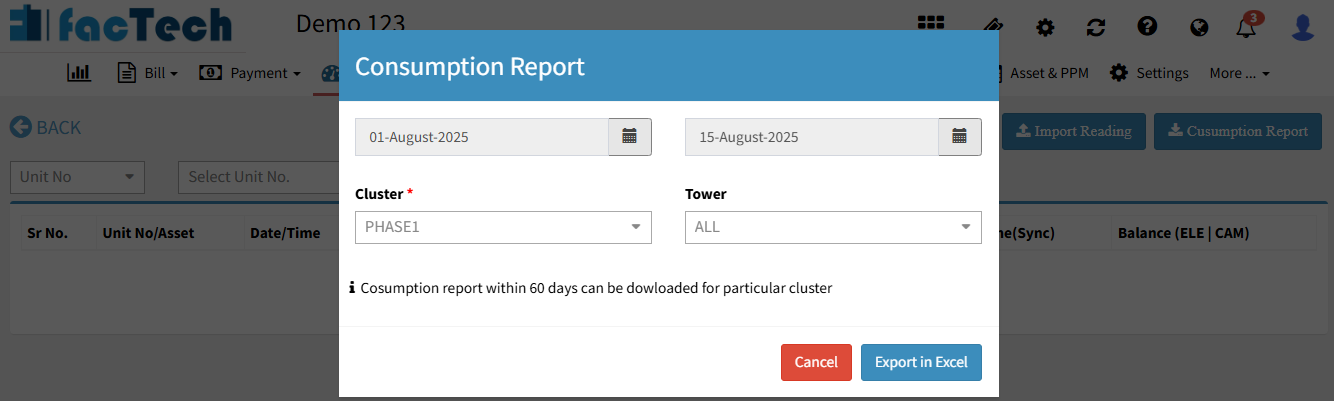
Apply filters like Date Range, Tower/Cluster as needed.
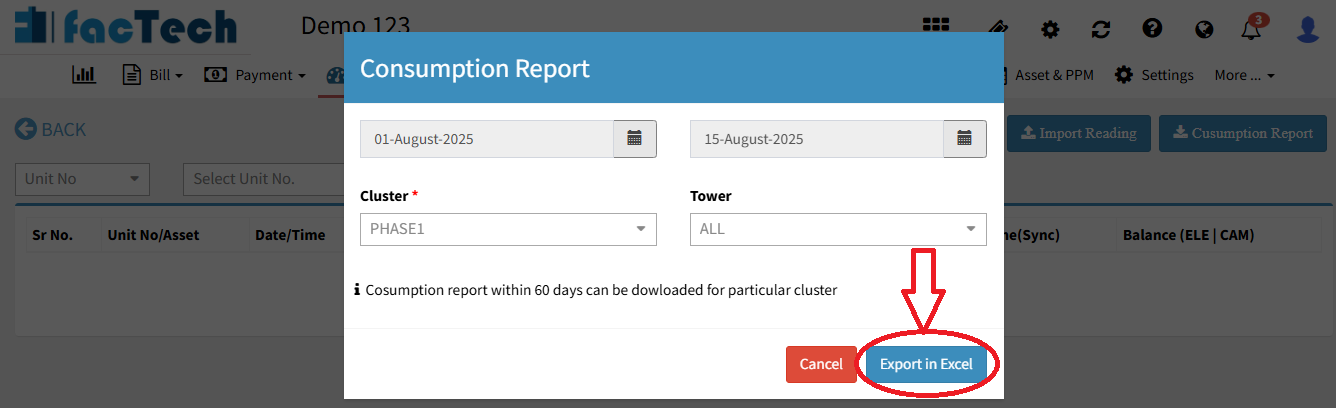
Click the Export to Excel button to download the Excel file to your system.
Ready to Transform Your Facility Management?
See how Factech automates maintenance, assets, and compliance in one intelligent platform.
Let's Talk
Have questions about our AI-powered solutions? Our team is here to help you digitize your facility operations.
Ready to Transform Your Facility Management?
See how Factech automates maintenance, assets, and compliance in one intelligent platform.
Let's Talk
Have questions about our AI-powered solutions? Our team is here to help you digitize your facility operations.




