
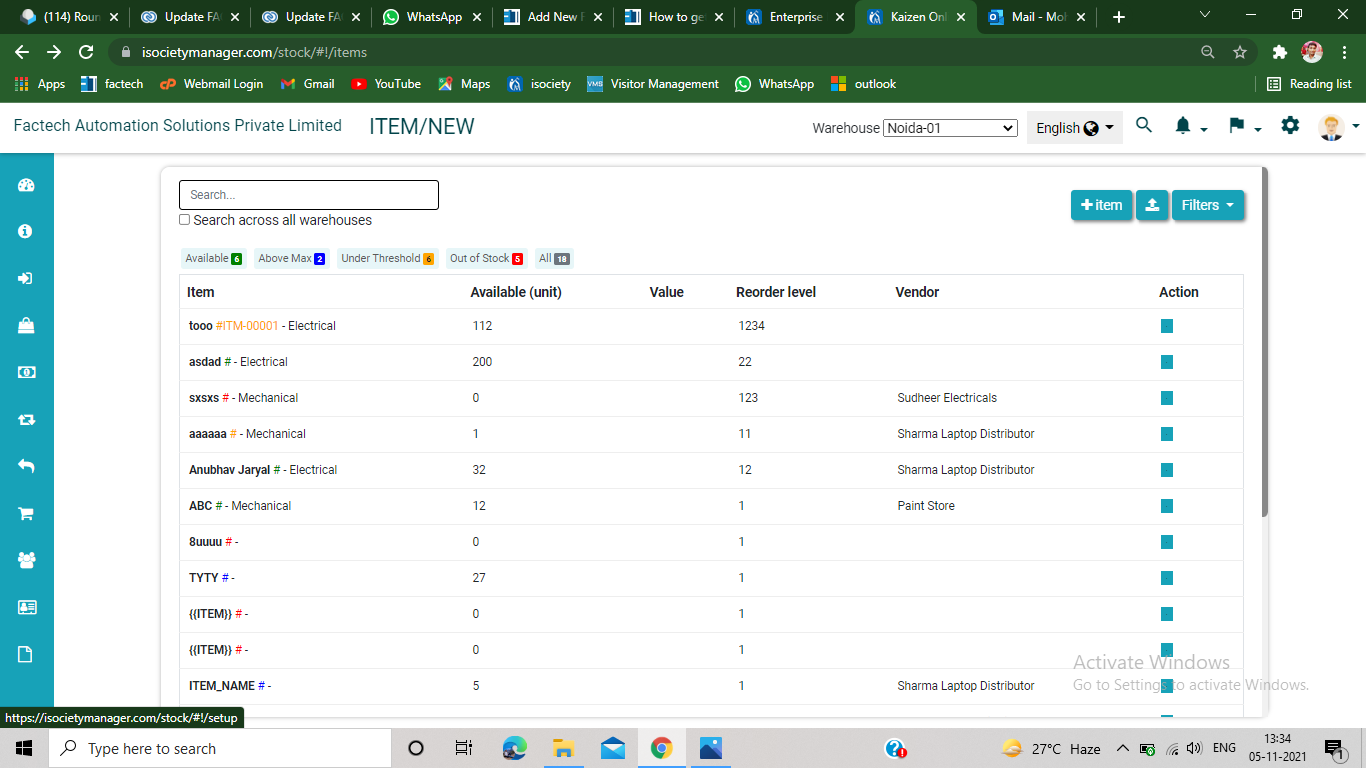
How to add Warehouse in Inventory Management?
Step 1.
After login to Inventory Management, click on the setting option from the upper right of the screen( cursor pointed).
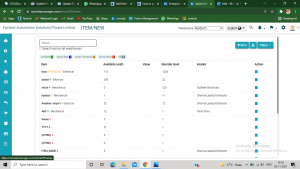
Step 2.
Click on the warehouse ( refer screenshot)
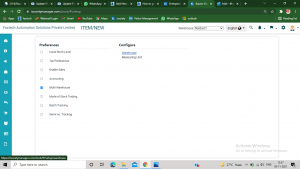
Step 3.
Now click on +Warehouse option from the upper right of the screen.
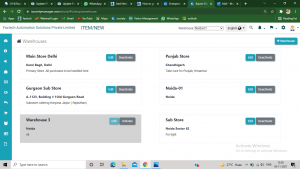
Step 4
Now add Name ,address and description of the new warehouse.
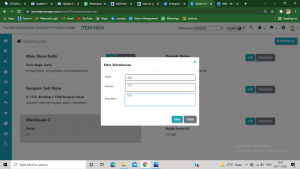
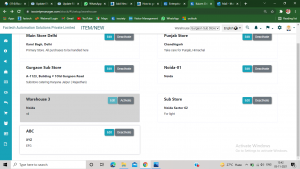
Now you can see your added warehouse( refer screenshot)
Thank you!!
Ready to Transform Your Facility Management?
See how Factech automates maintenance, assets, and compliance in one intelligent platform.
Let's Talk
Have questions about our AI-powered solutions? Our team is here to help you digitize your facility operations.
Ready to Transform Your Facility Management?
See how Factech automates maintenance, assets, and compliance in one intelligent platform.
Let's Talk
Have questions about our AI-powered solutions? Our team is here to help you digitize your facility operations.


Leave a Comment