
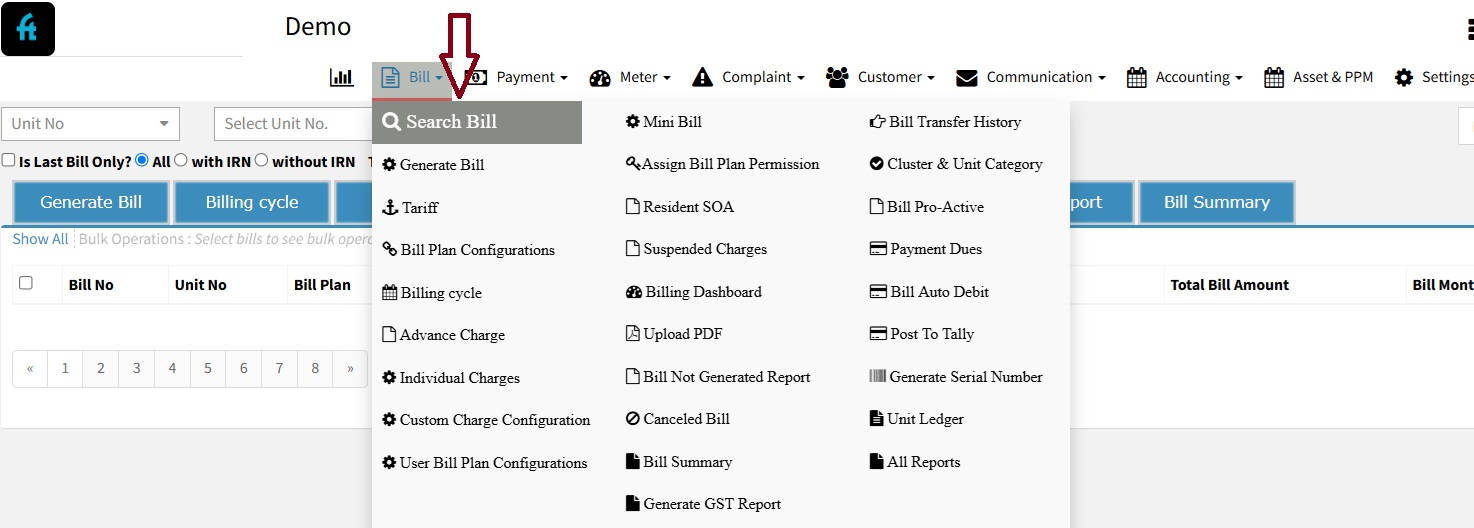
How do I view all canceled bills?
There may be instances where the Account Admin needs to cancel a generated bill due to various reasons. This guide will walk you through the steps to cancel a bill and review cancelled bills in the system.
✅ Step 1: Log In
Log in to your account at factech.co.in.
✅ Step 2: Locate the Bill
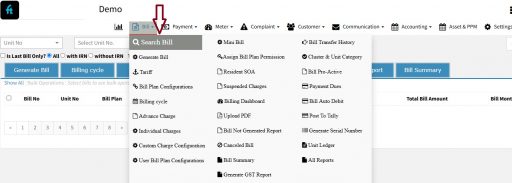
Navigate to the Bill section, then click “Search Bill.” Use the filters to find the specific bill you wish to cancel.
✅ Step 3: Cancel the Bill
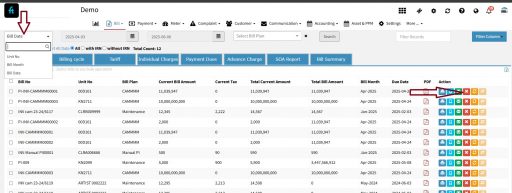
Once you’ve identified the bill, please select it and click the Cancel button.
✅ Step 4: View Cancelled Bills
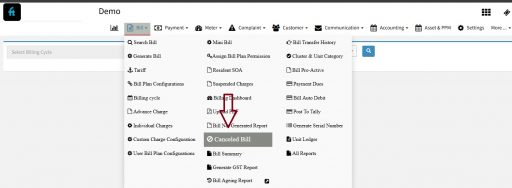
After cancelling, go back to the Billing menu and select Cancelled Bill to view all cancelled entries.
✅ Step 5: Filter and Review
You can now filter cancelled bills by Bill Cycle, Unit, or review them in bulk as needed.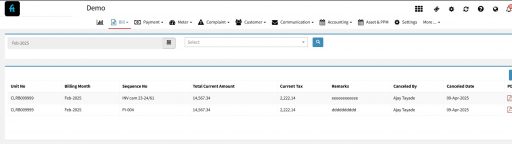
Thank You !!
Ready to Transform Your Facility Management?
See how Factech automates maintenance, assets, and compliance in one intelligent platform.
Let's Talk
Have questions about our AI-powered solutions? Our team is here to help you digitize your facility operations.
Ready to Transform Your Facility Management?
See how Factech automates maintenance, assets, and compliance in one intelligent platform.
Let's Talk
Have questions about our AI-powered solutions? Our team is here to help you digitize your facility operations.


