
How to configure site?
What is site Configuration?
For the new site, we need to configure site. It mean we have to add cluster name, tower name and category in the system.
How to configure site?
Step 1.
Log in to factech.ai
Step 2.
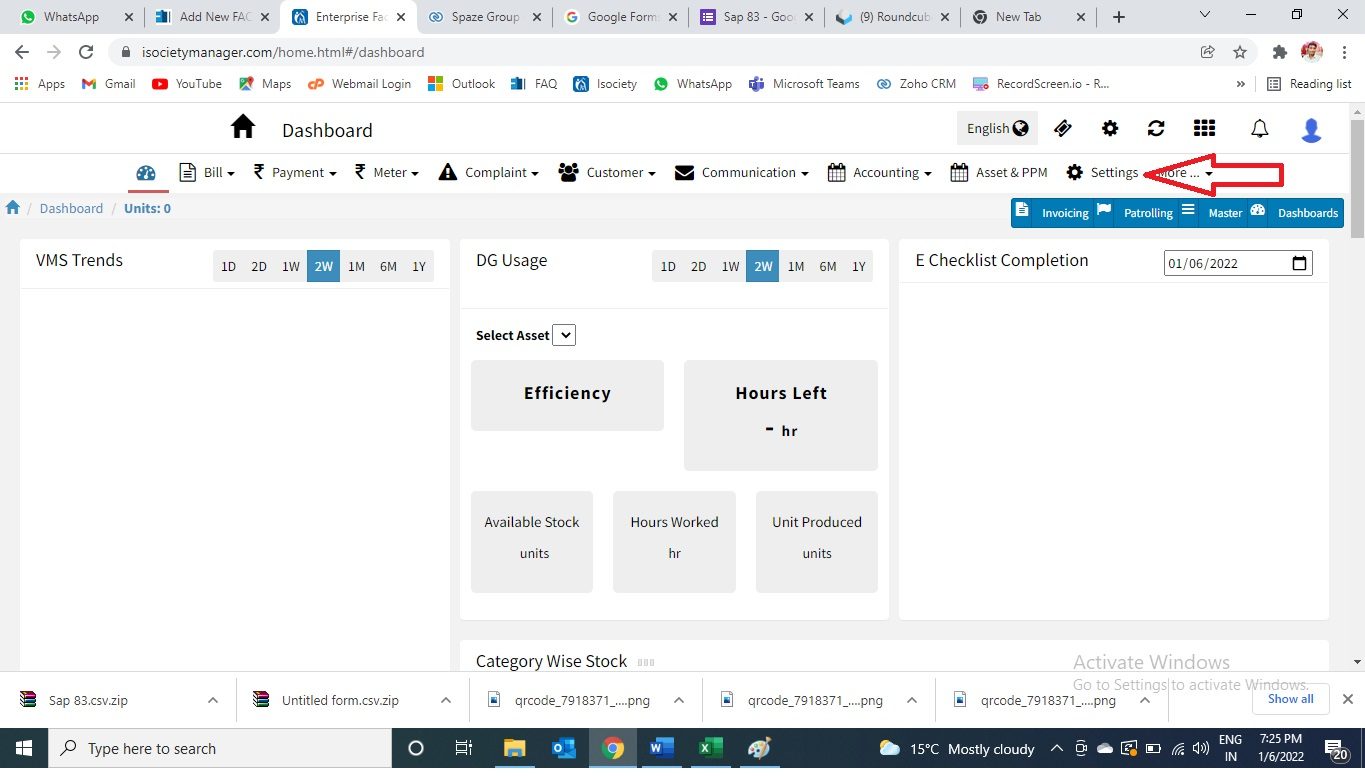
Click on the setting option.(refer screenshot)
Step 3.
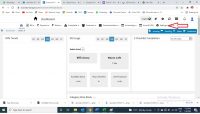
Now click on the site configuration.
Step 4.
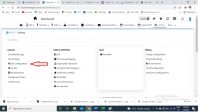
Add cluster name(red arrow), tower name(yellow arrow) and category name( green arrow).
Your site has been configured successfully.
Thank you!!
Ready to Transform Your Facility Management?
See how Factech automates maintenance, assets, and compliance in one intelligent platform.
Let's Talk
Have questions about our AI-powered solutions? Our team is here to help you digitize your facility operations.
Ready to Transform Your Facility Management?
See how Factech automates maintenance, assets, and compliance in one intelligent platform.
Let's Talk
Have questions about our AI-powered solutions? Our team is here to help you digitize your facility operations.


Leave a Comment