FAQ Category: Work Order

How to add all instructions of a Work Order or Job in one step

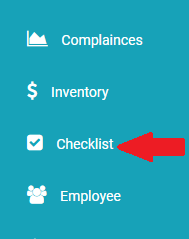
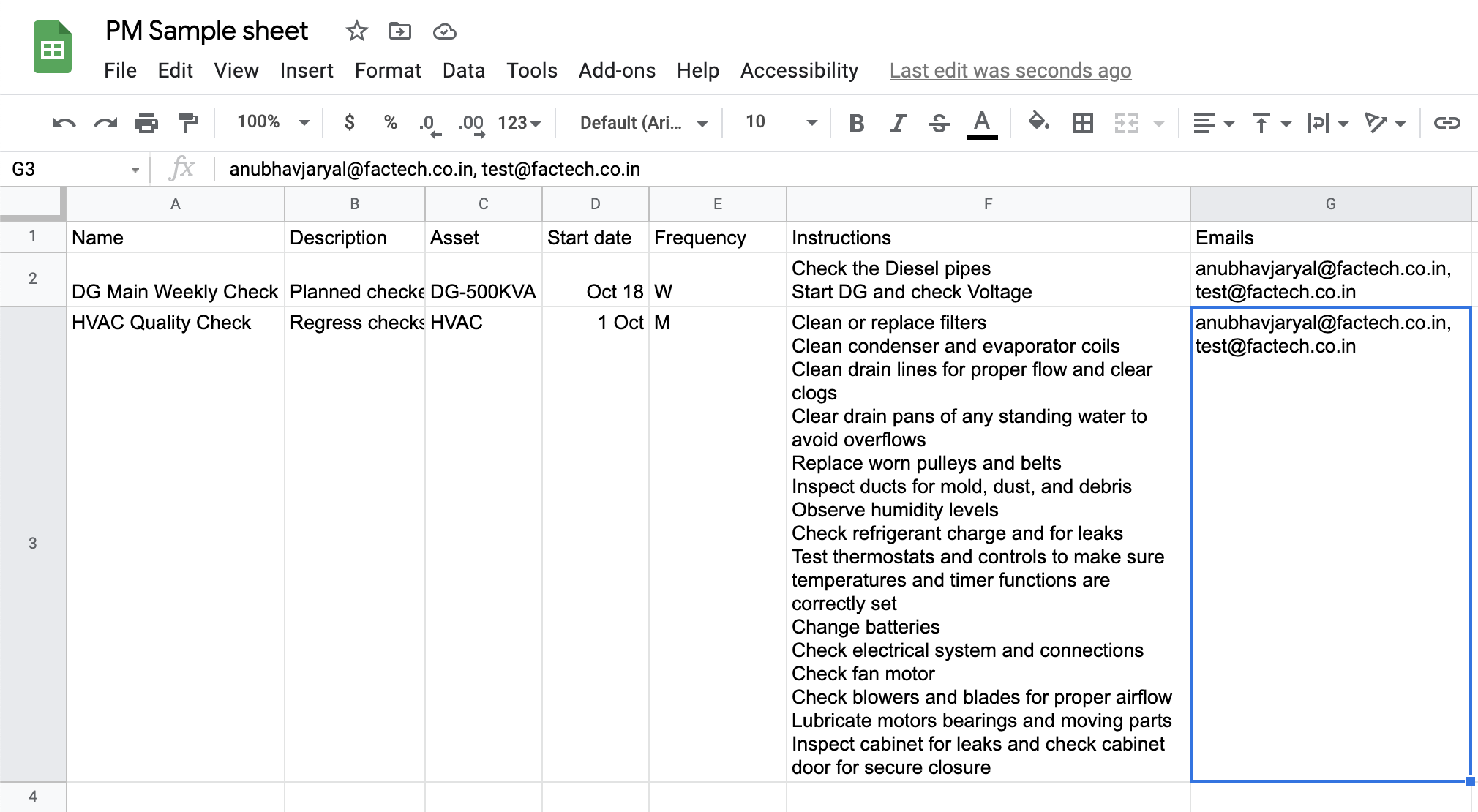
You can add all instructions or checklist points by simply copying the steps from excel or any other doc and pasting in the Text area. Note:- If you are not seeing the options, make sure that your login/ role has all the required permissions. Contact your admin in case required. Go To Checklist menu present

Read more

How to map checklist to asset PPM schedule or Work Order?

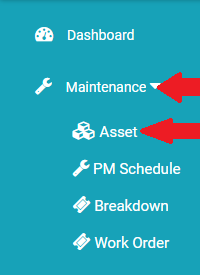
Checklists or instructions are a key part of any Work Order. Checklists help us stay more organized by assuring we don’t skip any steps in a process. They are easy to use and effective. A to-do or instructions list allows you to quickly and efficiently manage your various maintenance and inspections. Assets have Work Orders

Read more

How to add Work Order?

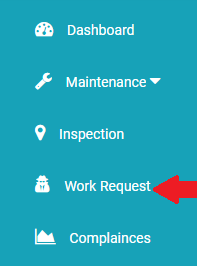
Work orders can be manually generated through a work request submitted by a staff member, client or automatically generated through Asset Performance Monitoring or Preventive Maintenance(PM). Kaizen helps you create work orders for PM. The following is the steps to create a work order manually:- Go to Work Request menu. Click on +Work Order menu

Read more

Hello ! If You Are Ready To Take Your Facility Management To Next Level...