
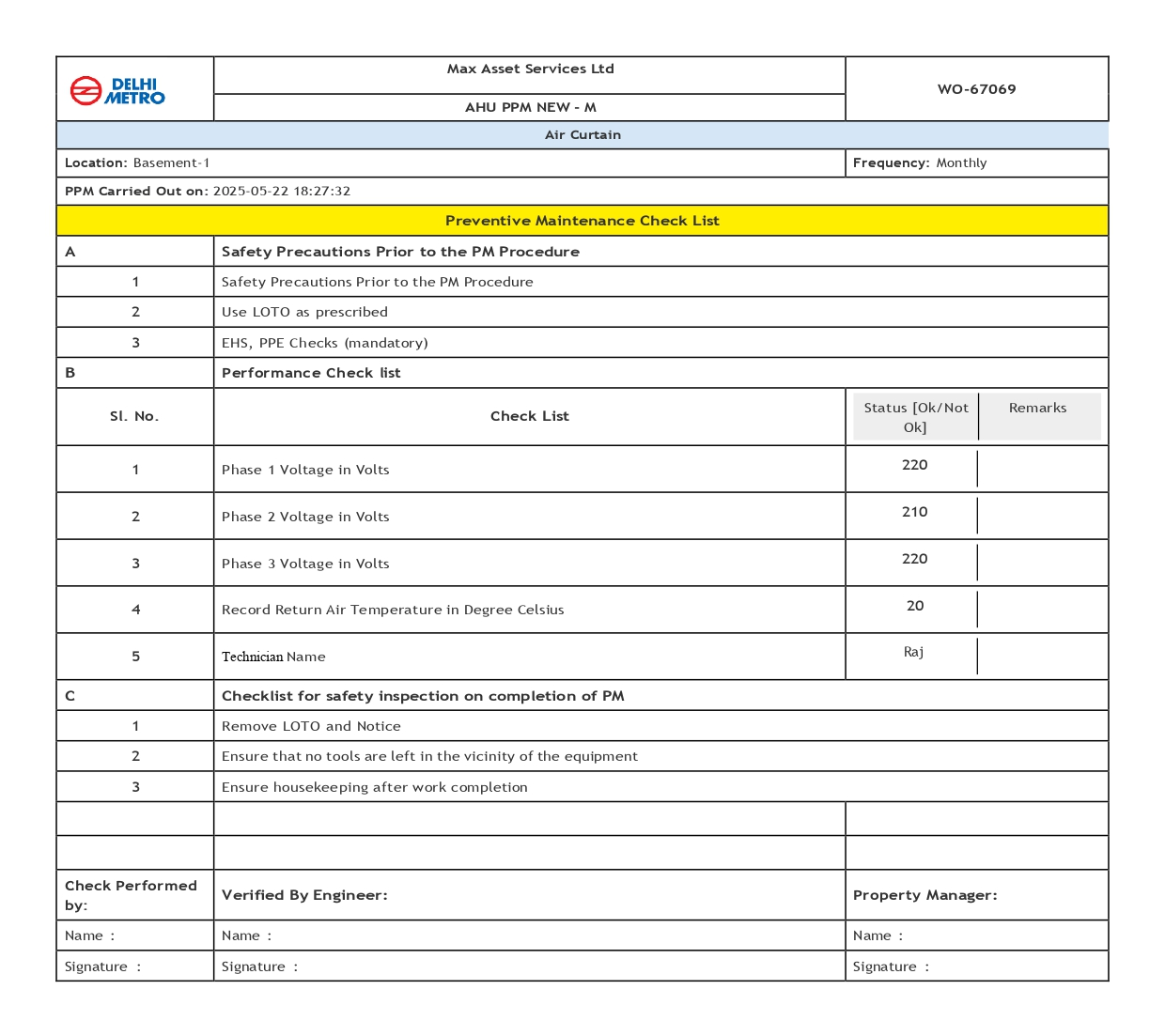
How to take the print of completed Work order in the specific format
After completing a work order or checklist, we can now print it in a specific format. To do this, we need to follow these steps:
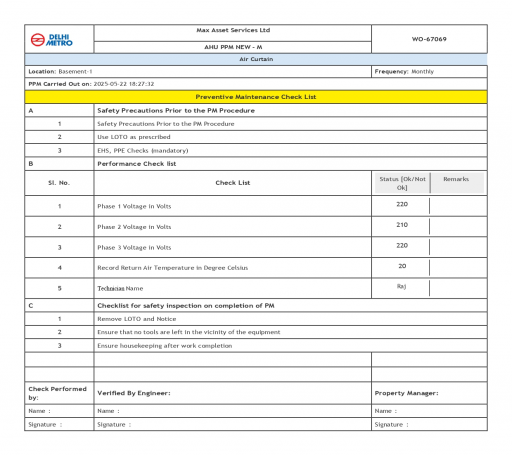
Step 1: Log in to FacTech as an admin, then go to Asset & PPM and select Work Order.
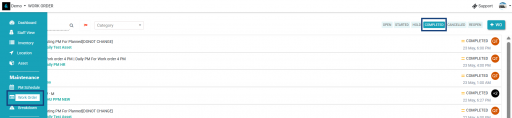
After that, we have to click on completed.
Step 2: Choose the work order or checklist you want to print. Then, locate the ‘Generate PDF’ button.
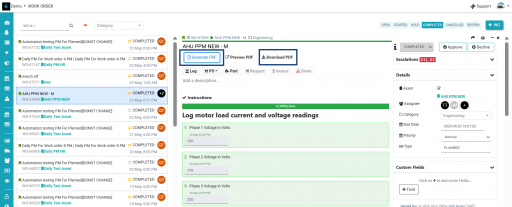
After clicking the ‘Generate PDF’ button, the PDF will be generated, and we can download it by clicking the ‘Download PDF’ button.
Thank You!!
Ready to Transform Your Facility Management?
See how Factech automates maintenance, assets, and compliance in one intelligent platform.
Let's Talk
Have questions about our AI-powered solutions? Our team is here to help you digitize your facility operations.
Ready to Transform Your Facility Management?
See how Factech automates maintenance, assets, and compliance in one intelligent platform.
Let's Talk
Have questions about our AI-powered solutions? Our team is here to help you digitize your facility operations.


