
How to export PO list?
Login as Admin with Permission of PO export
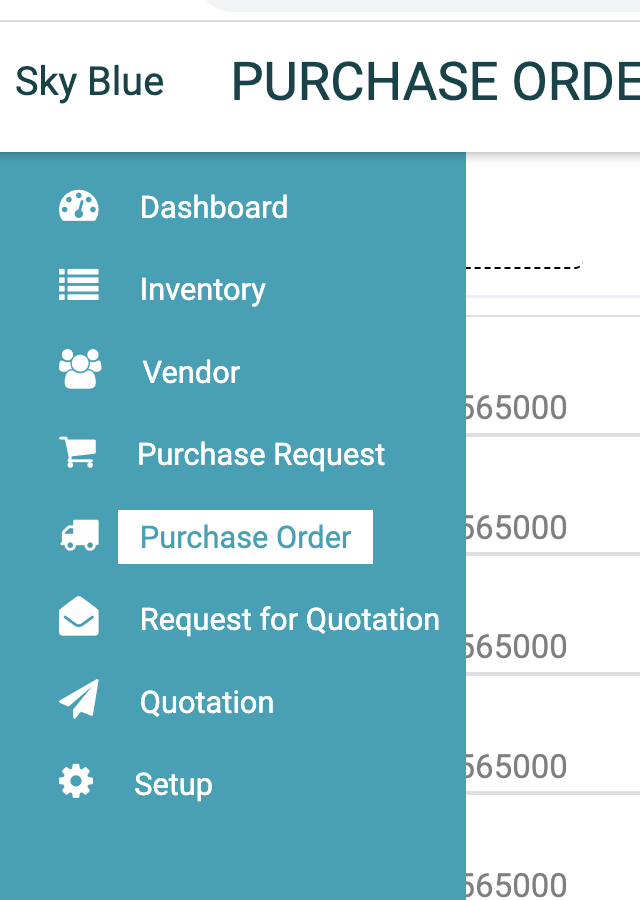
1. Go to Purchase Order
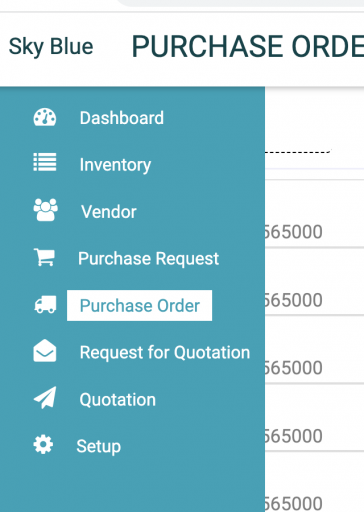
2. Click on download

3. Choose date & Select Custom fields if you want those in PO exported list
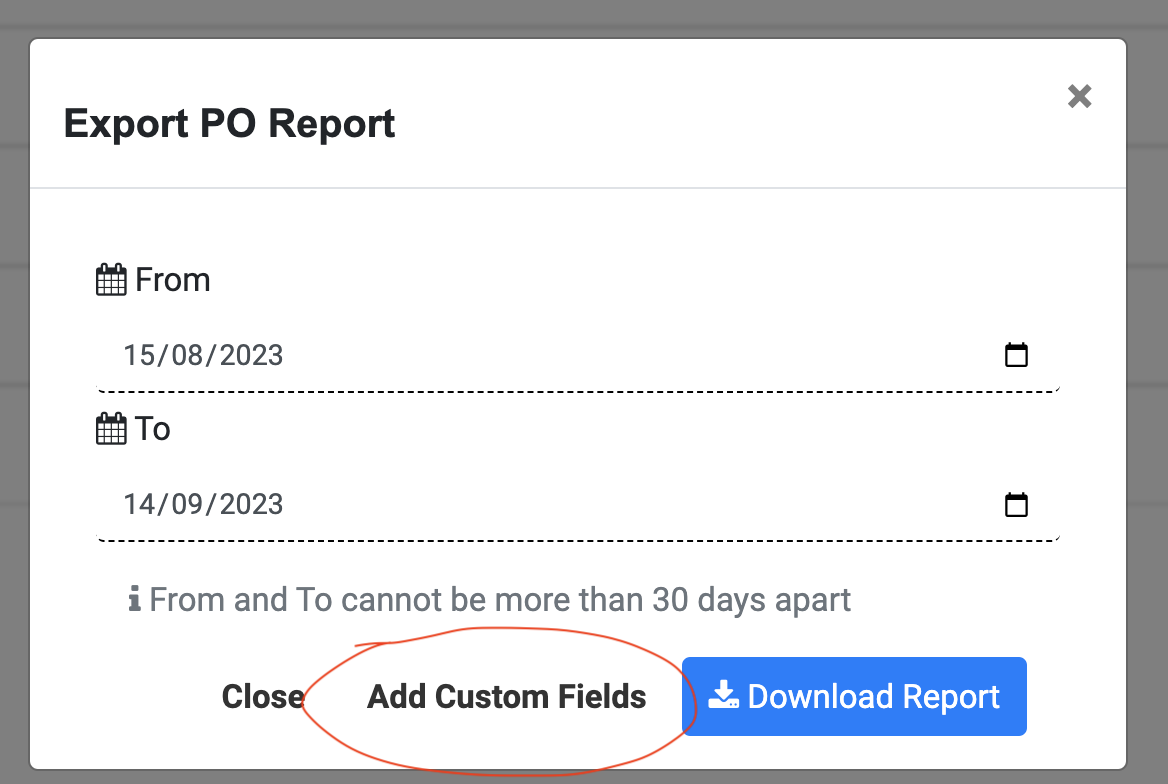
4. Select custom fields (optional) and Status. Click again on Add custom field if you want to view/ edit from/ to dates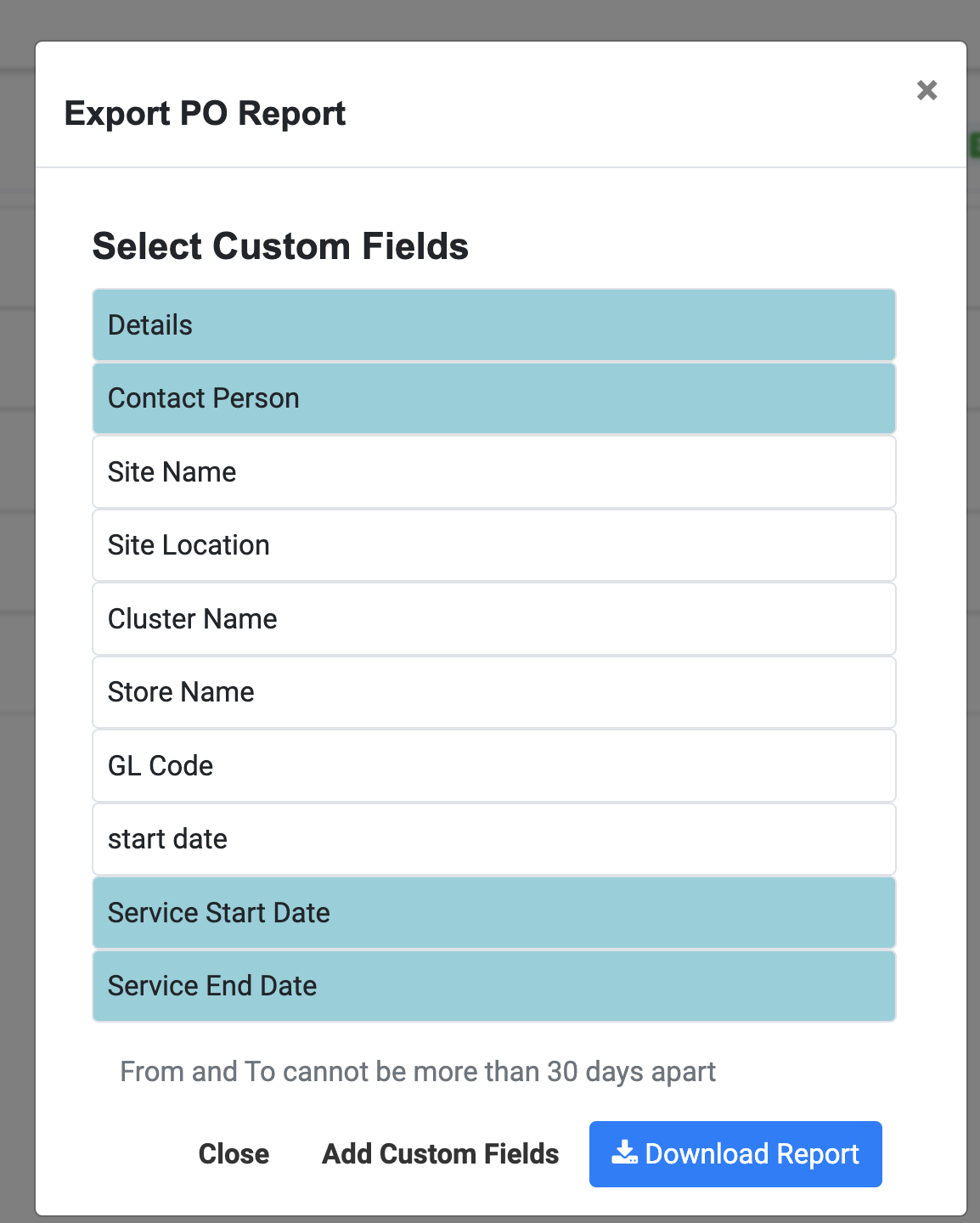
5. Click on Download Report and you will get excel sheet with fields including Status, Title, Amount, PO Number.

Ready to Transform Your Facility Management?
See how Factech automates maintenance, assets, and compliance in one intelligent platform.
Let's Talk
Have questions about our AI-powered solutions? Our team is here to help you digitize your facility operations.
Ready to Transform Your Facility Management?
See how Factech automates maintenance, assets, and compliance in one intelligent platform.
Let's Talk
Have questions about our AI-powered solutions? Our team is here to help you digitize your facility operations.




