How to make Purchase request in Inventory Management?
Step 1. Click on the purchase option from the left side of the Inventory Management page. Step 2 After clicking on purchase option, new page appears on the screen. Step 3 Click…
 Simplifying Facilities...
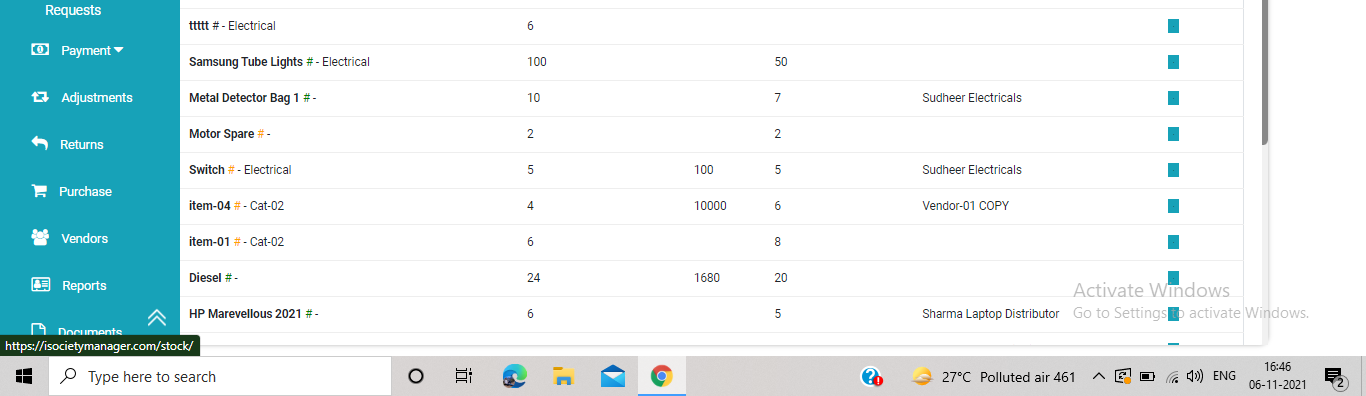
Step 1. Click on the purchase option from the left side of the Inventory Management page. Step 2 After clicking on purchase option, new page appears on the screen. Step 3 Click…

Factech has a 24 x 7 ticketing system for their users Below are steps to log a ticket after login in Factech. Step 1: After Admin login, Select “Log ticket” option from…
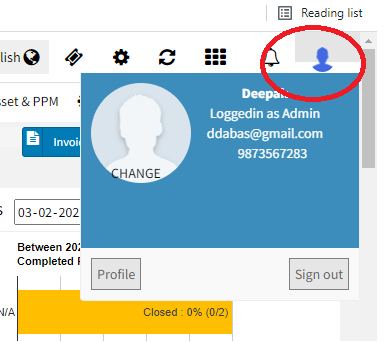
After login, Click on Profile image on top right Click on Profile, then on Change Password and enter your new Password
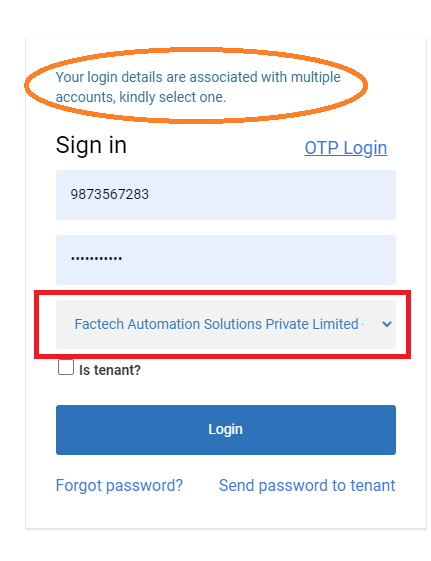
Many times users can be attached to multiple sites. Especially in the case of the admin role, a user can be associated with multiple sites. If your login id is in more…
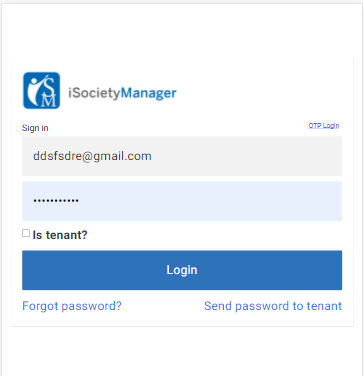
With iSocietyManager, you have the flexibility to log in from the Mobile app or through Browser. To log in from the Web URL below are the steps: Open the browser and enter…
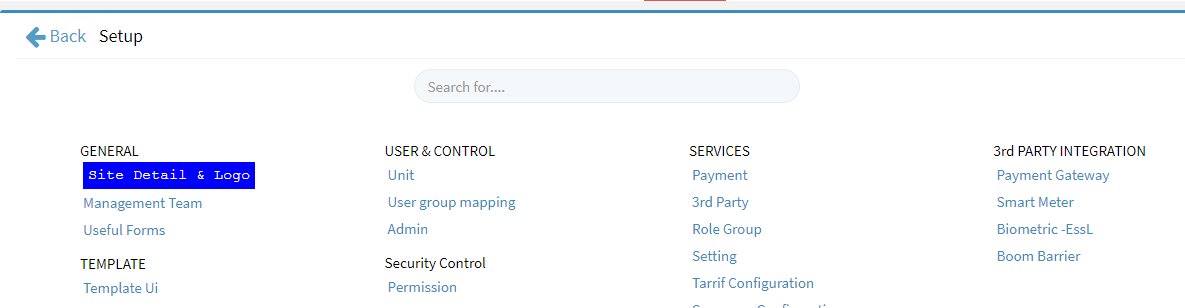
As admin you can change the logo, name of the site, and other details. Click on logo of site and then select Edit Or Go to Setting->Setup -> Site Details …