How to Refund a Payment in Factech
The Reverse Payment (Refund) feature allows an admin user to refund a payment that has already been made and recorded in the system. The refund can be full or partial and is…
 Simplifying Facilities...
Billing
The Reverse Payment (Refund) feature allows an admin user to refund a payment that has already been made and recorded in the system. The refund can be full or partial and is…
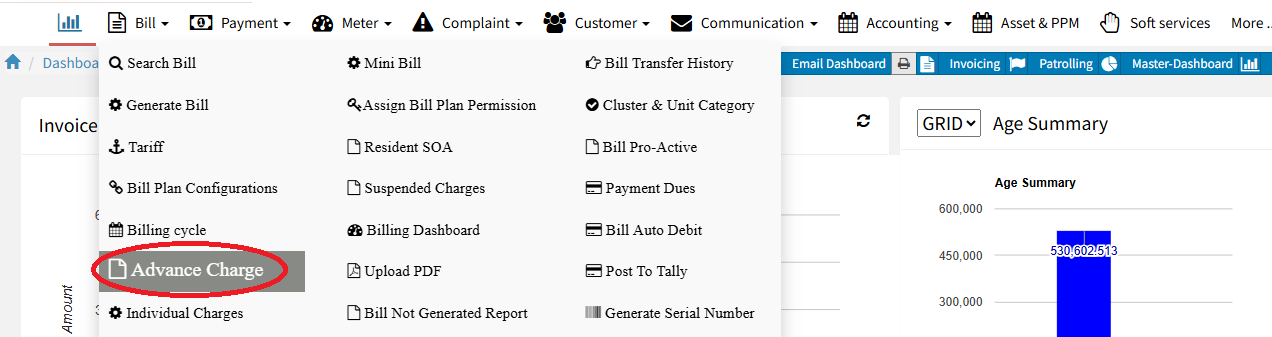
The Advance Charge report helps check pending advances, reconcile payments, and verify client outstanding balances. It gives the accounts team a complete view of all clients in one Excel sheet. Only users…
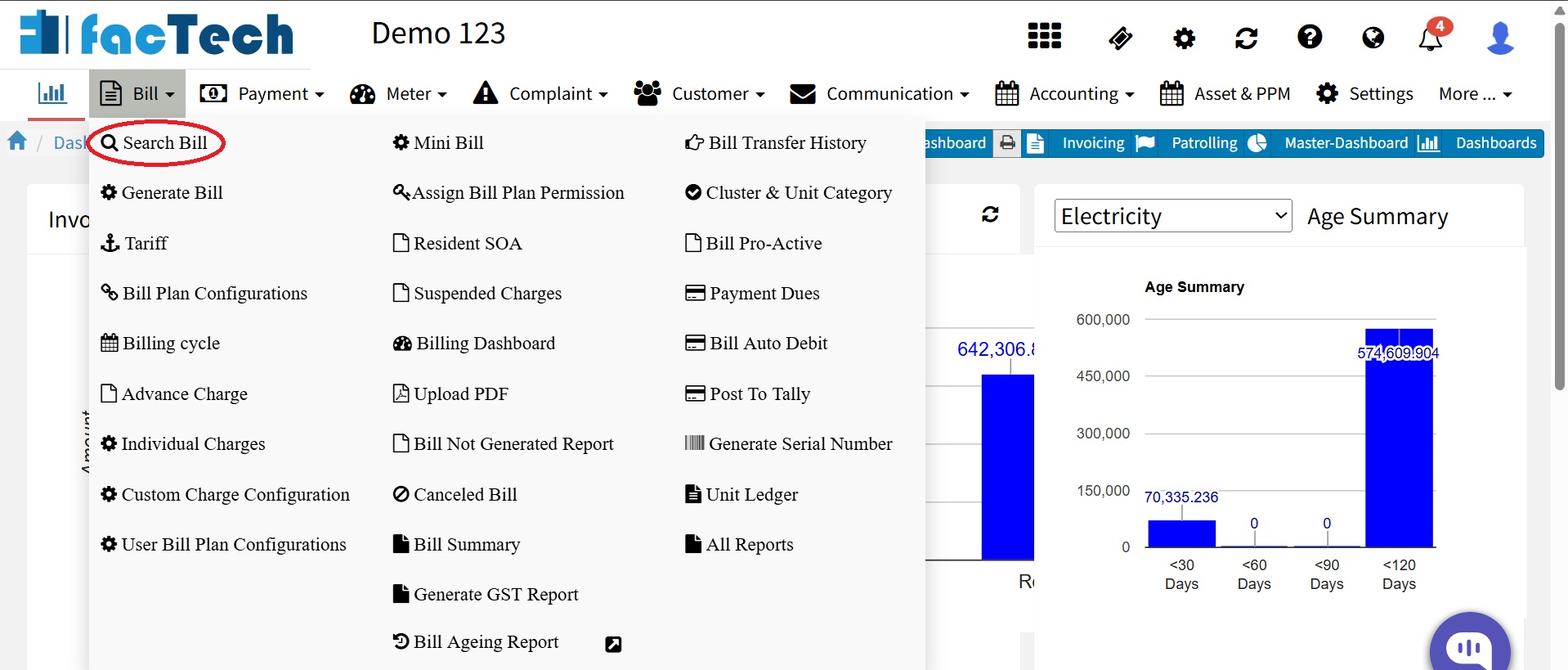
Factech Automation allows users with billing rights (Admin/Accountant role) to view all generated invoices. You can filter invoices by Billing Cycle, Date Range, or Unit Number. The system also displays whether each…
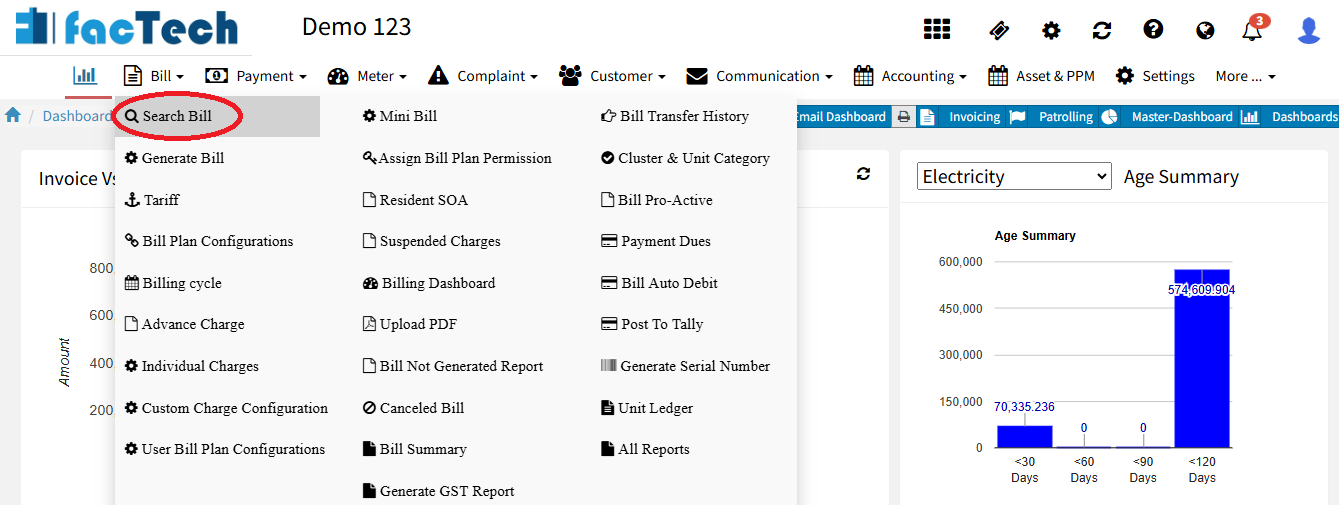
Factech Automation allows users to cancel invoices based on Billing Cycle, Date Range, or Unit Number. Only users with bill cancel rights (Admin/Accountant role) can perform this action. Steps to Cancel an…
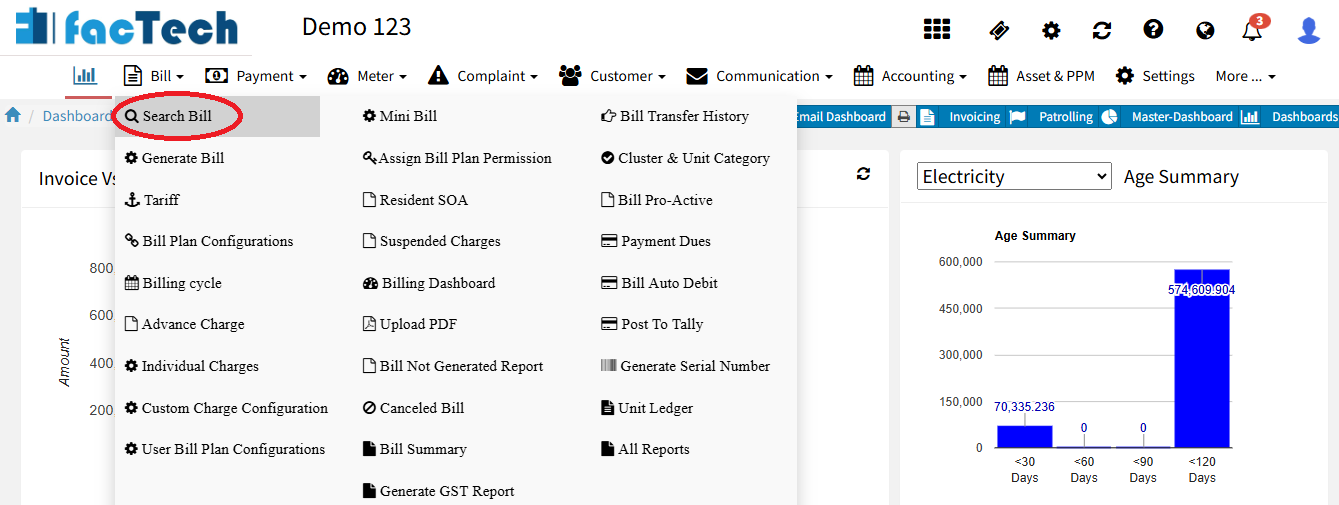
Factech allows admin users with billing and customer update rights to modify customer details in a generated invoice only if the IRN (Invoice Reference Number) has not been generated. This is because…
Common terms (used below) Bill Date: The date the bill is generated. Due Date: Last date to pay without interest. Current Amount: This bill’s charges/taxes. Previous Due (Arrears): Unpaid from older bills.…