
FAQ Category: Asset Management
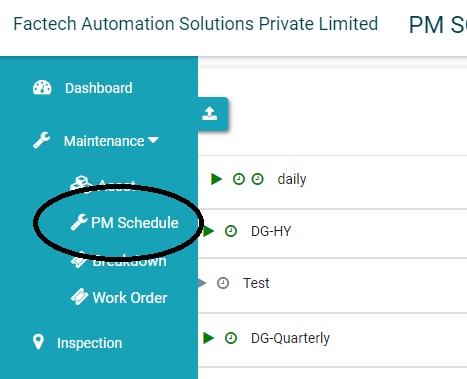
How to assign Work to Staff in KaiZen?
Admin with permissions can assign – schedule or the specific work order to the designated staff. A prerequisite for this is staff should be added to the System. Refer How to add…
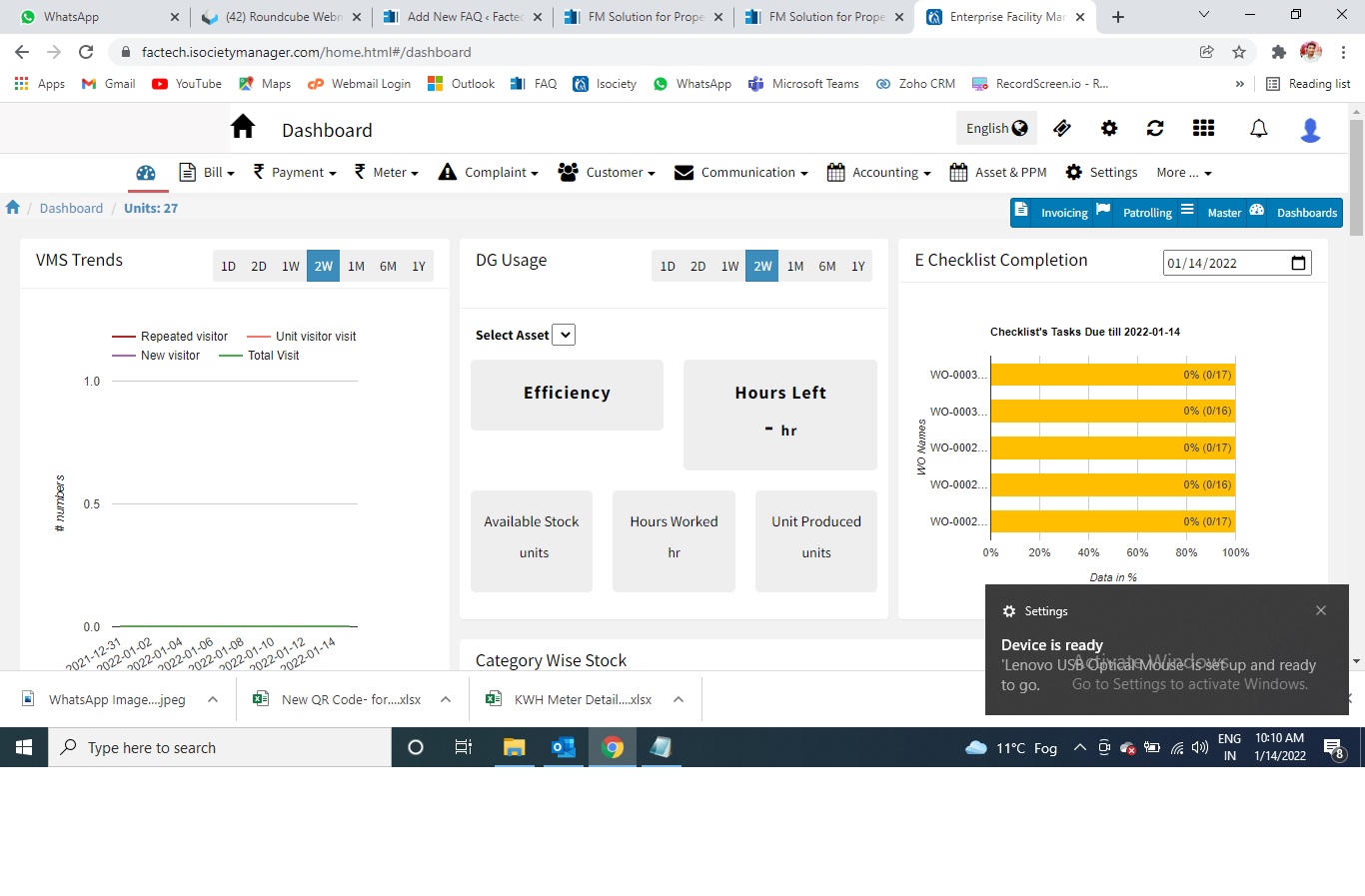
How to print QR Code for locations?
Why do we need to print QR codes for location? We need to print QR codes for locations to perform all the work orders related to that location. ( If same staff…
What to do in case technician app unable to recognize a QR Code?
Sometime it happens that you tried to scan the QR code through the technician app and you scan the QR code, but the system doesn’t recognize the QR code. There are multiple…
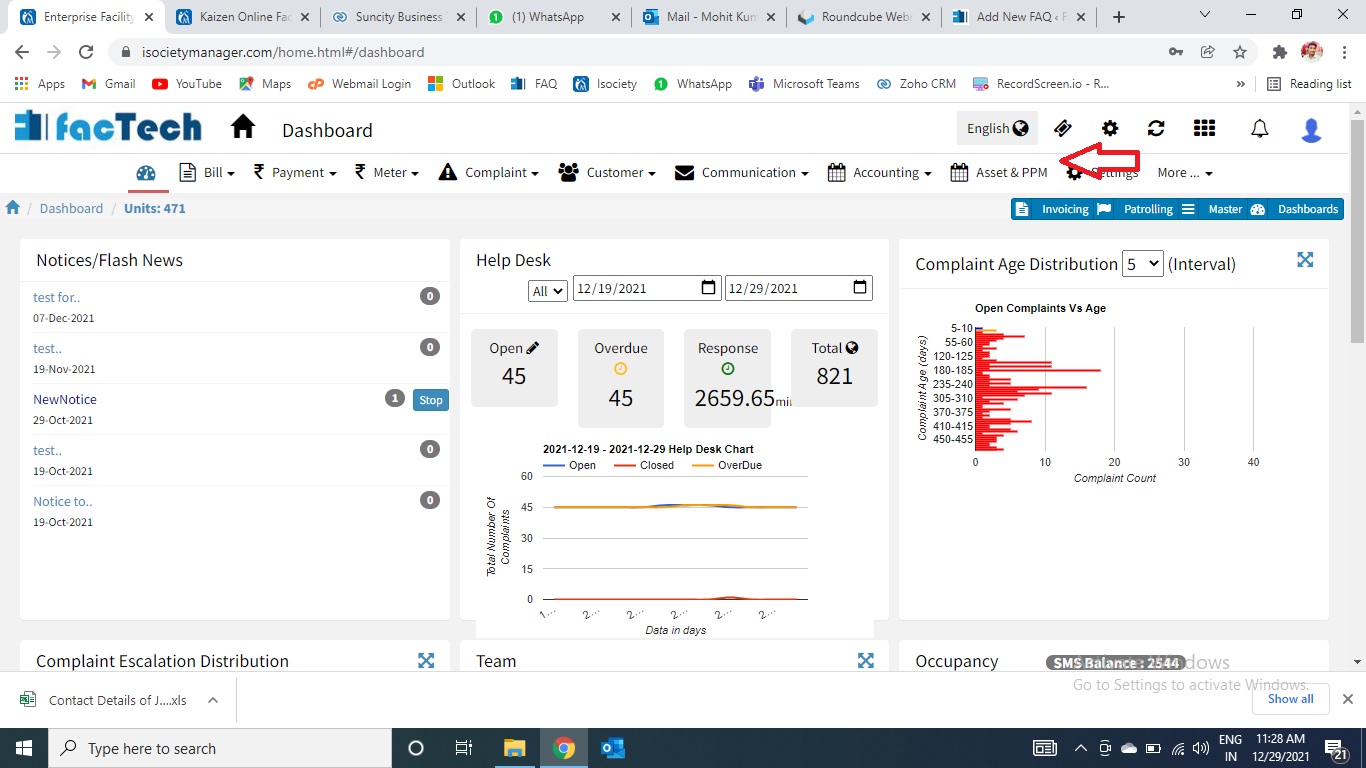
How to add Schedule manually?
What is Schedule? The purpose of the Schedule is to add the frequency, instruction for a particular work order and map the same to respective asset. By doing this we got alerts…
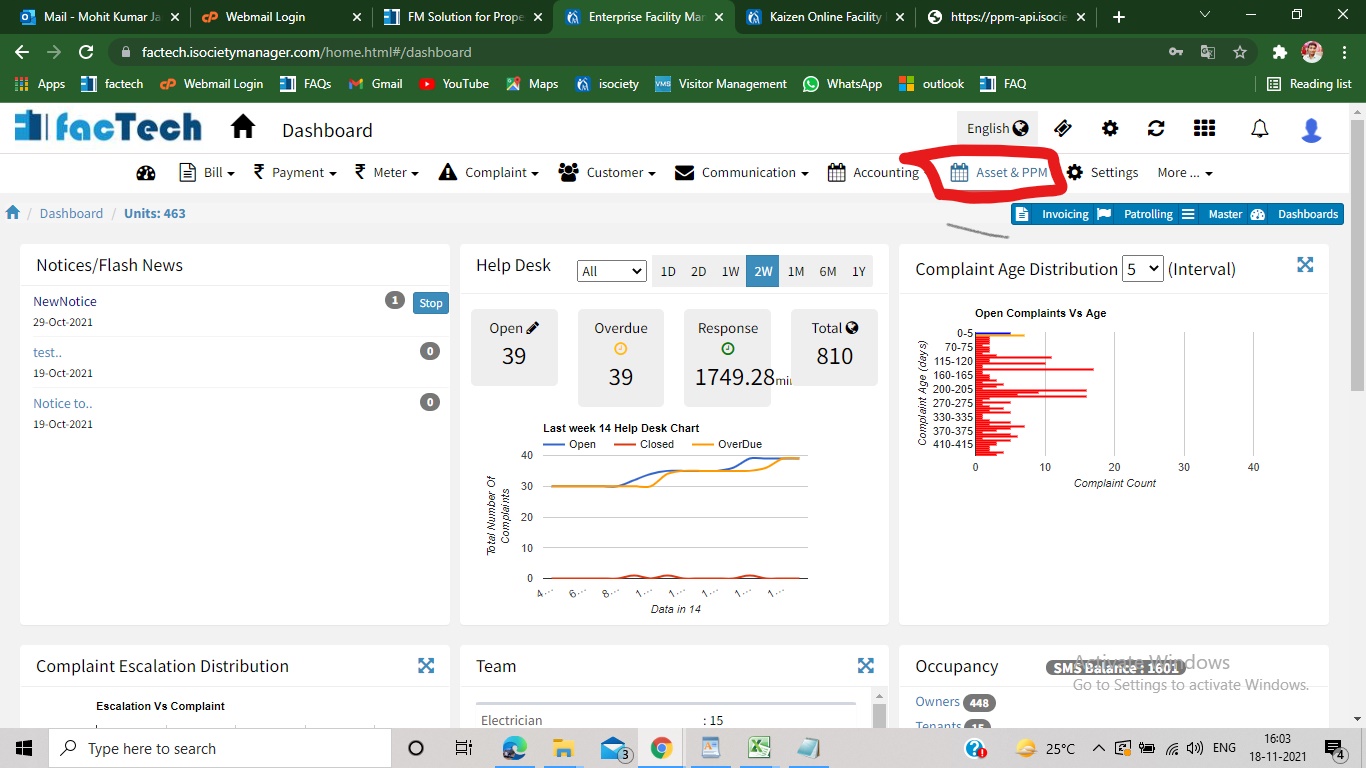
How to Print QR Code in Asset Management?
Step 1. Sign in to https://factech.co.in using your login id and password. Step 2. Click on Asset&PPM tab, available on the upper right of the screen. Step 3. From the left side…