How to add New Vendor to Inventory or Purchase or Asset?
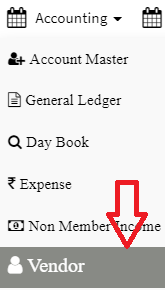
Step 1. Click on the vendor option from the left bottom of the screen( refer screenshot) Step 2. Click on the +vendor option from the upper left of the screen. Step 3.…
 Simplifying Facilities...
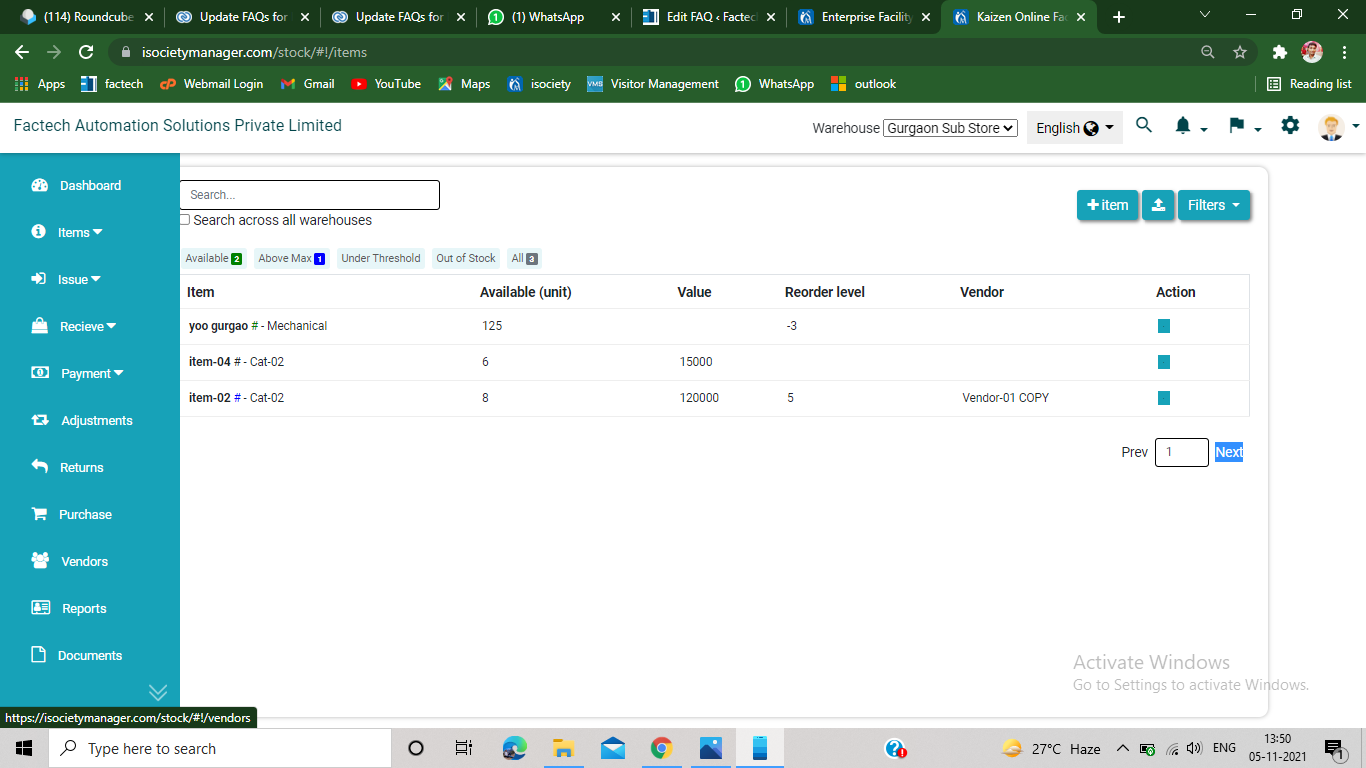
Step 1. Click on the vendor option from the left bottom of the screen( refer screenshot) Step 2. Click on the +vendor option from the upper left of the screen. Step 3.…
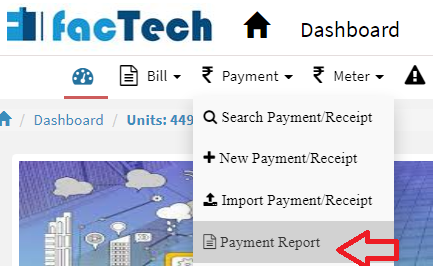
After login with a role having Debit and credit report permission, You can see and export the debit and credit note as per requirements using the following steps: Step 1: Go to …
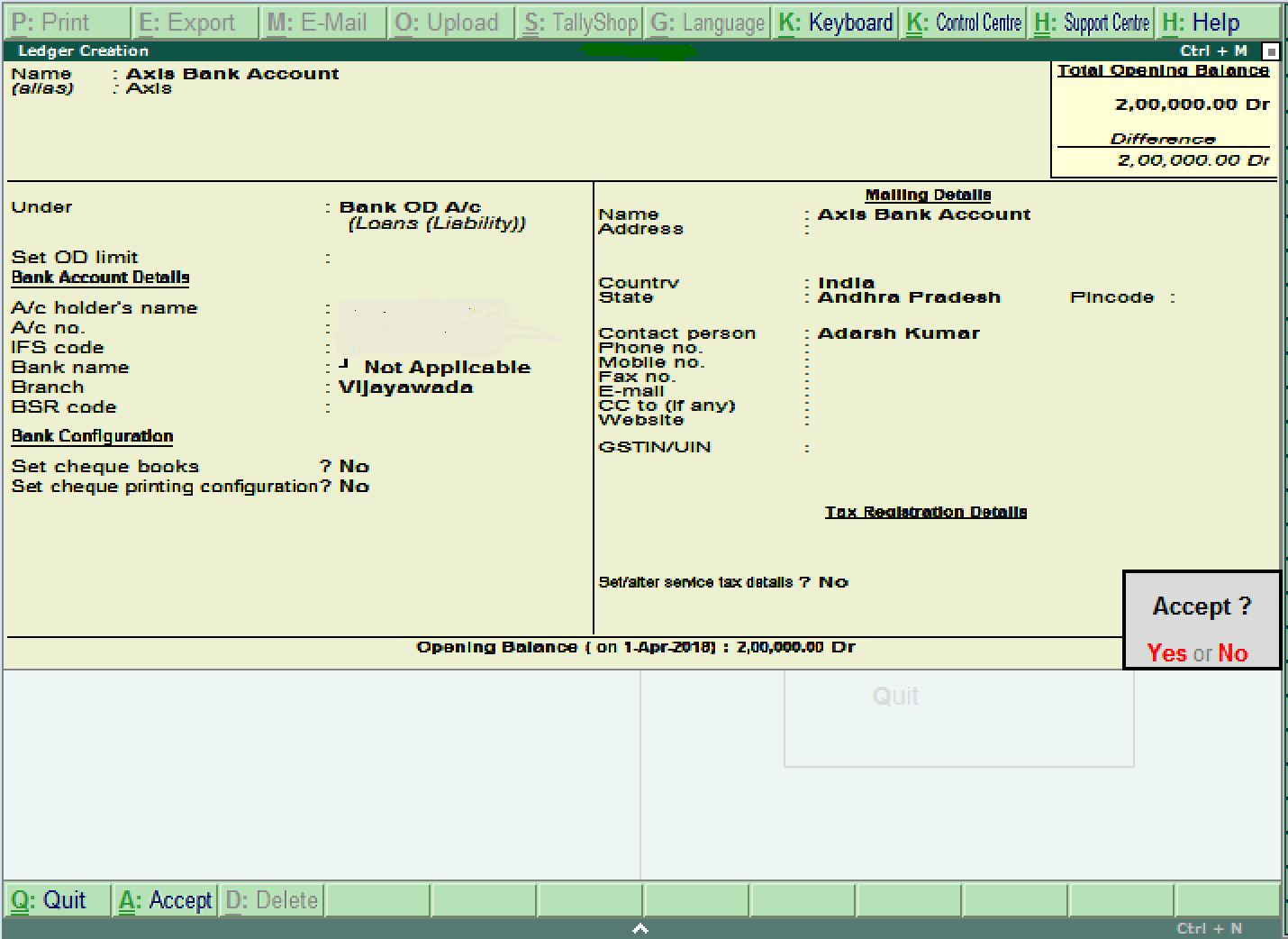
As we know Tally ERP9 and Prime can’t import ledgers or transactions directly from excel to Tally, you have to add a tally ledger one by one. Following are steps to add…
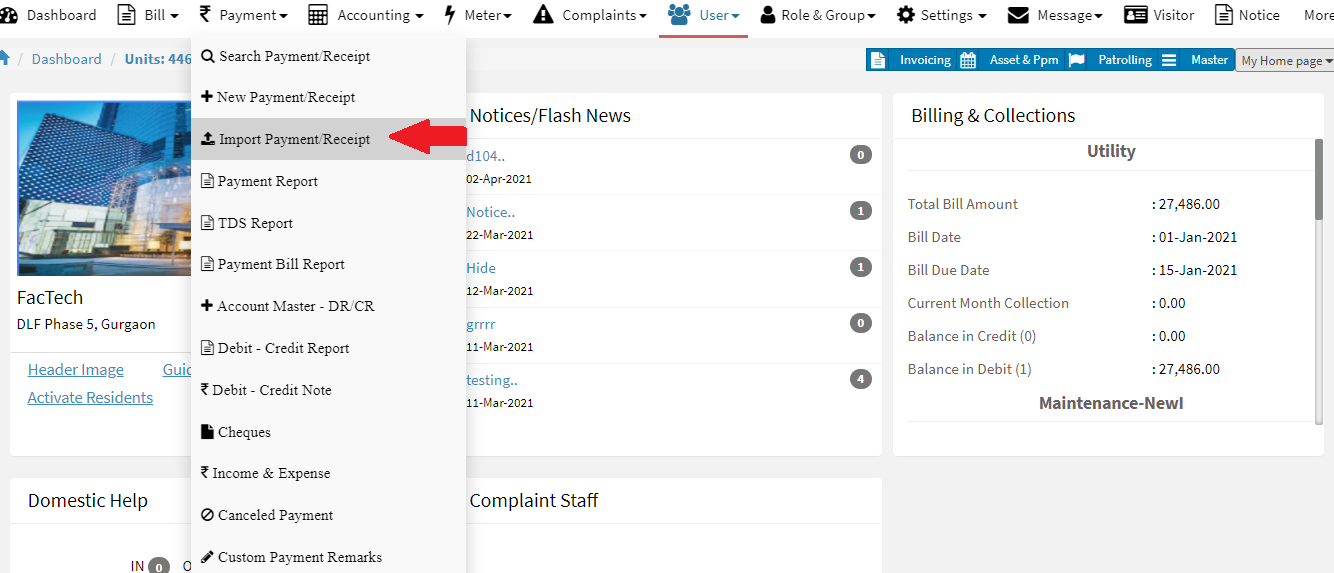
iSocietyManager help you import Debit and credit note in bulk. This will help to save you a lots of time. Following steps to import Debit and credit note. Step 1: Go to …
Step 1: Go to Main Menu (Accounting), Select “Vendor” option from drop down menu Step 2: click on “Add Bill” option from left drop down menu, enter details and click on “Add…