
HOW to Capture Staff Image for face-based attendance factech
Factech use Amazon Face recognition . Few best practices are required to work it optimally
Face recognition can be used for identifying any staff, which is registered with their photo:
1.Login to VMS with your credentials.
- Go to HOME -> Click on this Symbol in right corner

 .
.
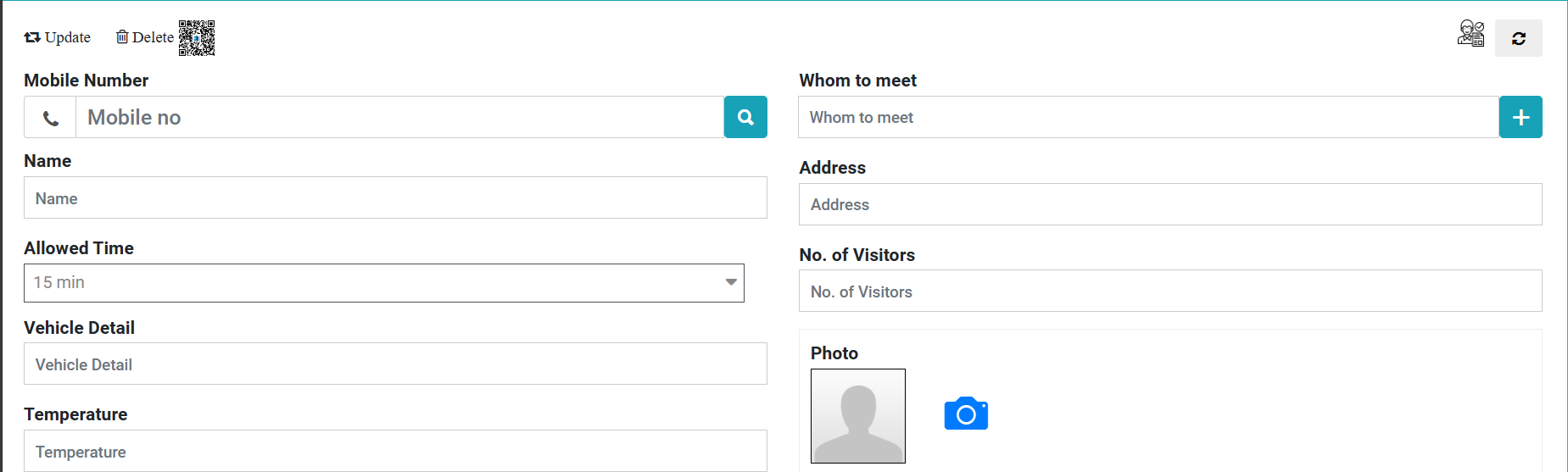
- click on (Click Photo) to mark attendance.
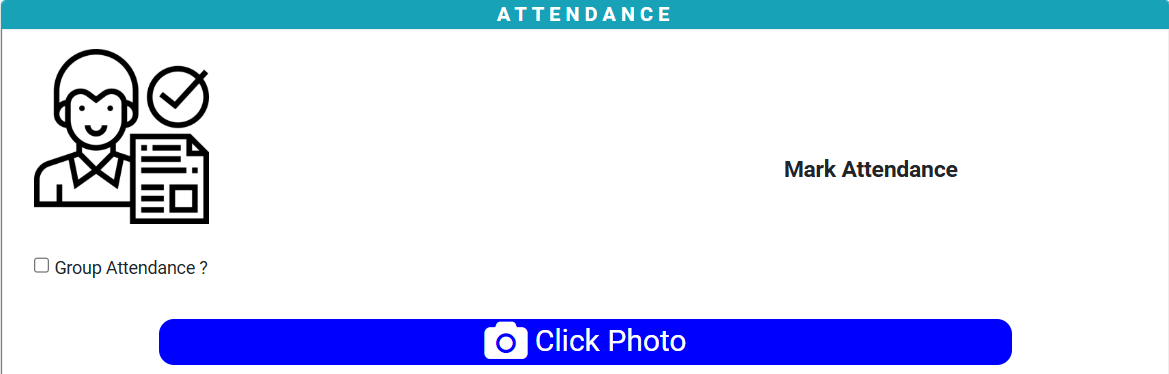
Note- make sure to consider below points to click staff image proper and recognizable to system.
1.Kindly click only face photo (passport size)
2.Make sure to click in proper light (Not in dim light or dark)
3.Make sure Background light isn’t directly going to camera to image may get blur or unclear.
How to start manpower and attendance tracking?
Ready to Transform Your Facility Management?
See how Factech automates maintenance, assets, and compliance in one intelligent platform.
Let's Talk
Have questions about our AI-powered solutions? Our team is here to help you digitize your facility operations.
Ready to Transform Your Facility Management?
See how Factech automates maintenance, assets, and compliance in one intelligent platform.
Let's Talk
Have questions about our AI-powered solutions? Our team is here to help you digitize your facility operations.


