
Daily Site Report in Kaizen CAFM
What is DSR?
DSR stands for Daily Site Report. It is an important tool used by facility managers to monitor and maintain daily operational activities across sites and facilities.
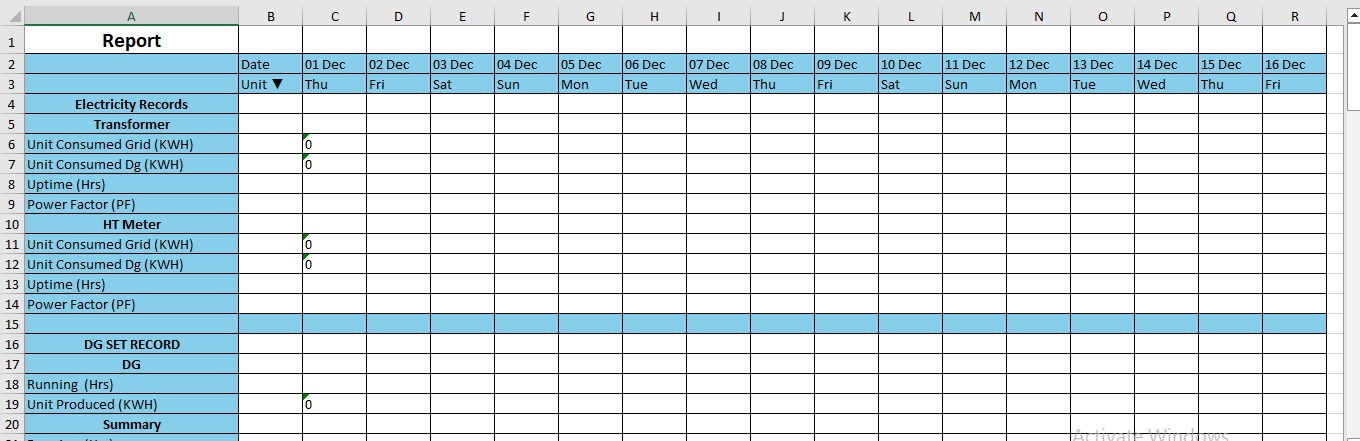
It is usually maintained in a single Excel sheet that includes overall reports related to:
- Grid Electricity
- DG Electricity
- Water Meter
- Diesel
- Inventory
- Asset Work Orders
- Asset Breakdowns
- Attendance & Manpower Reports
- Complaints and much more
DSR helps facility teams maintain operational transparency, track daily performance, identify issues quickly, and ensure smooth site management. It also supports better reporting, faster decision-making, compliance monitoring, and improved coordination between facility managers, maintenance teams, vendors, and management.
Refer the Screenshot that how DSR Report looks like.
HOW TO CONFIGURE DSR REPORT.
Step-1
Log in through factech.co.in
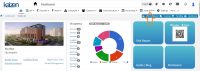
Step-2 Click on Asset and PPM.
Step-3
Click on the Report part.
Step-4
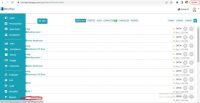
Click on the daily site report(DSR).
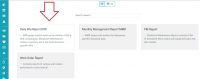
Step-5
Click on configure option.
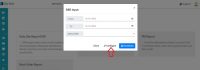
Step-6
Click on the +component.
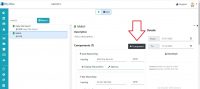
Step-7
Add the component which we want in our report.
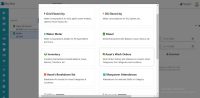
Step-8
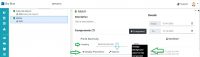
Set the display heading, background color, display parameters and Options for all the component.( Screenshot attached for one component)
Step 9
Select date range for which you want to see the report, and then click on download.
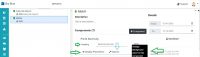
You will get your report in excel sheet.
Click on below link to get sample DSR Excel sheet.
Sample-DSR
Thank You!!
Ready to Transform Your Facility Management?
See how Factech automates maintenance, assets, and compliance in one intelligent platform.
Let's Talk
Have questions about our AI-powered solutions? Our team is here to help you digitize your facility operations.
Ready to Transform Your Facility Management?
See how Factech automates maintenance, assets, and compliance in one intelligent platform.
Let's Talk
Have questions about our AI-powered solutions? Our team is here to help you digitize your facility operations.


Leave a Comment