
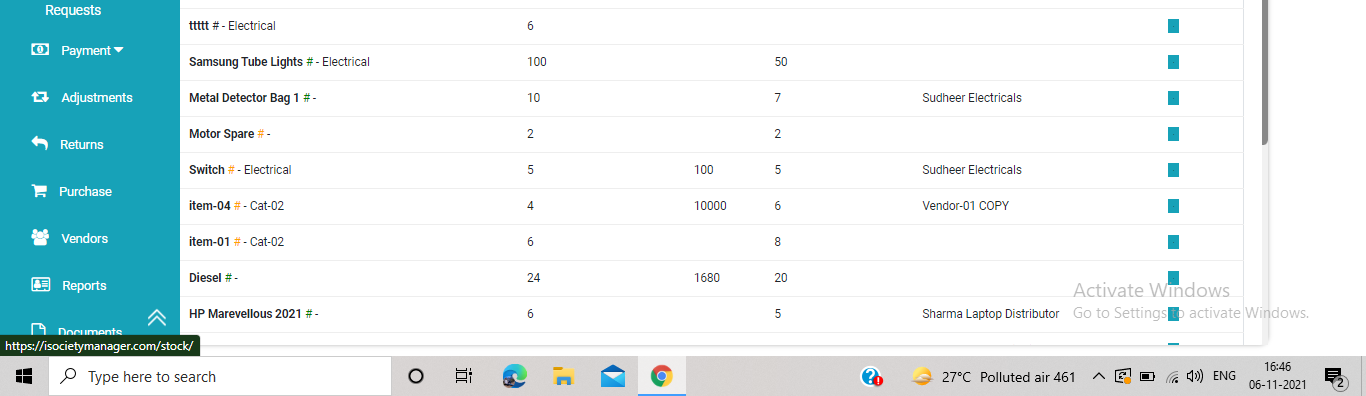
How to make Purchase request in Inventory Management?
Step 1.
Click on the purchase option from the left side of the Inventory Management page.
Step 2
After clicking on purchase option, new page appears on the screen.
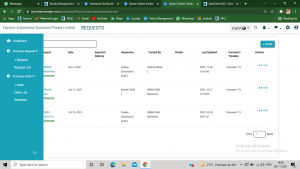
Step 3
Click on purchase request, and then +request from the left side of the screen.
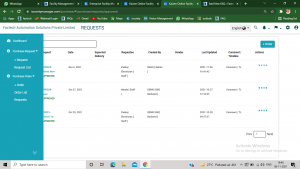
Step 4
A form of purchase request appears on the screen. Now we have to fill title , name and quantity of the item requested(mandatory).
Also fill some details like suggested vendor, notes, price etc ( optional)
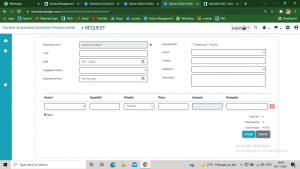
Step 5.
After filling all details, click on create option and your purchase request has been made successfully.
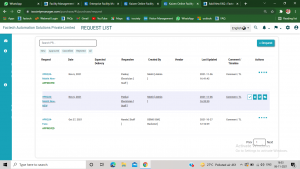
Step 6.
Now the concerned person must approve the particular purchase request to accept the request made by any of the team member.

The tick option in above screenshots means approved
Ready to Transform Your Facility Management?
See how Factech automates maintenance, assets, and compliance in one intelligent platform.
Let's Talk
Have questions about our AI-powered solutions? Our team is here to help you digitize your facility operations.
Ready to Transform Your Facility Management?
See how Factech automates maintenance, assets, and compliance in one intelligent platform.
Let's Talk
Have questions about our AI-powered solutions? Our team is here to help you digitize your facility operations.


Leave a Comment