
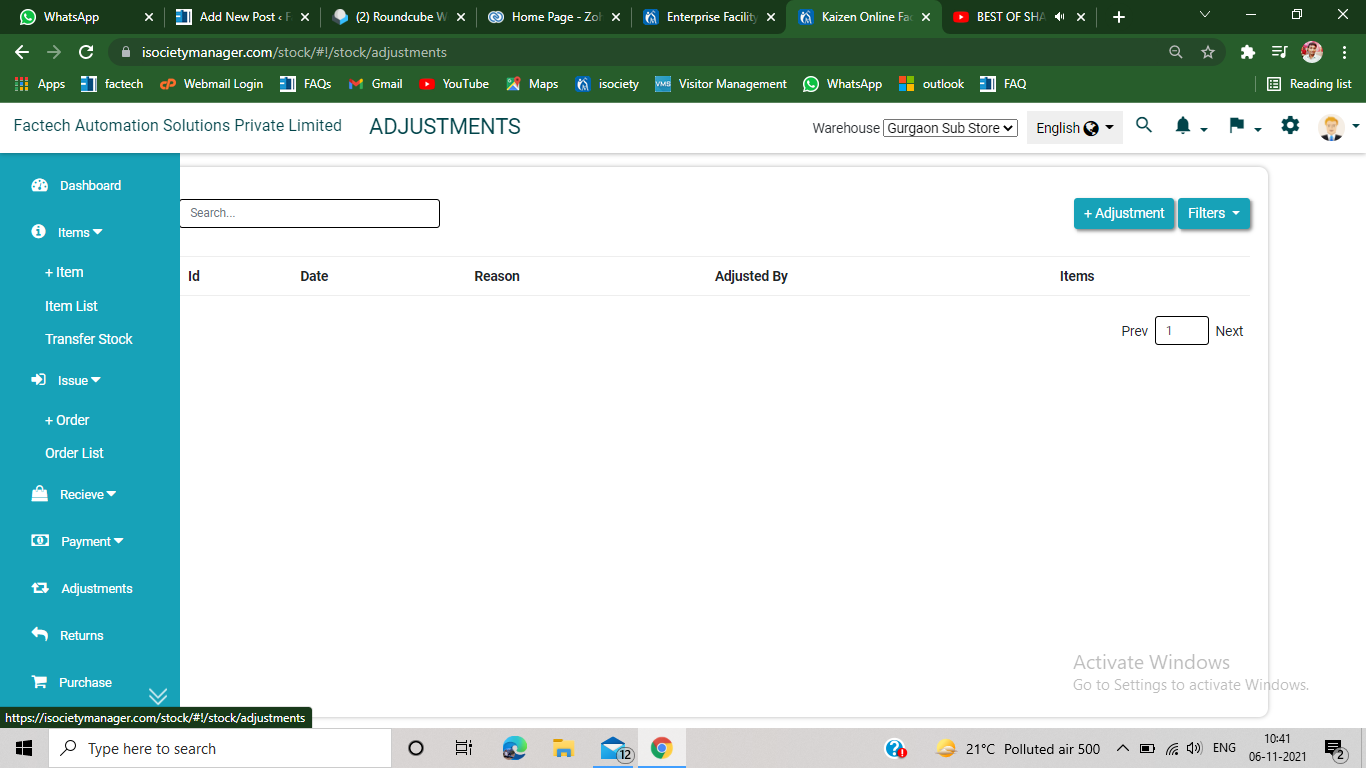
How to adjust stock in the inventory Management?
Step 1.
Click on the adjustment section, appears on the left side of the inventory management page.
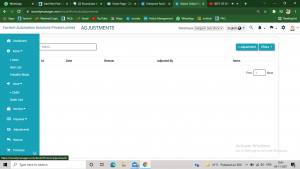
Step 2.
Click on +Adjustment option, appears on the upper right side of the screen.
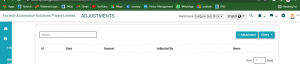
Step 3
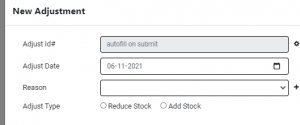
After click, following screen will appears on the screen.
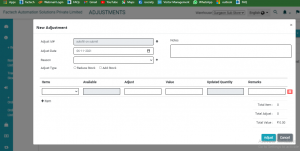
Step 4
Select the adjust type, add or reduce stock.
Step 5
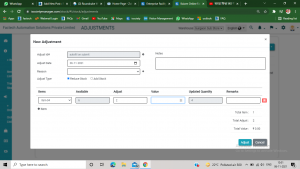
Select the item you want to add or reduce. After selecting the item, the available stock automatically appears on the screen. Now fill the adjustment value, reason of adding or reducing stock and notes( optional).
Step 6
After filling all the details, click on adjust option. Now your item has been adjusted successfully( added or reduced).
Ready to Transform Your Facility Management?
See how Factech automates maintenance, assets, and compliance in one intelligent platform.
Let's Talk
Have questions about our AI-powered solutions? Our team is here to help you digitize your facility operations.
Ready to Transform Your Facility Management?
See how Factech automates maintenance, assets, and compliance in one intelligent platform.
Let's Talk
Have questions about our AI-powered solutions? Our team is here to help you digitize your facility operations.


Leave a Comment