How can I update my site details like address, logo, country, and time zone in Factech?
In Factech, administrators can easily manage site-related details such as address, logo, country, and time zone from the Site Settings & Logo section. Updating these details ensures that your reports, dashboards, and notifications reflect accurate information.
Follow the step-by-step instructions below:
1.Login to Factech
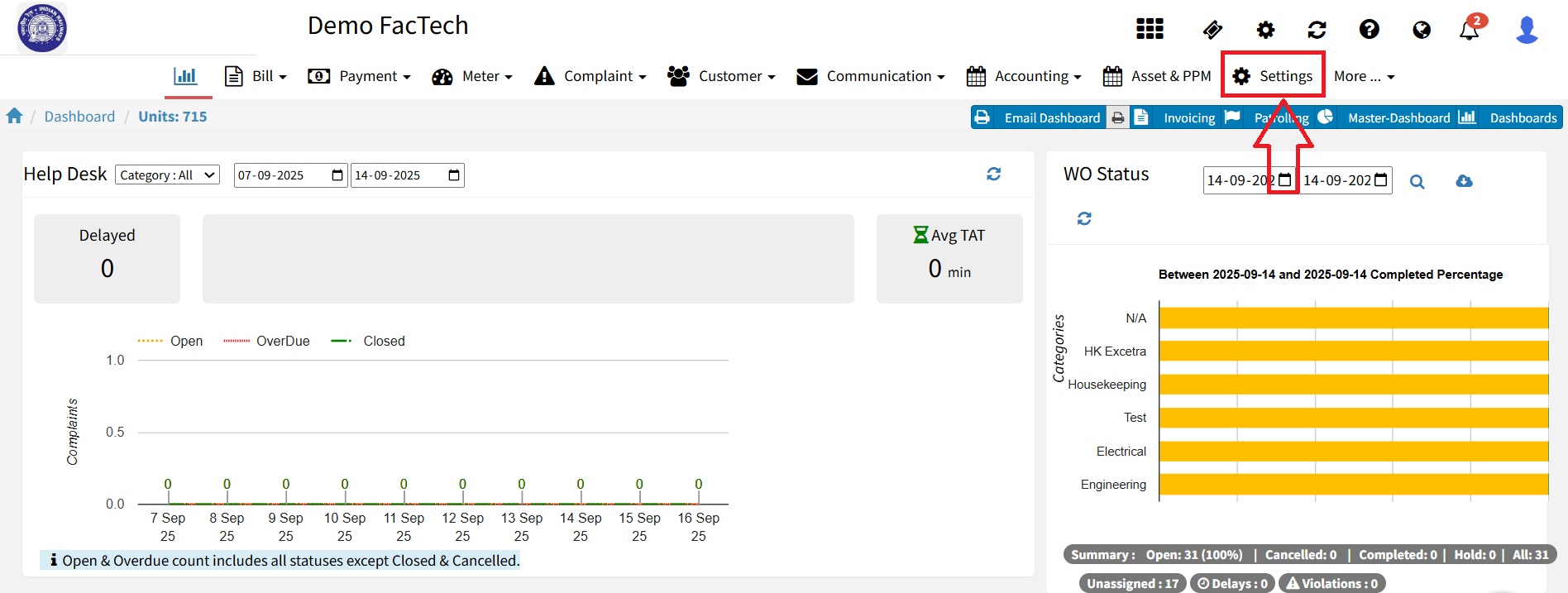
2.Navigate to Settings
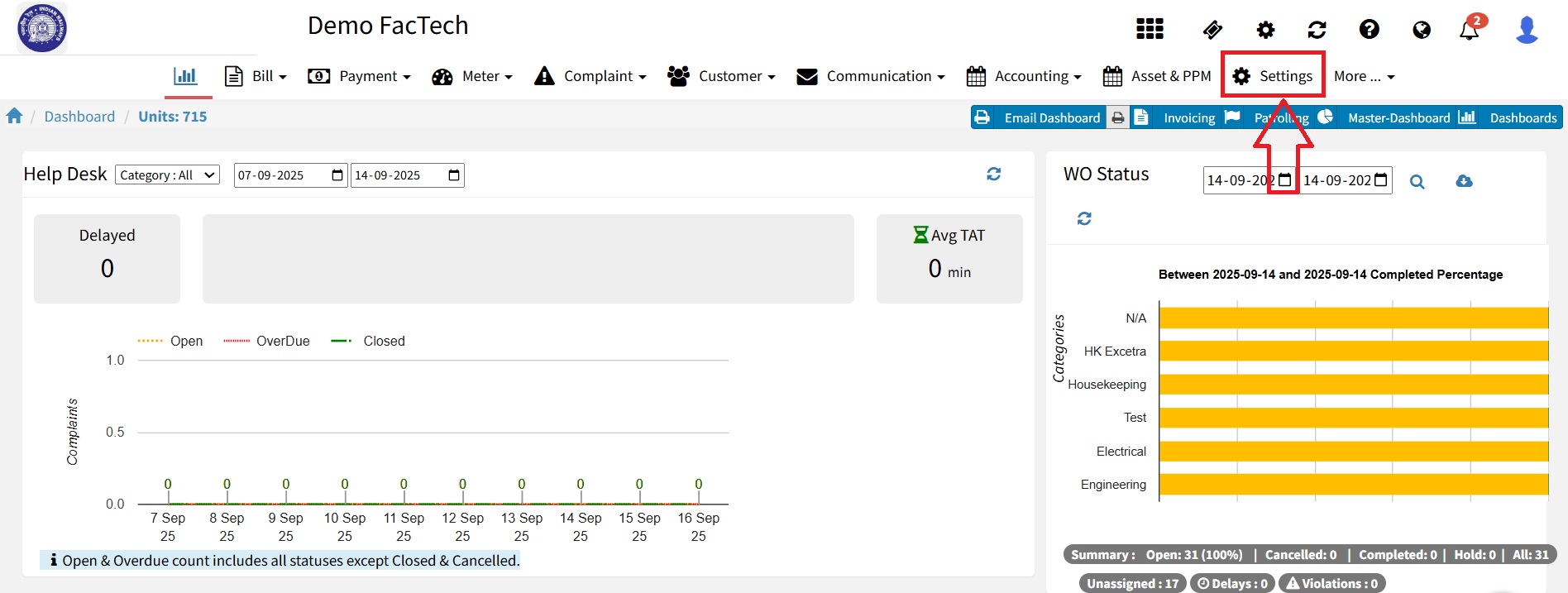
3. Go to Site Settings & Logo Under the General section, select Site Settings & Logo.
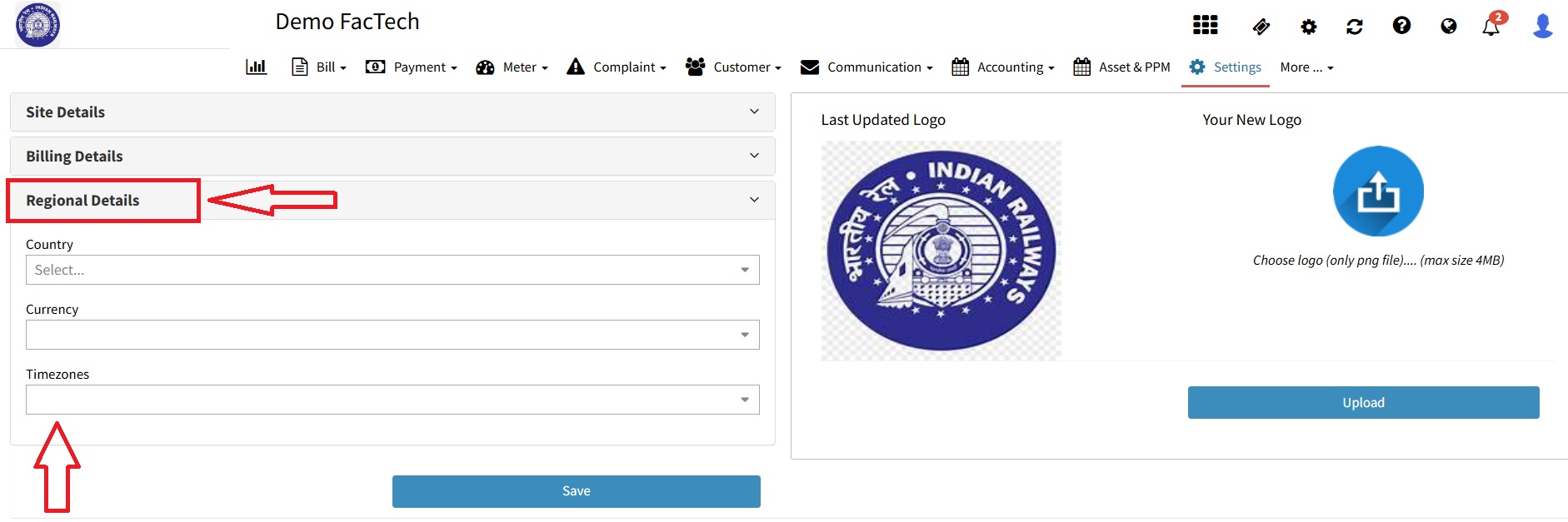
4.Select Time Zone- Scroll to Regional Details and select your required Time Zone from the dropdown list and click on save button.
Important Notes:
All changes made here will be applied across your site in Factech and will affect all users.
Ensure that the country and time zone are set correctly to prevent issues in scheduling, work orders, and reporting.
Ready to Transform Your Facility Management?
See how Factech automates maintenance, assets, and compliance in one intelligent platform.
Let's Talk
Have questions about our AI-powered solutions? Our team is here to help you digitize your facility operations.
Ready to Transform Your Facility Management?
See how Factech automates maintenance, assets, and compliance in one intelligent platform.
Let's Talk
Have questions about our AI-powered solutions? Our team is here to help you digitize your facility operations.