FAQ Category: Work Order

Optional Instruction in the Checklists

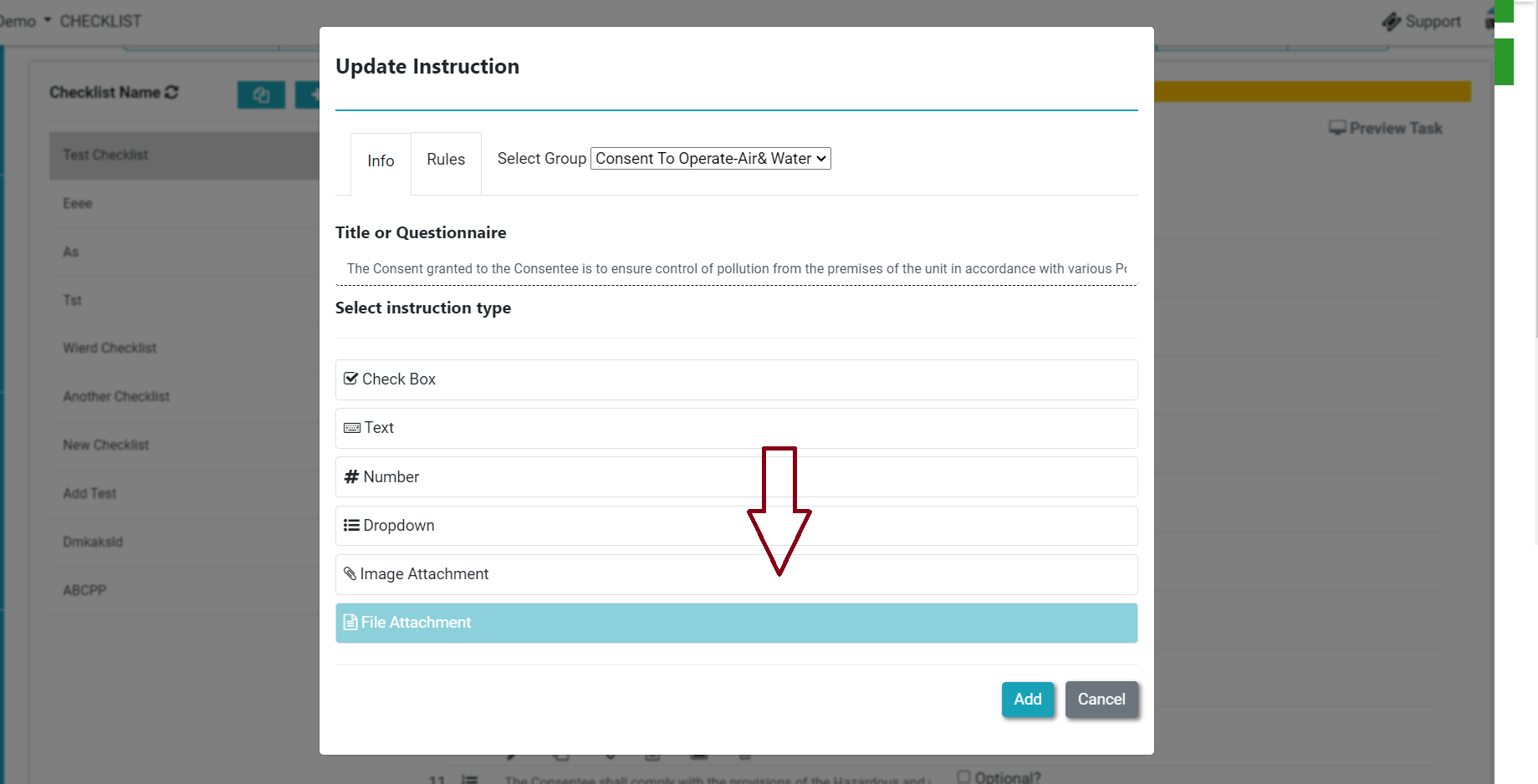
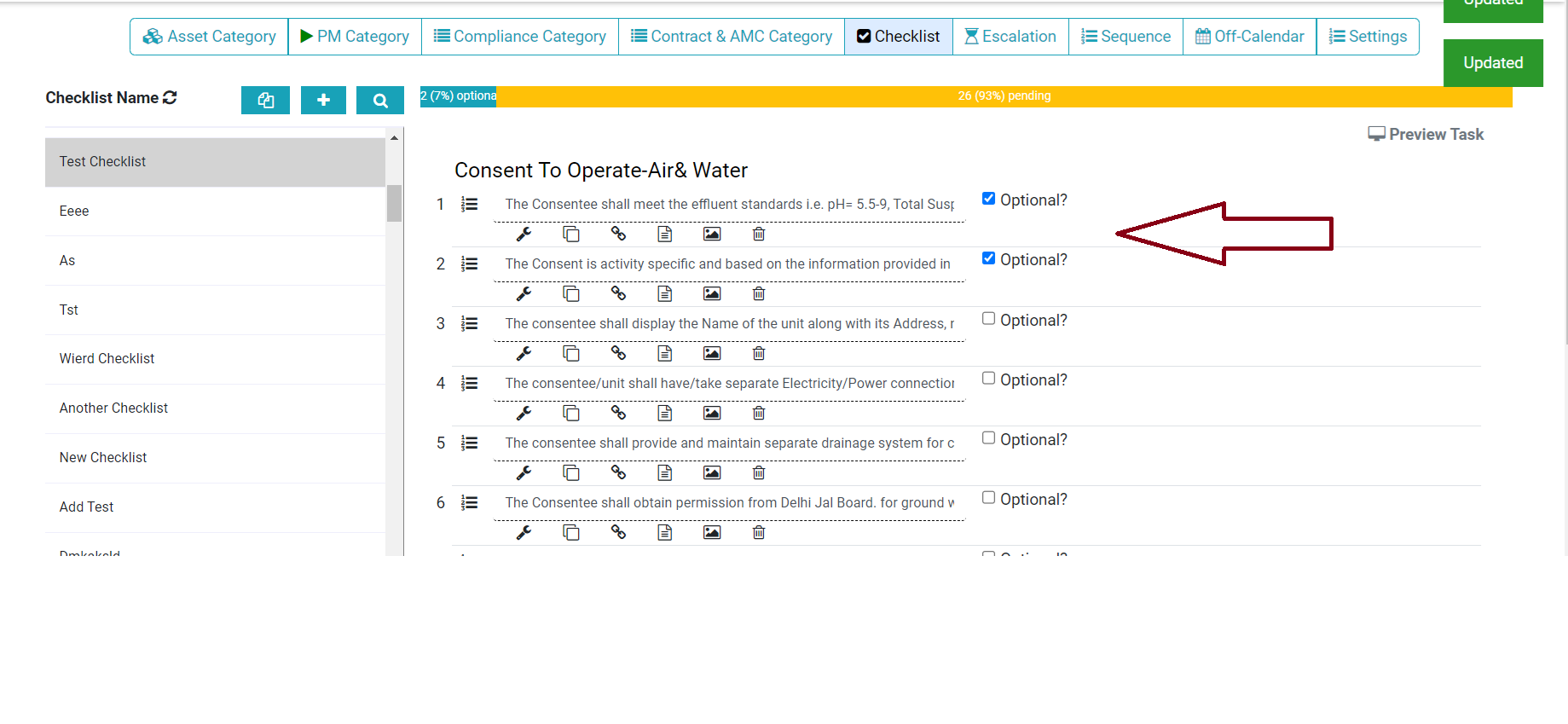
Now we can add the optional instruction in the checklist. This enables the facility manager to add instructions that are not recurring. Check the step below to configure optional instruction. Step 1. Login>Asset & PPM>Checklist then we need to enable following option(refer screenshot)- Thank You!!

Read more

Work Order Approval Permission

How to Approve work order completed by Technician?

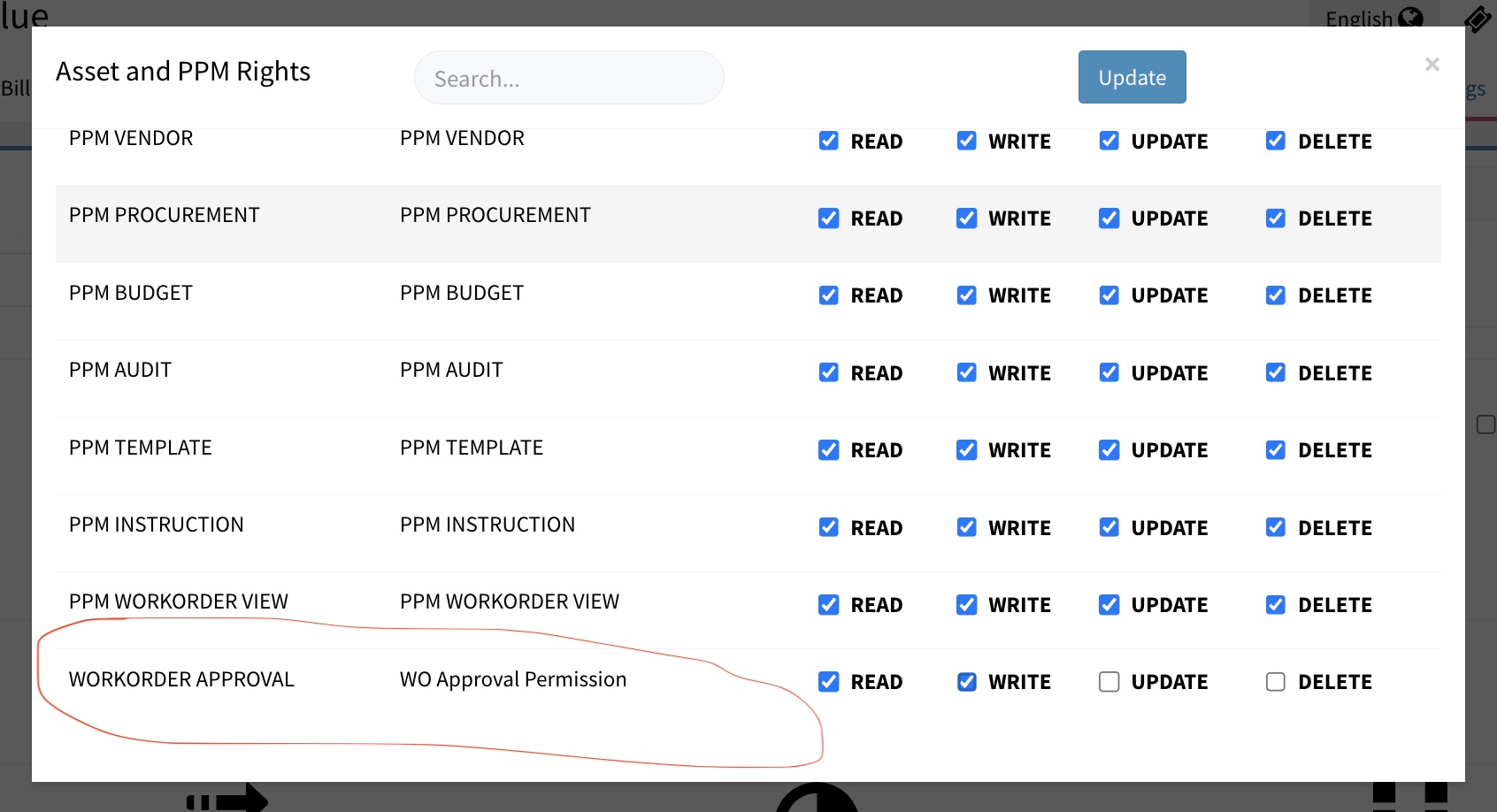
As facility manager or supervisor, you can approve or verify the job completed by a technician. This ensure that the maintenance or cleaning job is done satisfactorily. Approval process brings more trust in the FM system. In Factech, if you have permission for Approved. You can open the completed Work Order and approve it. 1. 

Read more

How to View Violations Summary Details for Checklist

Violations occur when a condition specified in the checklist (e.g., equal, not equal to) does not match the expected result. Follow are steps to see all violations in a checklist Log in to the admin dashboard Navigate to WO status and choose a date range Click on “Violations” to access the detailed summary  

Read more

Preventive Maintenance Schedule details in CAFM CMMS

How to set Weekly Off in a schedule?

As admin, if you have update permission for schedule you can set off any week days on which you don’t want to create schedules. 1. Go to PM Schedule and open the schedule which you want to update. 2. Select the schedule. As in below image Cleaning schedule is set for daily 11 am &

Read more

Add Notification alert in Maintenance schedule

How to add notification or alert for maintenance job?

As admin, you can add email id of your team or vendor so that reminder is sent before the maintenance job is open. 1. Go to Schedule and open that. 2. Add Alert / Notification for PM Schedule. Click on Config then select Alert To configure escalation matrix for PM, refer How to add Escalations

Read more

Hello ! If You Are Ready To Take Your Facility Management To Next Level...