FAQ Category: Asset Management

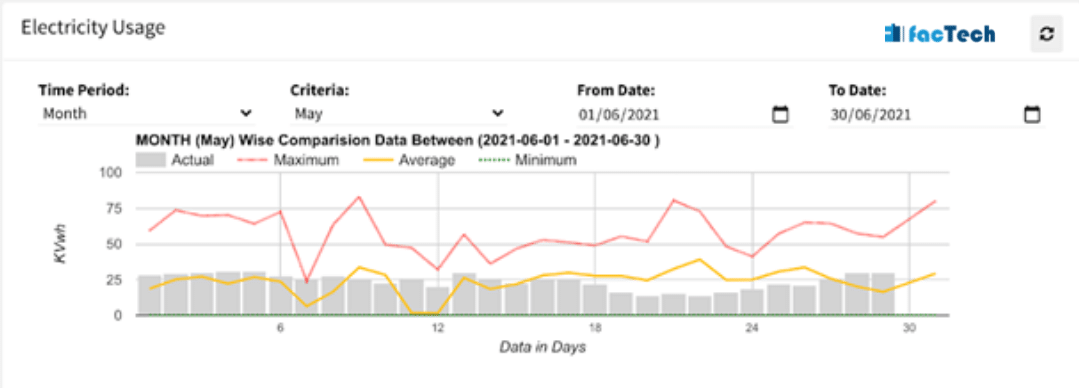
electricity monitoring and usage chart for a commercial office building

How to configure Electricity or Water Reading Logs?

Energy Consumption tracking is important to analyze: Comparing energy consumed during different days, months & dates Come up with energy saving strategy Predict energy demand in advance Analyze where most energy requirements are. Below is snapshot of Electricity usage chart.  After that steps are given how to populate this analytics along with log sheets. The
Read more

How to check notification in Technician App?

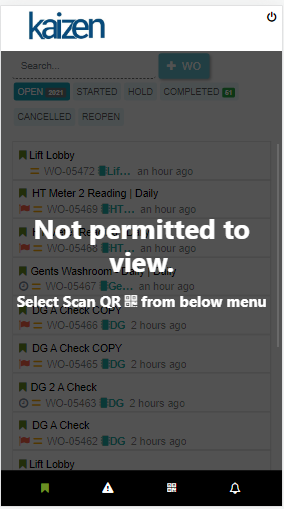
Sometime, the Staff is not getting a notification alert on their work order in technician app, There are Many reasons behind this the most common reasons are as follows- Notification disabled from Chrome browser Weak internet signal All notifications disabled from mobile handset etc. The technician/Staff can see all notifications in technician app, after successful

Read more

digital transformation

What are permissions required for CAFM implementation?

The Kaizen CAFM runs on AWS cloud and if we are not doing any integrations, there are no special permissions required from your IT team. Refer below points if applicable:   In case Facility Team will be using the CAFM system in LAN network with firewall enabled, then below domains need to be allowed /

Read more

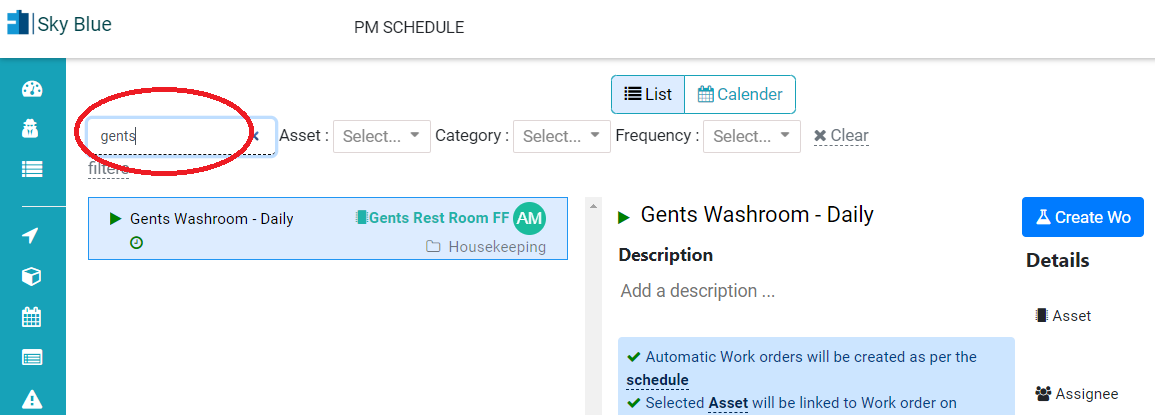
Search schedule in Kaizen CAFM CMMS upkeep maintenance

How to add restrictions in Maintenance Schedule?

Many times we want that particular maintenance activity or job should be completed within n number of hours of Job Start/ Creation. Restriction feature is helpful in cases like: Maintenance Job should not be executed after 4 hours of Job start time. Cleaning of restroom should be completed within 1 hours of Job assigned to

Read more

print or download pdf of work order of engineering or housekeeping

How to get pdf / print of Completed Work Order?

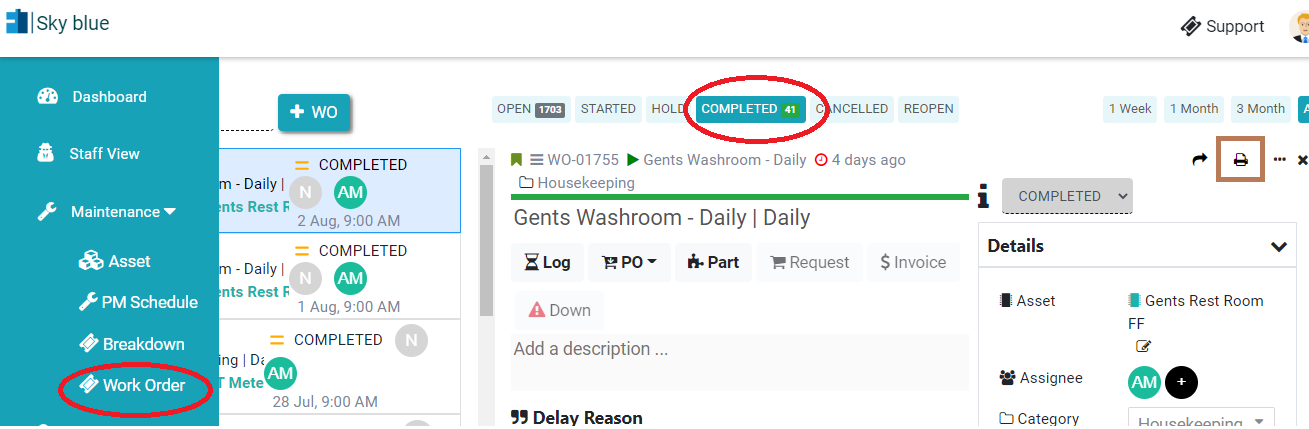
In Kaizen CAFM, if you have permission, you can print or download pdf of the work order. 1. Open Work Order detail view. Work Order -> Completed           2. On top right there is printer icon click on that and choose  Save As Pdf option.

Read more

Hello ! If You Are Ready To Take Your Facility Management To Next Level...