
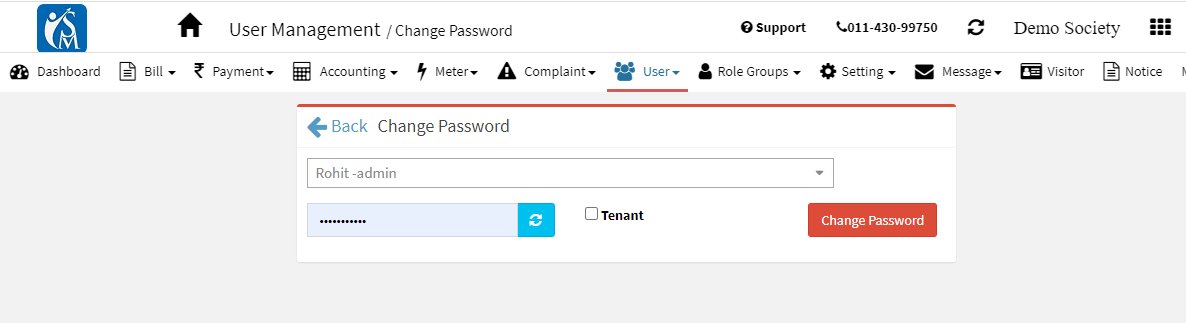
How to change the login password of Facility Team?
Many times there is a need to change the password of the facility team. Admin, having Change Password Permission can reset the password of any user.
- Open the change password UI from Customer-> Change Password.
- Start typing the name/phone no of the user for which password to be changed and then type a new password. The system will automatically send SMS on User phone number and email with new password.
Note:- User can set her own password after login and going to Profile (Top Right Face Icon ->Profile)-> Change Password
Ready to Transform Your Facility Management?
See how Factech automates maintenance, assets, and compliance in one intelligent platform.
Let's Talk
Have questions about our AI-powered solutions? Our team is here to help you digitize your facility operations.
Ready to Transform Your Facility Management?
See how Factech automates maintenance, assets, and compliance in one intelligent platform.
Let's Talk
Have questions about our AI-powered solutions? Our team is here to help you digitize your facility operations.


Leave a Comment