How to Change Password after login?
After login, Click on Profile image on top right Click on Profile, then on Change Password and enter your new Password
 Simplifying Facilities...
User Management
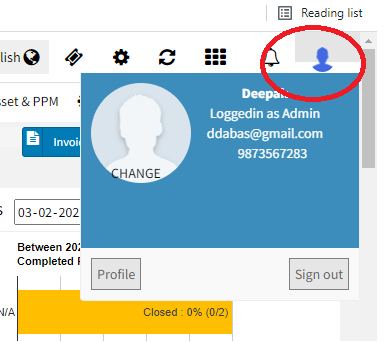
After login, Click on Profile image on top right Click on Profile, then on Change Password and enter your new Password
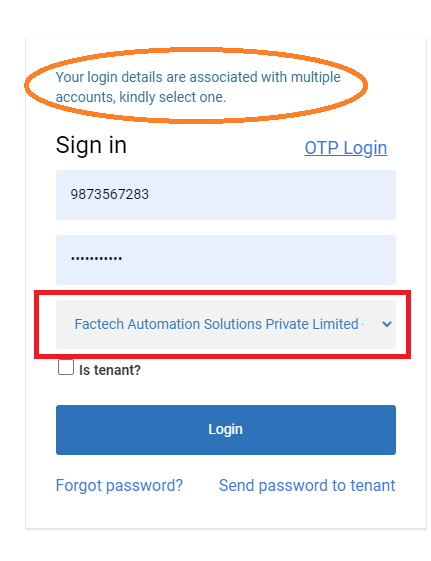
Many times users can be attached to multiple sites. Especially in the case of the admin role, a user can be associated with multiple sites. If your login id is in more…
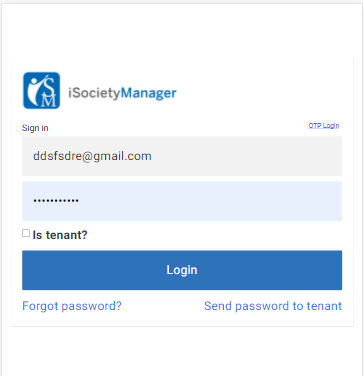
With iSocietyManager, you have the flexibility to log in from the Mobile app or through Browser. To log in from the Web URL below are the steps: Open the browser and enter…
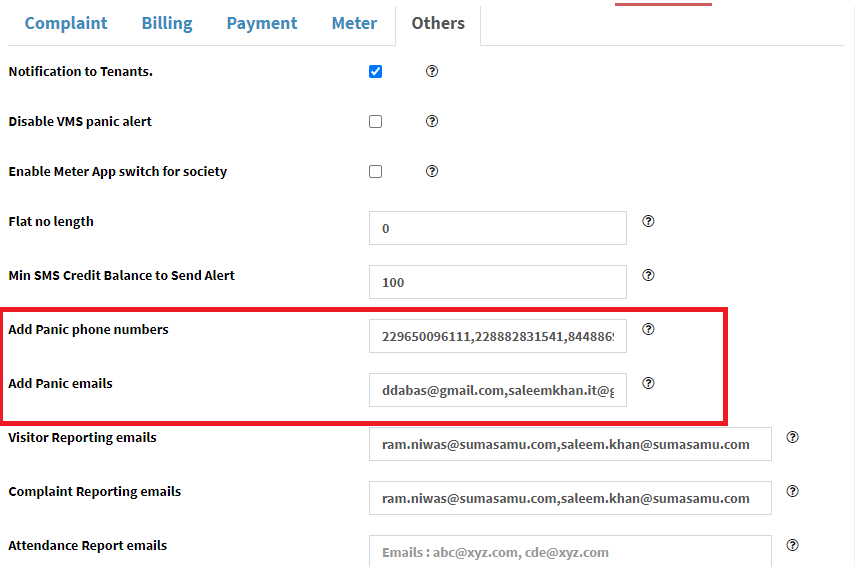
Panic Alert is a useful feature that notifies the Security Team in case of Emergency. With admin login, you can configure mobile numbers and email ids that need to be notified in…
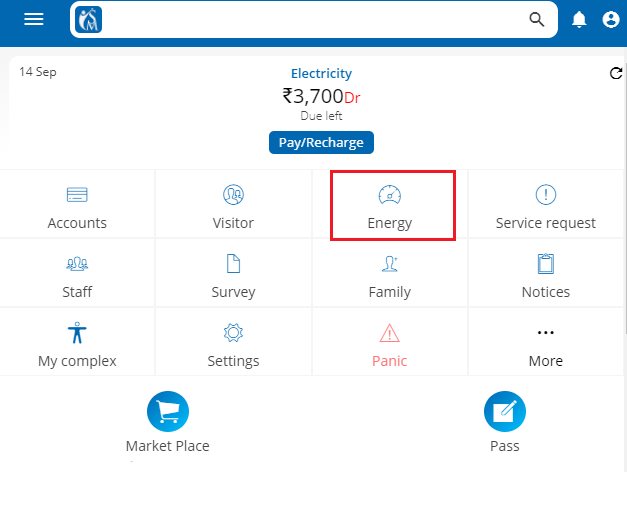
Customer can export their consumption data into excel using web version of the app. Login into web version of resident app. Select energy icon/tab on dashboard page. Click on download icon, top…
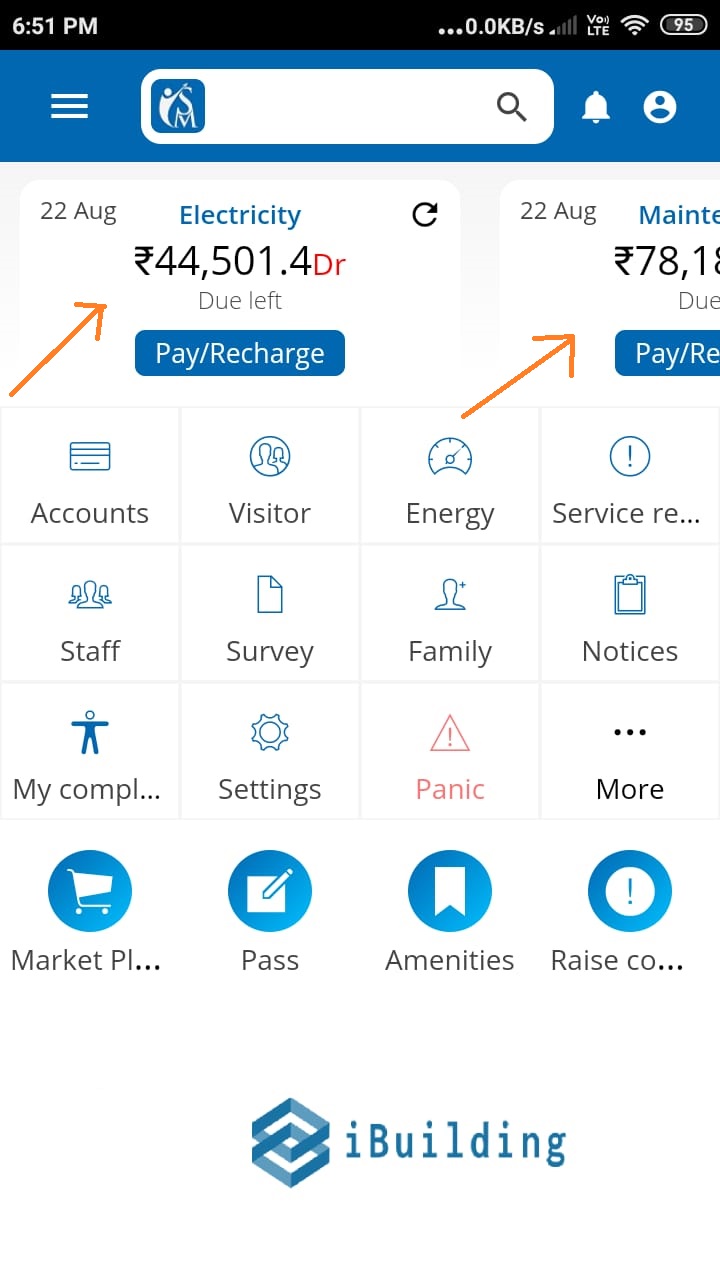
If you are not able to see the Payment option against the Electricity or any other Bill Plan in your resident mobile app. In your app, normally you can see balance against…