
How to raise a request for change in PO/ PR?
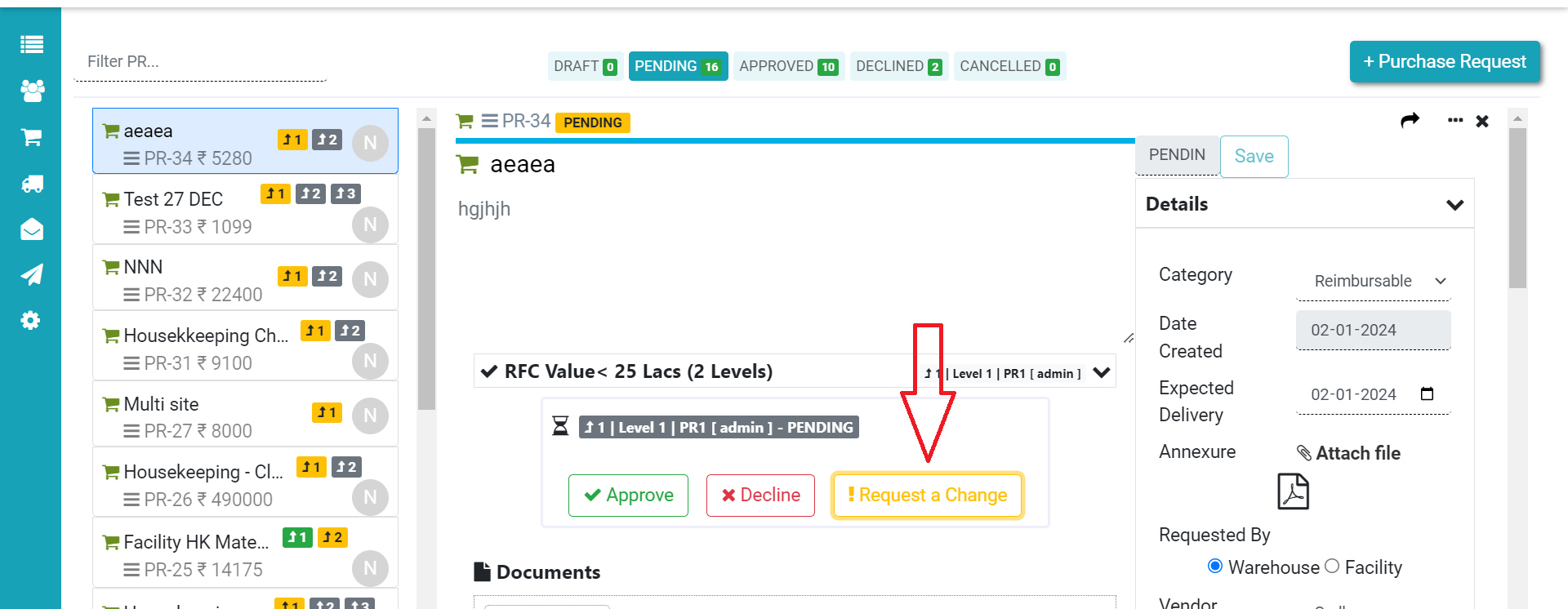
Step 1.
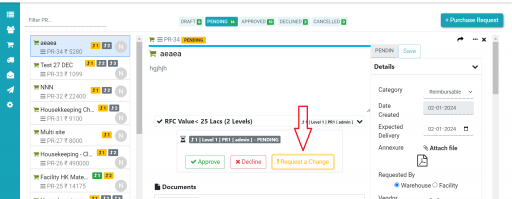
Start by clicking “Request a change” for any changes you need in the PO/PR
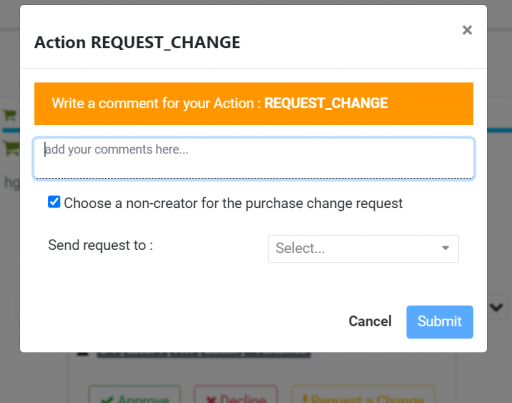
Step 2.
Next, write down the changes you want. If you’re asking someone who didn’t create it to make the changes, tick the “Choose a non-creator for the purchase change request” box before hitting “Submit.”
After you submit, the creator of the PO/PR will see your request for changes. This way, they can review and make the necessary adjustments.
Thank You.
Ready to Transform Your Facility Management?
See how Factech automates maintenance, assets, and compliance in one intelligent platform.
Let's Talk
Have questions about our AI-powered solutions? Our team is here to help you digitize your facility operations.
Ready to Transform Your Facility Management?
See how Factech automates maintenance, assets, and compliance in one intelligent platform.
Let's Talk
Have questions about our AI-powered solutions? Our team is here to help you digitize your facility operations.




