
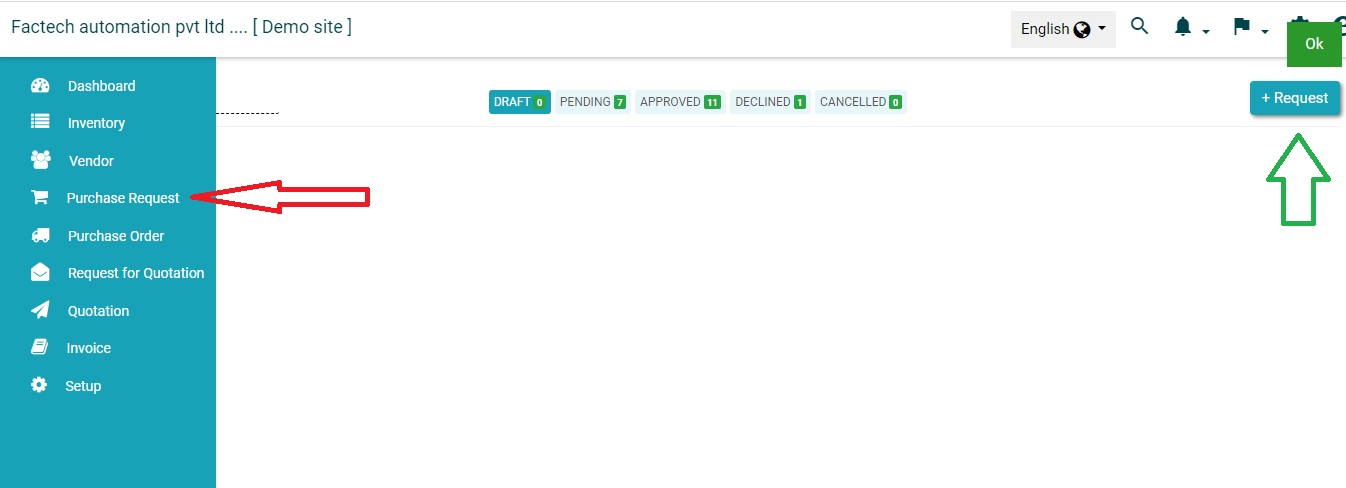
How to add new Purchase Request?
Login in https://factech.co.in with credentials and click on Purchase Menu ( Refer More menu if not visible in main Menu)
Step 1-
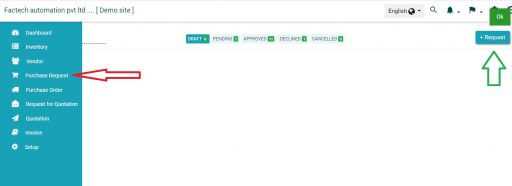
Click on the purchase request and then click on “+Request”. (Refer Screenshot)
Step 2-
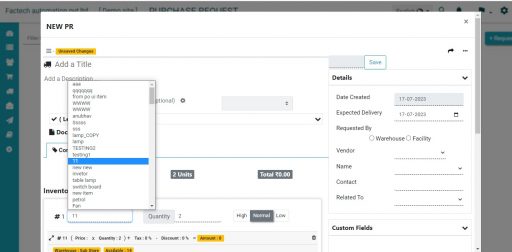
Fill the all the basic details like item name, quantity, etc. And then click on the save option. (Refer screenshot)
Step-3
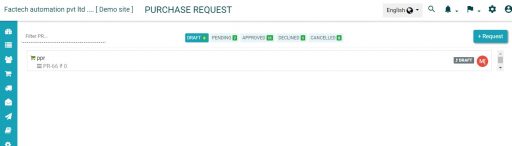
You can also attach related documents for the same. Now you have been successfully created Purchase Request.
Thank You!!
Refer Video for details – how to create, approve & change PRs
Ready to Transform Your Facility Management?
See how Factech automates maintenance, assets, and compliance in one intelligent platform.
Let's Talk
Have questions about our AI-powered solutions? Our team is here to help you digitize your facility operations.
Ready to Transform Your Facility Management?
See how Factech automates maintenance, assets, and compliance in one intelligent platform.
Let's Talk
Have questions about our AI-powered solutions? Our team is here to help you digitize your facility operations.




