
How to add Custom Charge rates for units ??
Step 1.
Log in through factech.co.in
Step 2.
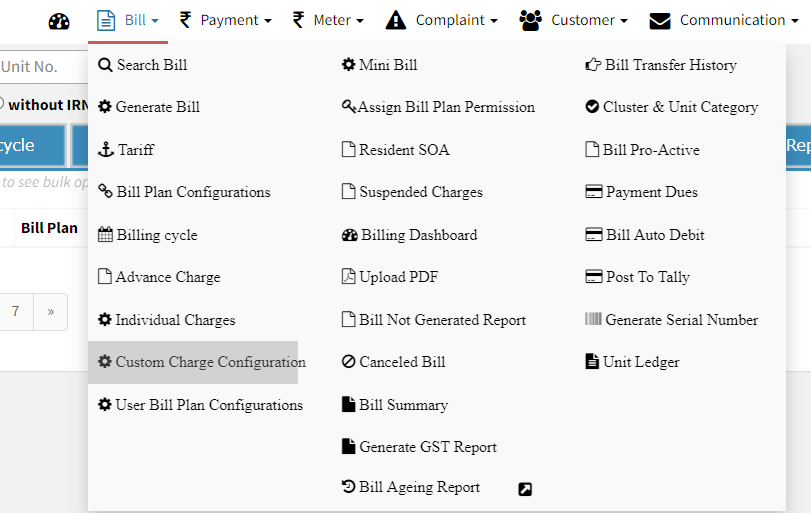
Click on Bill>>Custom Charge configuration ( refer screenshot)
Step 3.
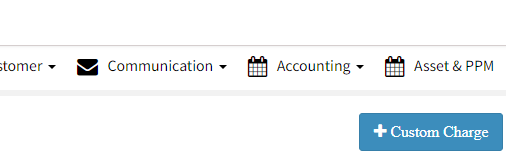
Click on + Custom Charge (refer screenshot)
Step 4.
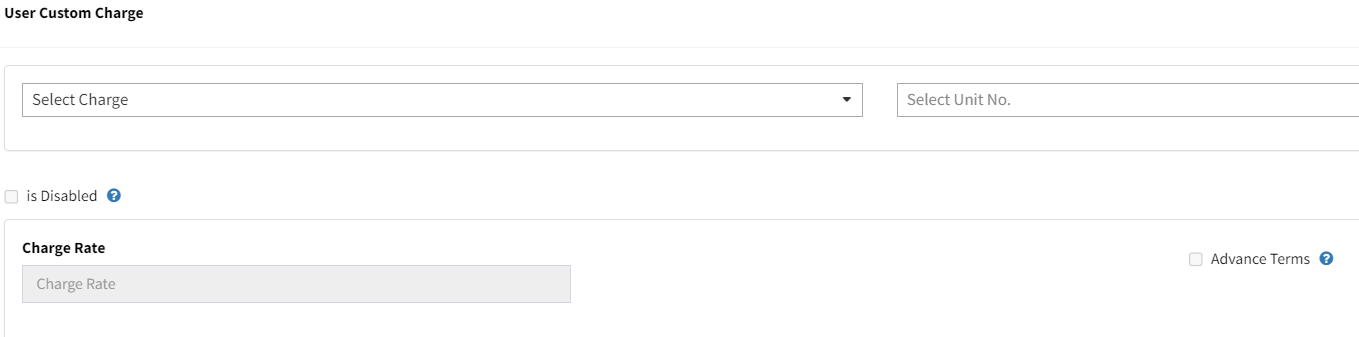
Now select the Charge & Unit no. and Custom charge rate ( refer screenshot)
Step 5.
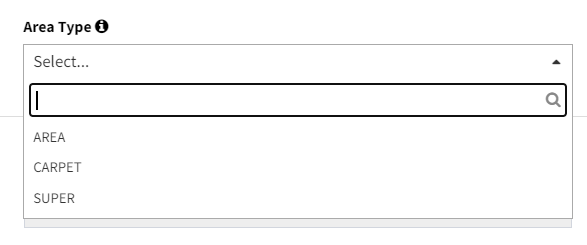
After selecting there will be options based on the charge to select area or add formula, enter details and save to add Custom Charge ( refer screenshot)
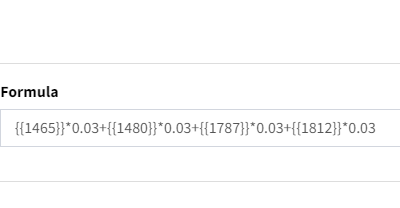
key Points -after saving you can change the rate , click on Custom Field (remarks) to add rate which to display ( refer screenshot)
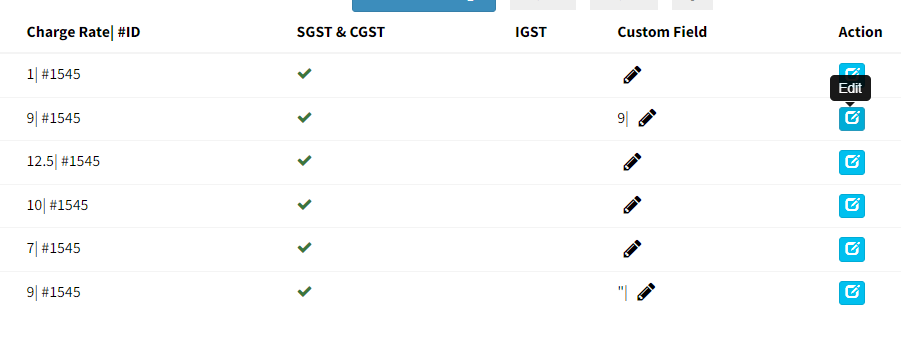
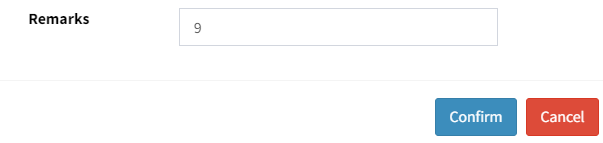
Your Custom Charge is Added successfully!!
Ready to Transform Your Facility Management?
See how Factech automates maintenance, assets, and compliance in one intelligent platform.
Let's Talk
Have questions about our AI-powered solutions? Our team is here to help you digitize your facility operations.
Ready to Transform Your Facility Management?
See how Factech automates maintenance, assets, and compliance in one intelligent platform.
Let's Talk
Have questions about our AI-powered solutions? Our team is here to help you digitize your facility operations.




