FAQ Category: Dashboard

How to use the category-wise Work Order report in Factech?

What is the category-wise work order status dashboard? Now a facility manager can see the dashboard as per the category of PPM . He/she can set the dashboard frequency-wise to check the daily operation. What are the benefits of a category-wise work order status dashboard- Check the operation as per the frequency. Easy configurable. Customized
Read more

How to Use Asset Tracking Field feature in Factech Automation?

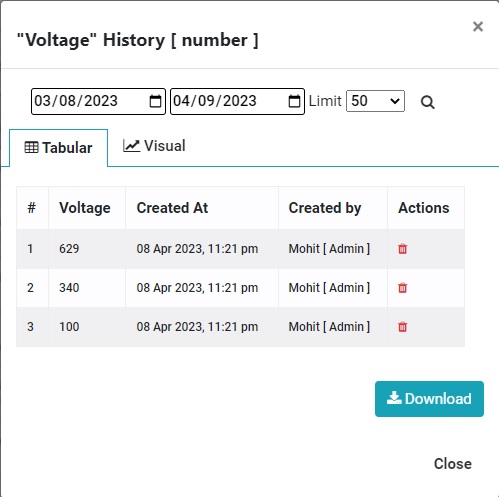
What is an Asset Tracking Field? Now a concerned person can track any field of PPM or Assets through Asset Tracking. What are the advantages of the Asset tracking Field? You can check your data through the dashboard. You can check the delta value(change value) Proper graphical presentation. Custom date range field. You can check

Read more

How to use Feedback System and Complain Management(Open to all) with single QR Code?

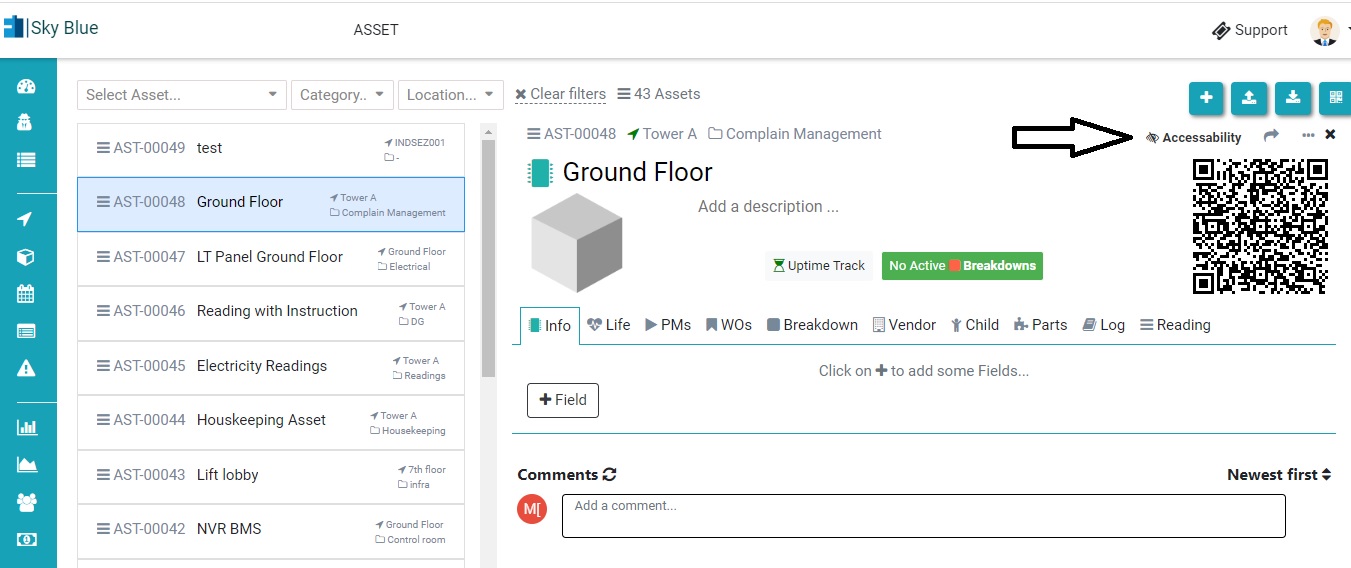
Now a user/client can raise a complaint without registering him/her in Factech software. An admin need to do some small configuration to activate this. Step 1. Add an Asset(or location) in Asset & PPM. Check the link below- How to add Asset- https://factech.ai/blog/ufaqs/how-to-add-asset-manually-in-kaizen/ Step 2. Click on accessibility. Step 3. Give permission like Survey, complaint,

Read more

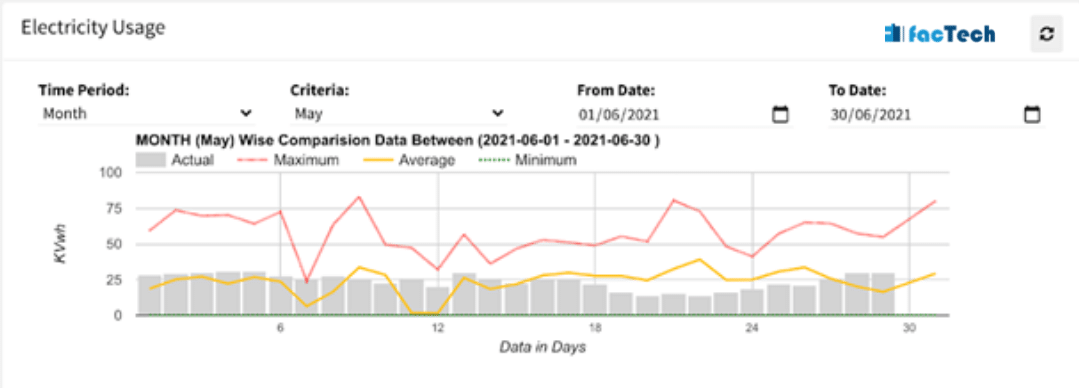
electricity monitoring and usage chart for a commercial office building

How to configure Electricity or Water Reading Logs?

Energy Consumption tracking is important to analyze: Comparing energy consumed during different days, months & dates Come up with energy saving strategy Predict energy demand in advance Analyze where most energy requirements are. Below is snapshot of Electricity usage chart.  After that steps are given how to populate this analytics along with log sheets. The

Read more

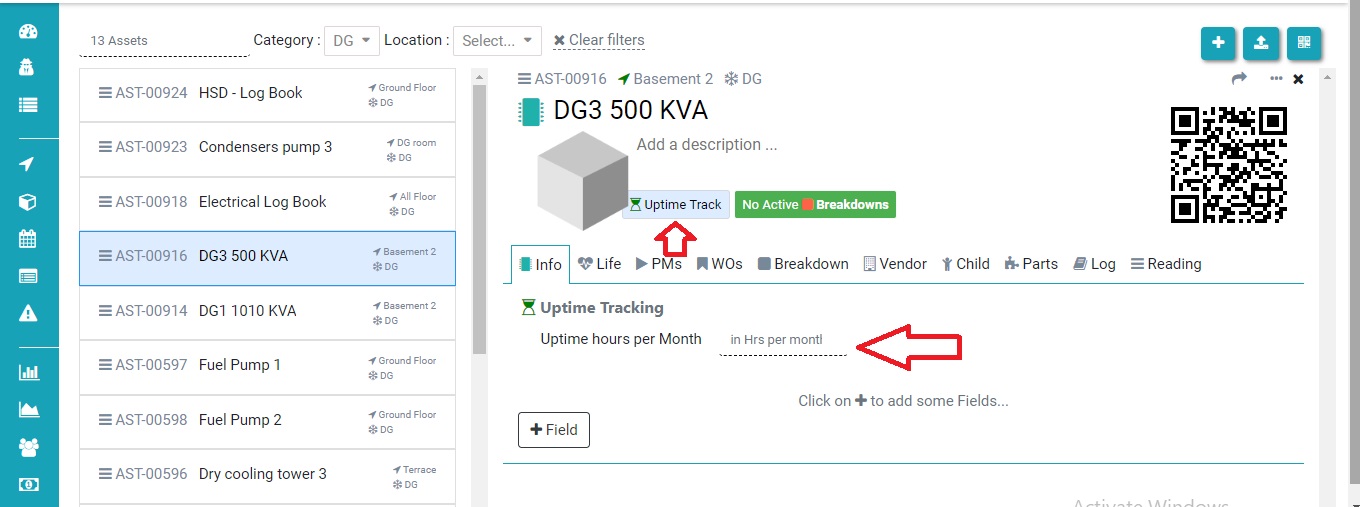
How to get data configured for uptime tracker?

Uptime tracker means how much your asset runs as per the schedule. In this FAQ we learn how to configure the data for uptime tracker. Step 1. Set the Uptime hours per Month for the Asset you want.( refer screenshot) Step 2. Add breakdowns as per the demand. Now you can see your dashboard reflecting

Read more

Hello ! If You Are Ready To Take Your Facility Management To Next Level...