
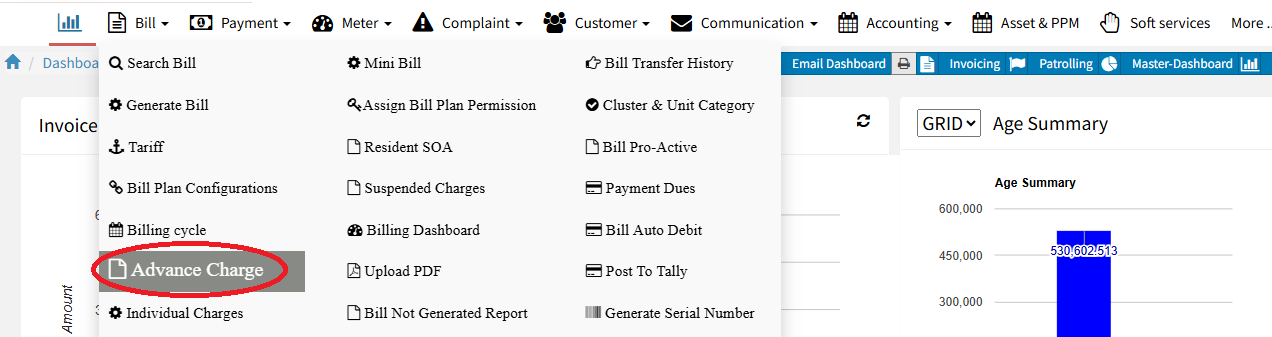
How to Download Advance Charge
The Advance Charge report helps check pending advances, reconcile payments, and verify client outstanding balances. It gives the accounts team a complete view of all clients in one Excel sheet. Only users with Advance Charge access (like Admin or Accounts) can download this report.
Steps to Download Advance Charges:
Login to Factech – Log in with your credentials at Factech Login.
Navigate to Advance Charge Module – Go to the Billing module and click on Advance Charge.
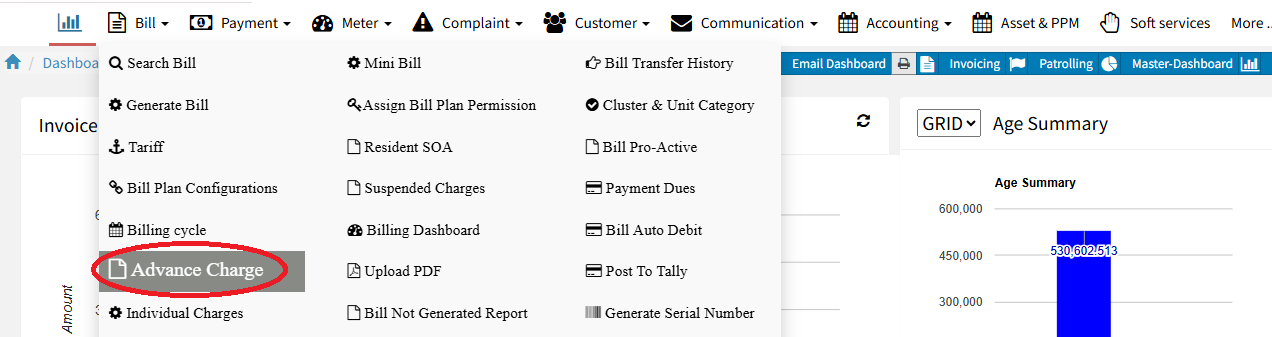
Click on Report – In the Advance Charge section, click the Report button.

Search by Cluster or Tower – Type the Cluster name and click Search to filter results.
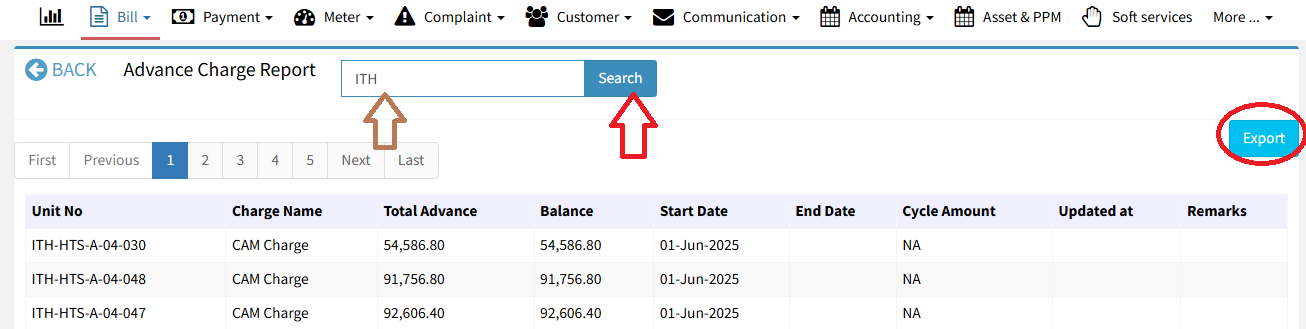
Export to Excel
Click the Export button to download the data in Excel format.


