How to add Schedule manually?
What is Schedule? The purpose of the Schedule is to add the frequency, instruction for a particular work order and map the same to respective asset. By doing this we got alerts…
 Simplifying Facilities...
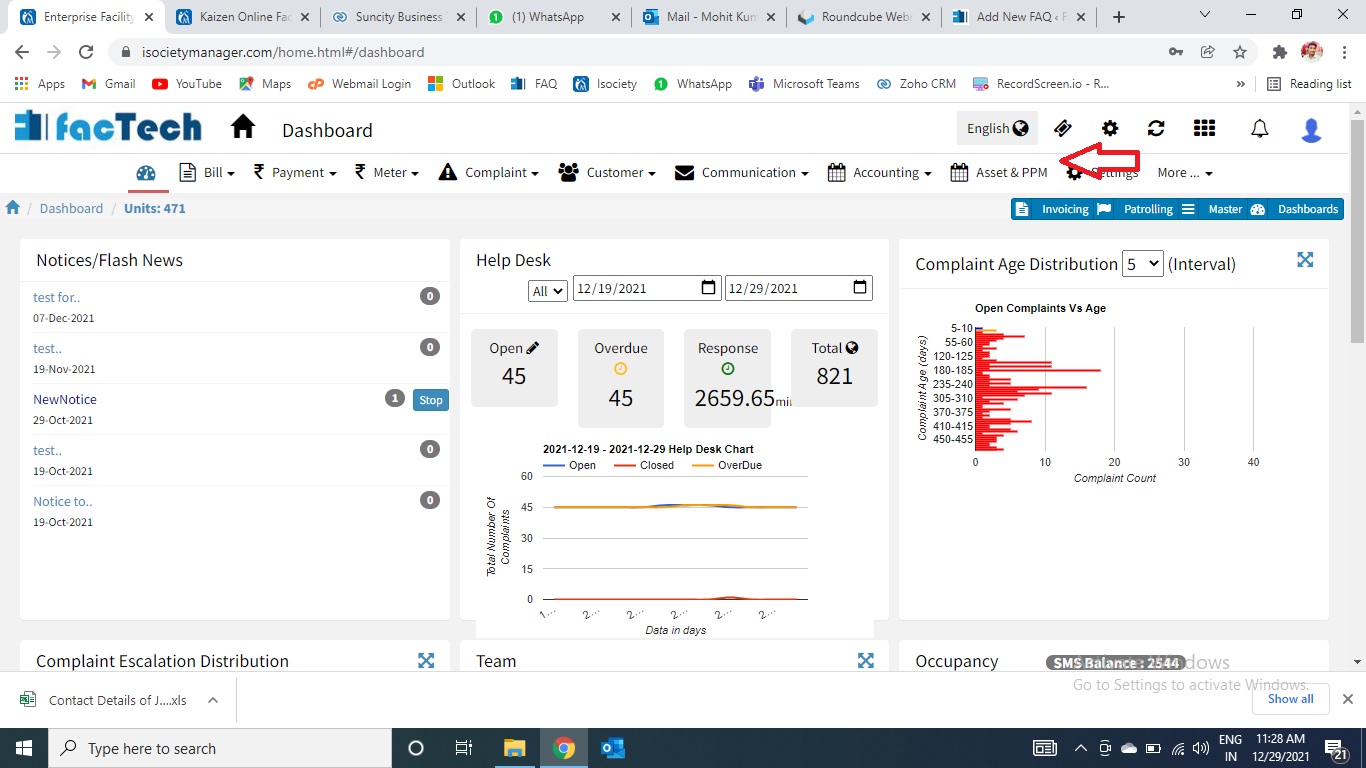
What is Schedule? The purpose of the Schedule is to add the frequency, instruction for a particular work order and map the same to respective asset. By doing this we got alerts…
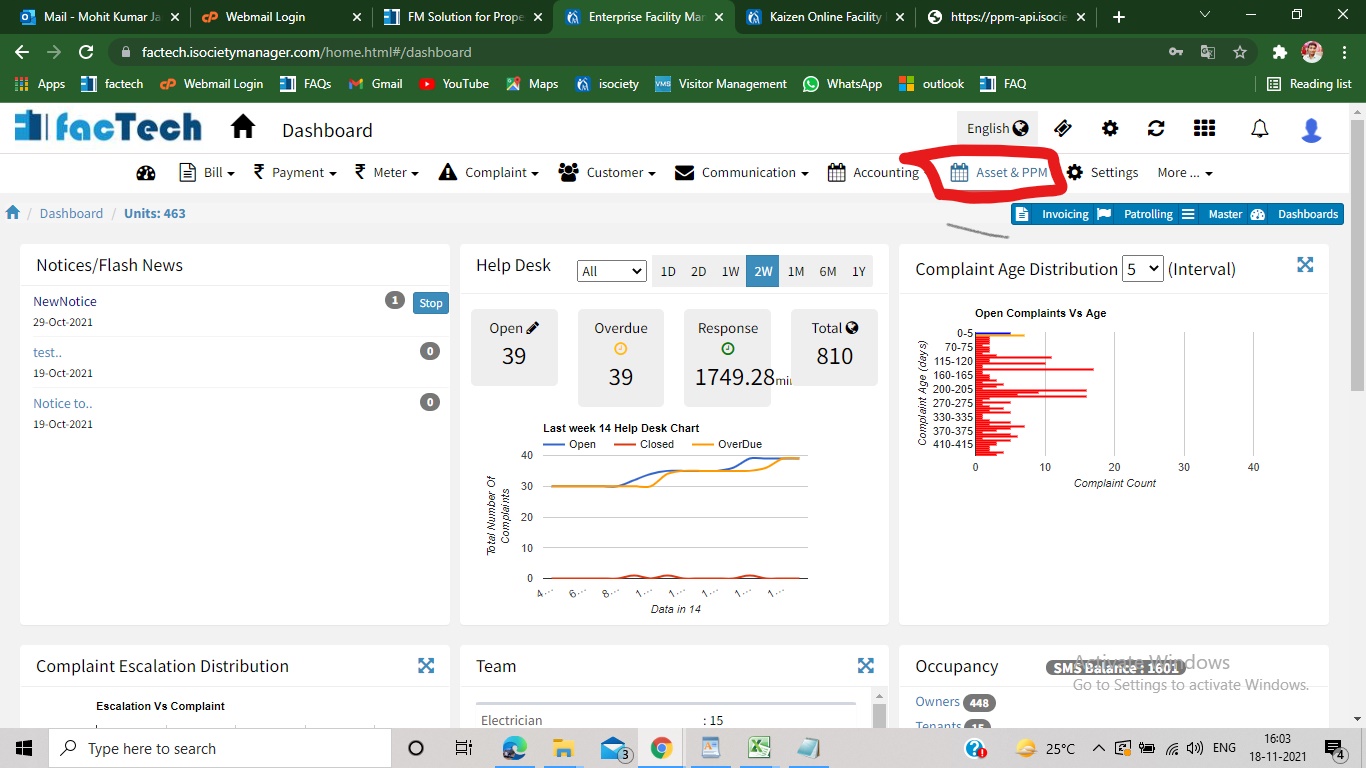
Step 1. Sign in to factech.co.in using your login id and password. Step 2. Click on Asset & PPM tab available on the upper right of the screen.(refer Screenshot) Step 3. After…