
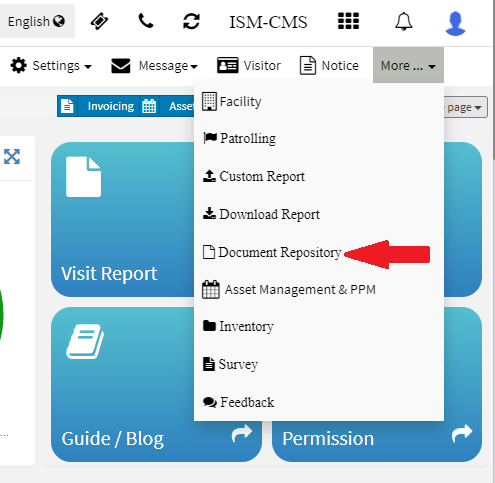
How to download the uploaded document for units?
iSocietyManager helps you download the document for the units which you uploaded in document repository. The following are the steps provided :- Go to More Menu Click on Document Repository. Now enter the unit for which you want to download the units. Now Click on image icon to download the document. Once you click on