How to adjust stock in the inventory Management?
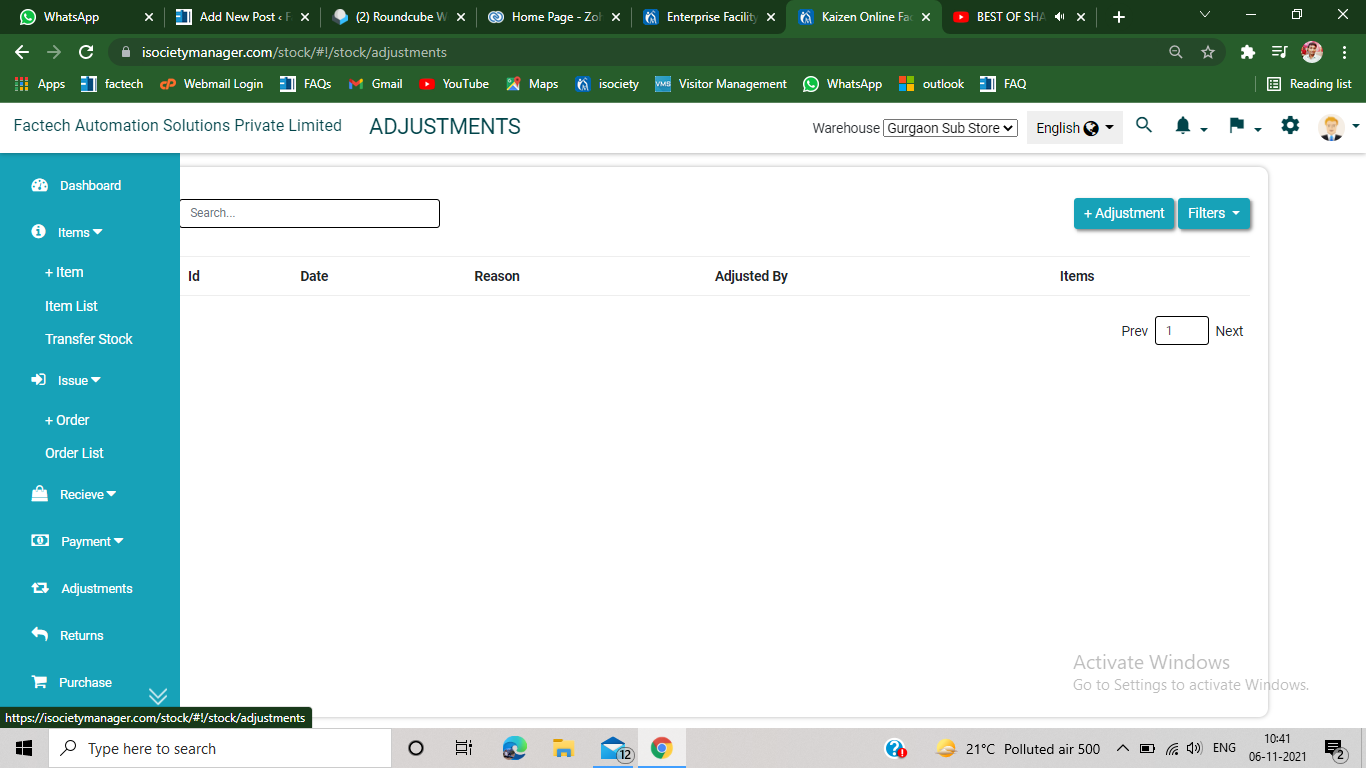
Step 1. Click on the adjustment section, appears on the left side of the inventory management page. Step 2. Click on +Adjustment option, appears on the upper right side of the screen.…
 Simplifying Facilities...
Step 1. Click on the adjustment section, appears on the left side of the inventory management page. Step 2. Click on +Adjustment option, appears on the upper right side of the screen.…