How to add item in Inventory Management?
Step 1. From the upper left side of the inventory management, you will see an option of +item under item section. Step 2. Click on +item, the following screen will appears on…
 Simplifying Facilities...
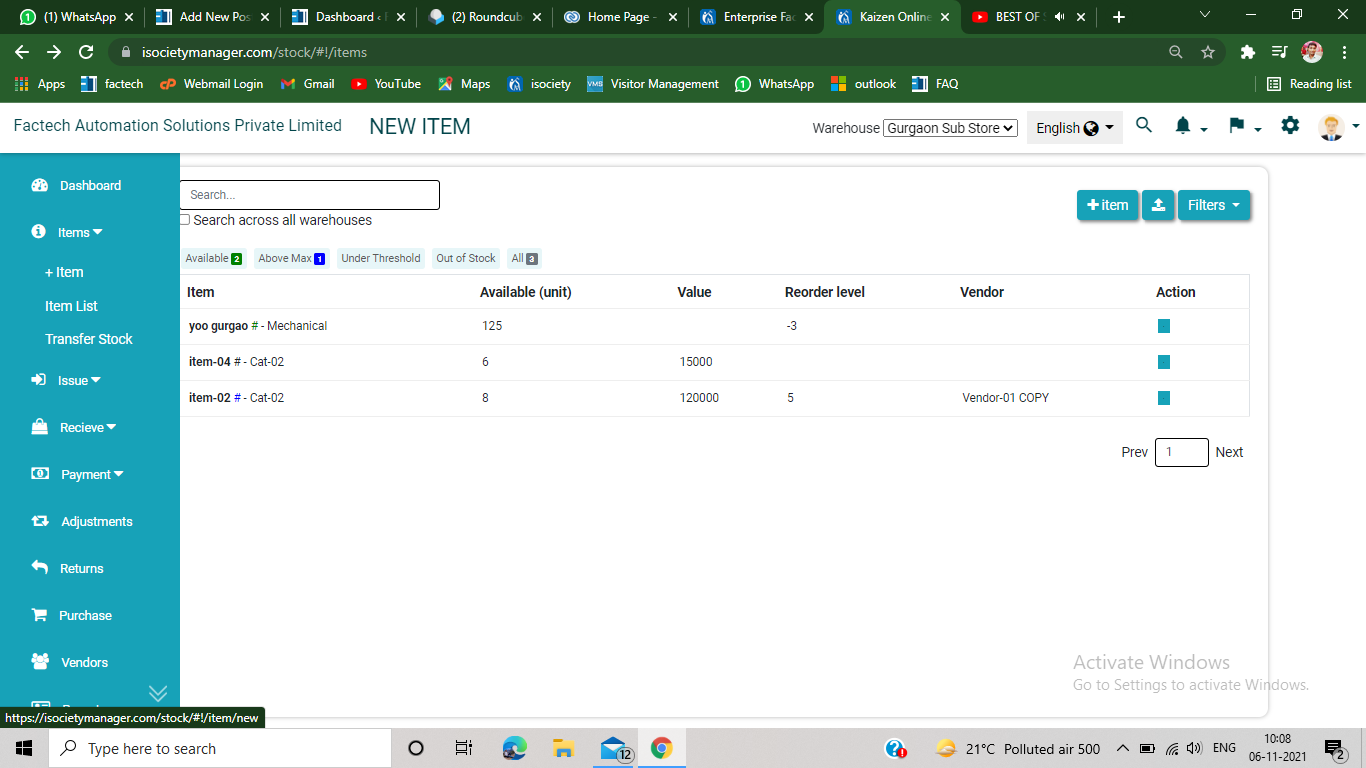
Step 1. From the upper left side of the inventory management, you will see an option of +item under item section. Step 2. Click on +item, the following screen will appears on…
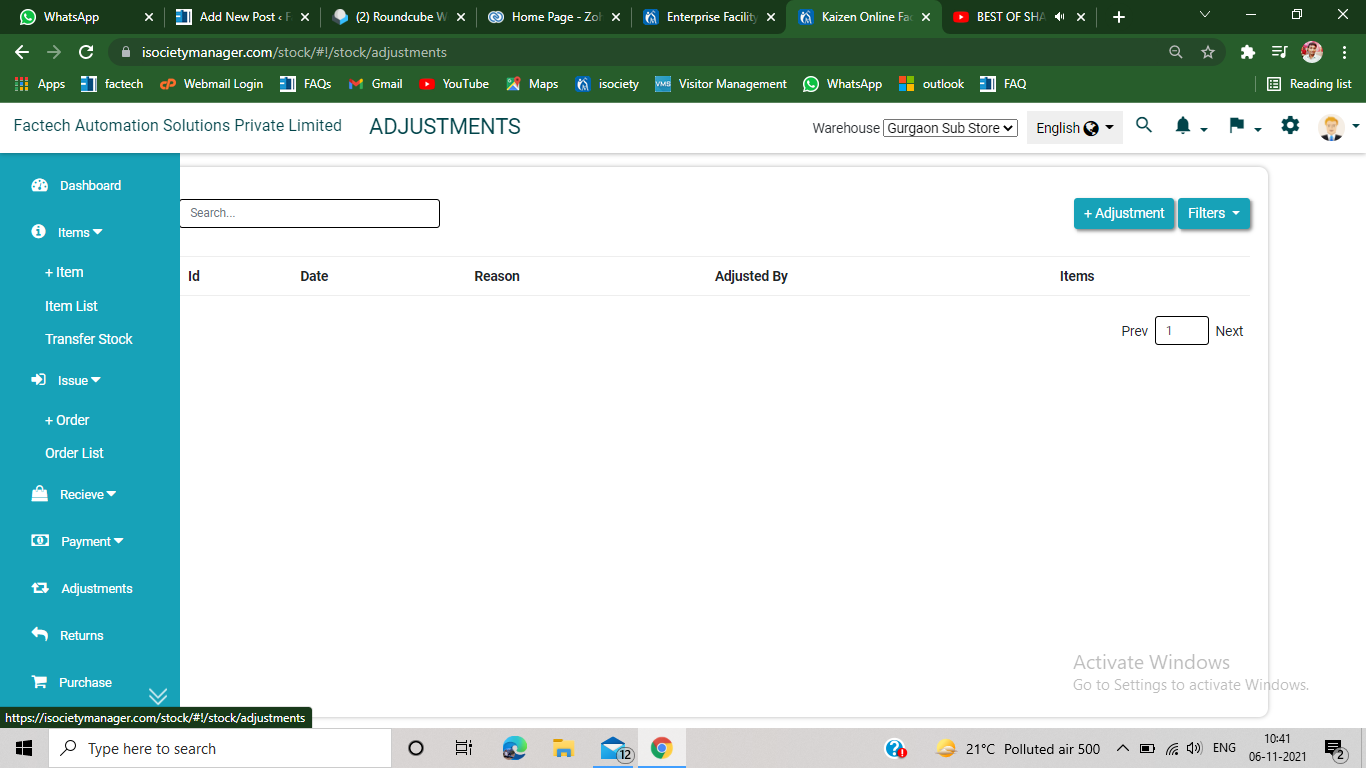
Step 1. Click on the adjustment section, appears on the left side of the inventory management page. Step 2. Click on +Adjustment option, appears on the upper right side of the screen.…