How to add New Vendor to Inventory or Purchase or Asset?
Step 1. Click on the vendor option from the left bottom of the screen( refer screenshot) Step 2. Click on the +vendor option from the upper left of the screen. Step 3.…
 Simplifying Facilities...
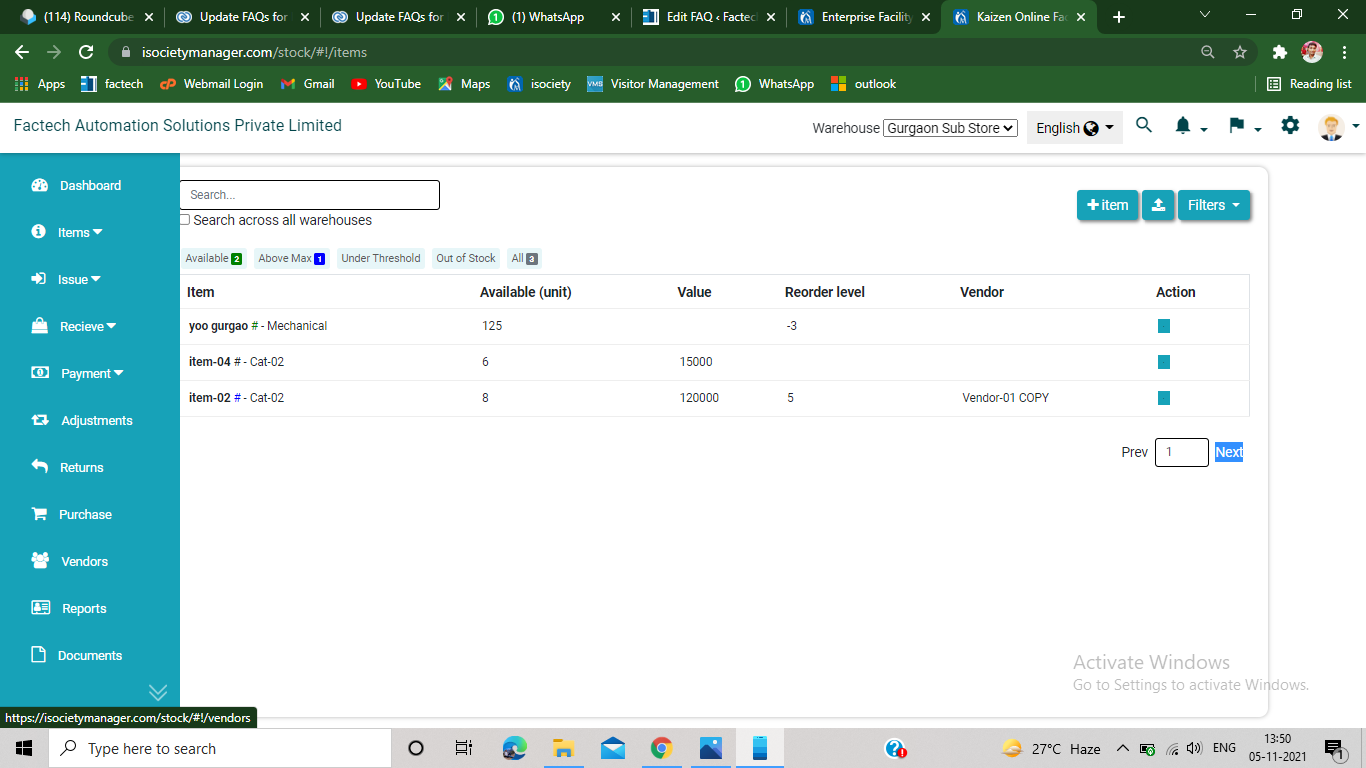
Step 1. Click on the vendor option from the left bottom of the screen( refer screenshot) Step 2. Click on the +vendor option from the upper left of the screen. Step 3.…