How to raise a request for change in PO/ PR?
Step 1. Start by clicking “Request a change” for any changes you need in the PO/PR Step 2. Next, write down the changes you want. If you’re asking someone who didn’t create…
 Simplifying Facilities...
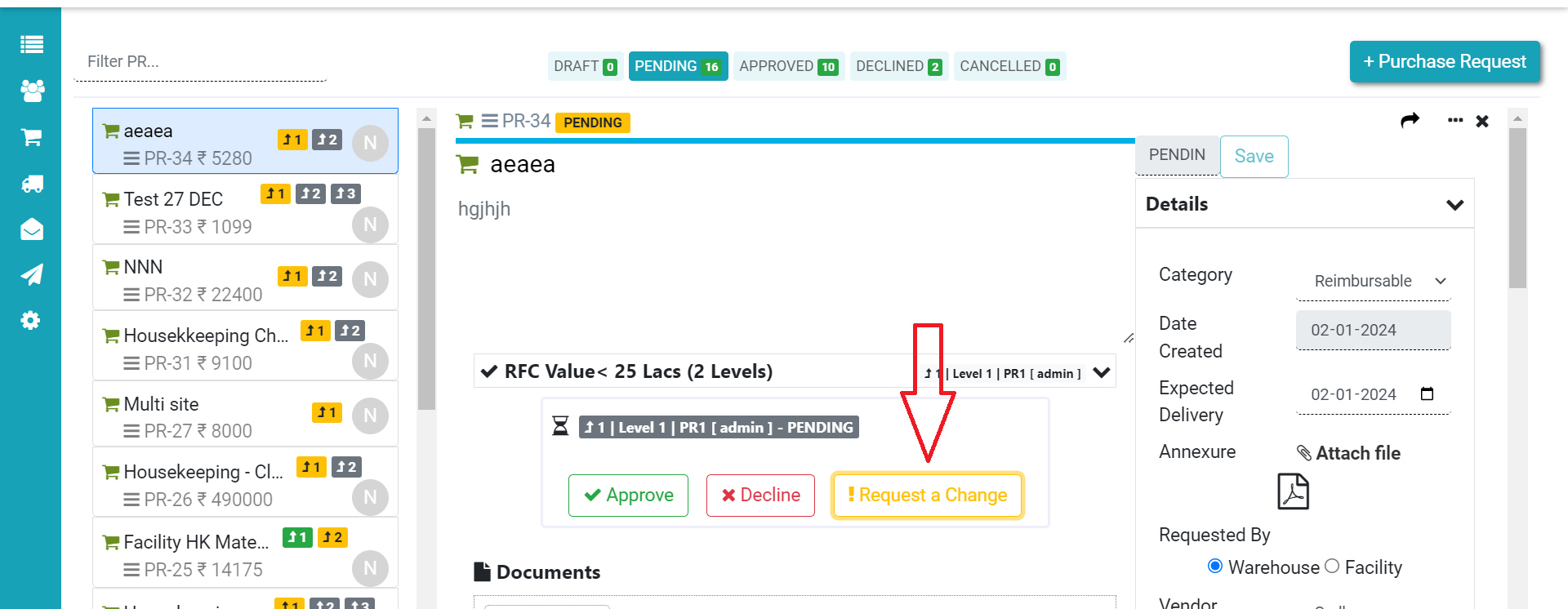
Step 1. Start by clicking “Request a change” for any changes you need in the PO/PR Step 2. Next, write down the changes you want. If you’re asking someone who didn’t create…
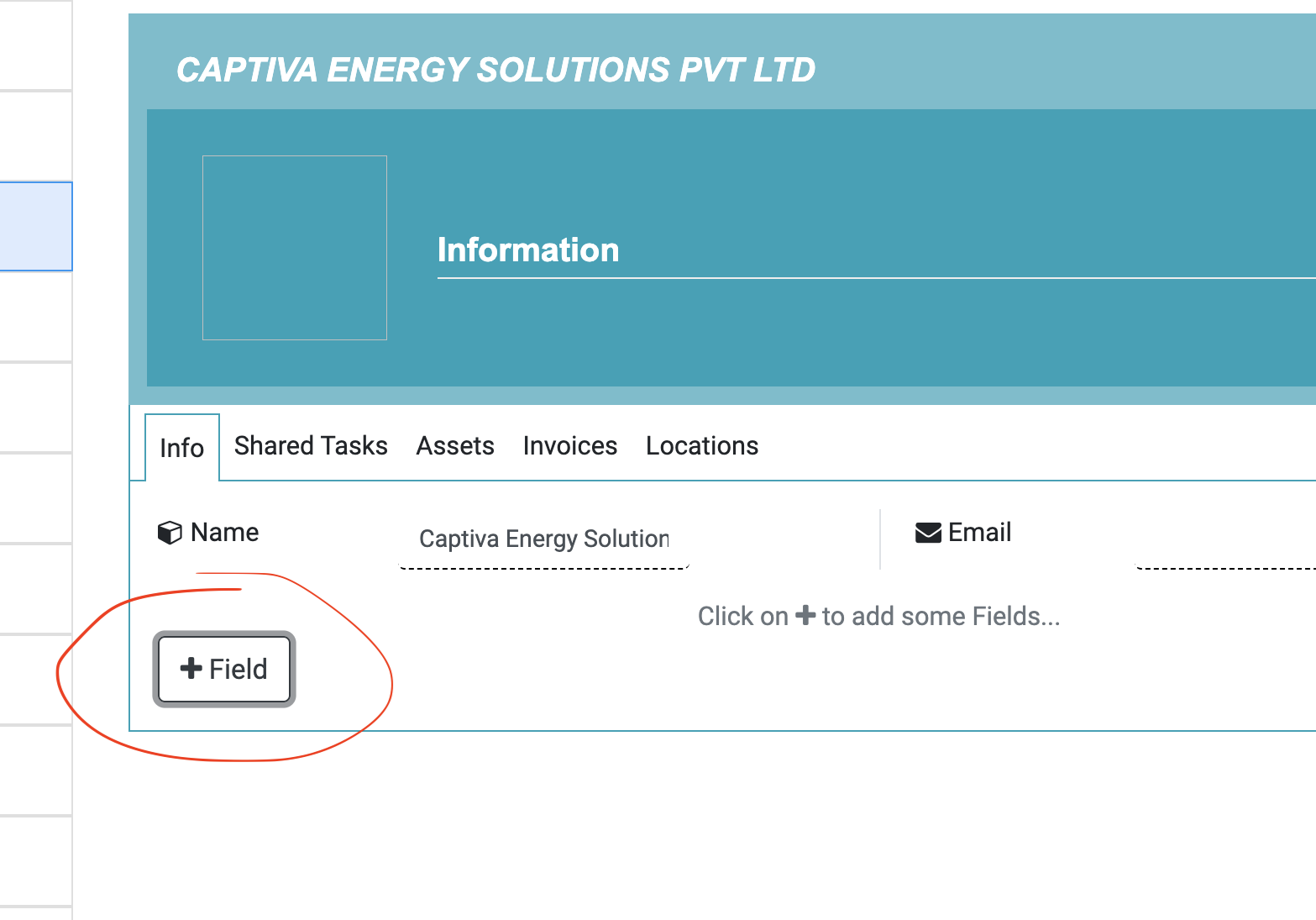
Q: I have added a new Vendor, but when I download pdf of PO – that doesn’t show Vendor Address, Code, GST etc. Ans: PO template uses vendor different fields so that…
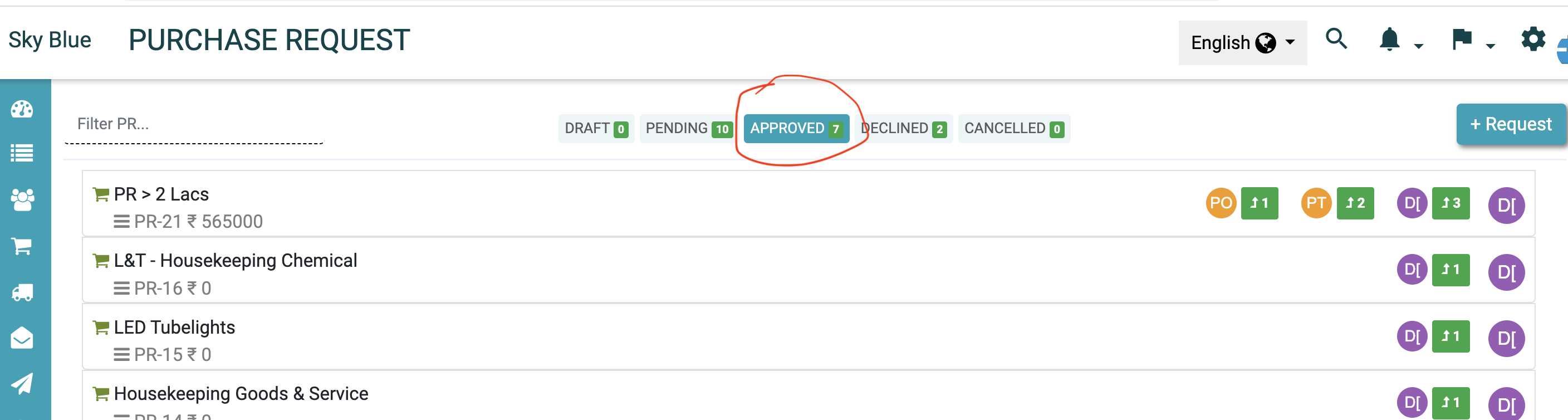
If you have the relevant permissions, You can create Purchase Order (PO): From existing Purchase Request From scratch i.e. without PR. To create a PO from PR 1. Go to Approved PR…

Advantages of Procurement Software Below are some benefits of Purchase Process automation through system like Factech. Streamlined Procurement Processes: Procurement software automates and streamlines various procurement processes, such as supplier management, purchasing,…
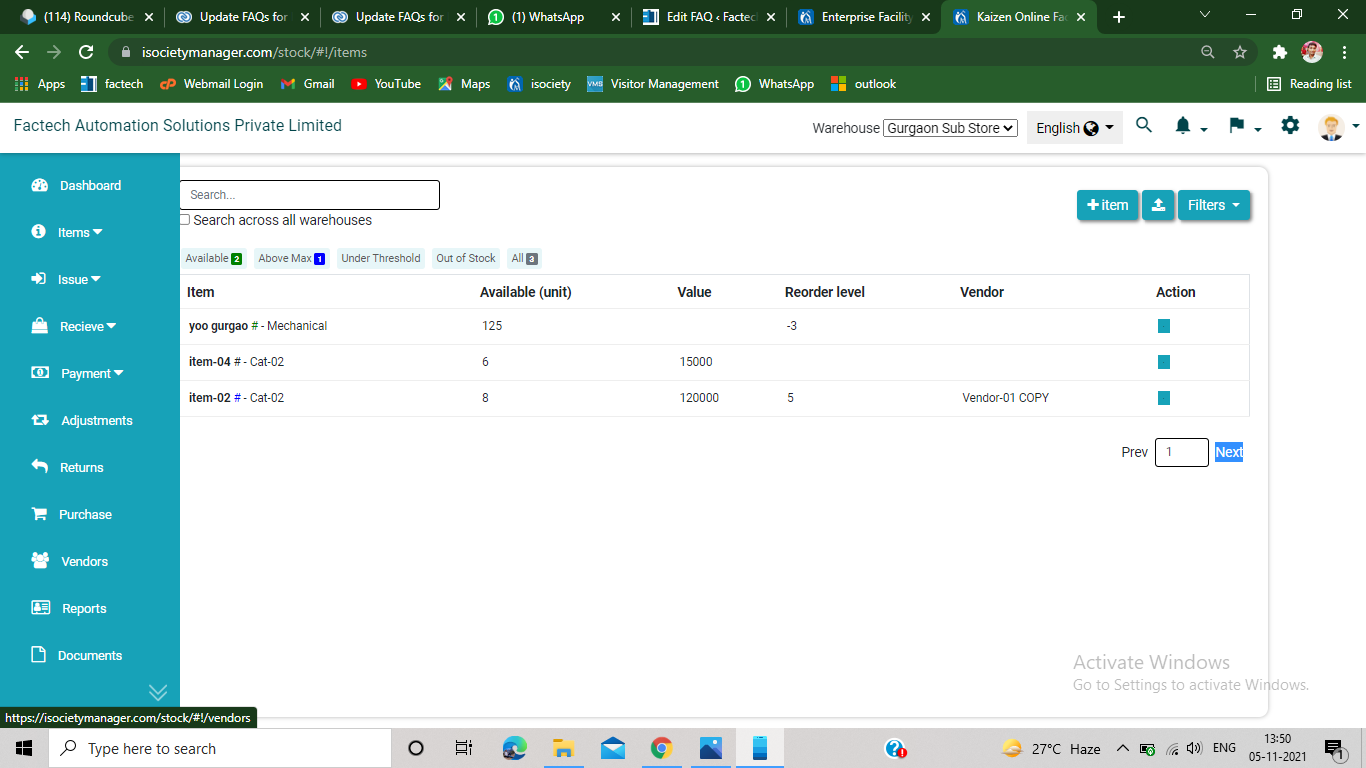
Step 1. Click on the vendor option from the left bottom of the screen( refer screenshot) Step 2. Click on the +vendor option from the upper left of the screen. Step 3.…
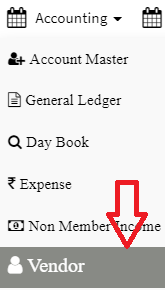
Step 1: Go to Main Menu (Accounting), Select “Vendor” option from drop down menu Step 2: click on “Add Bill” option from left drop down menu, enter details and click on “Add…