
FAQ Category: PPM
What to do in case technician app unable to recognize a QR Code?
Sometime it happens that you tried to scan the QR code through the technician app and you scan the QR code, but the system doesn’t recognize the QR code. There are multiple…
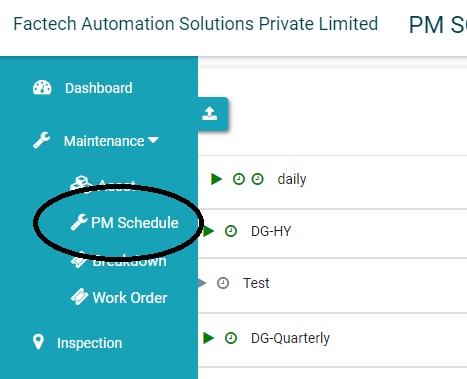
How to activate and deactivate PPM Schedule?
Sometimes we need to deactivate PM schedules for some time so that Jobs or Work Orders not get created by the System. Example- If any equipment or machine is down for some…
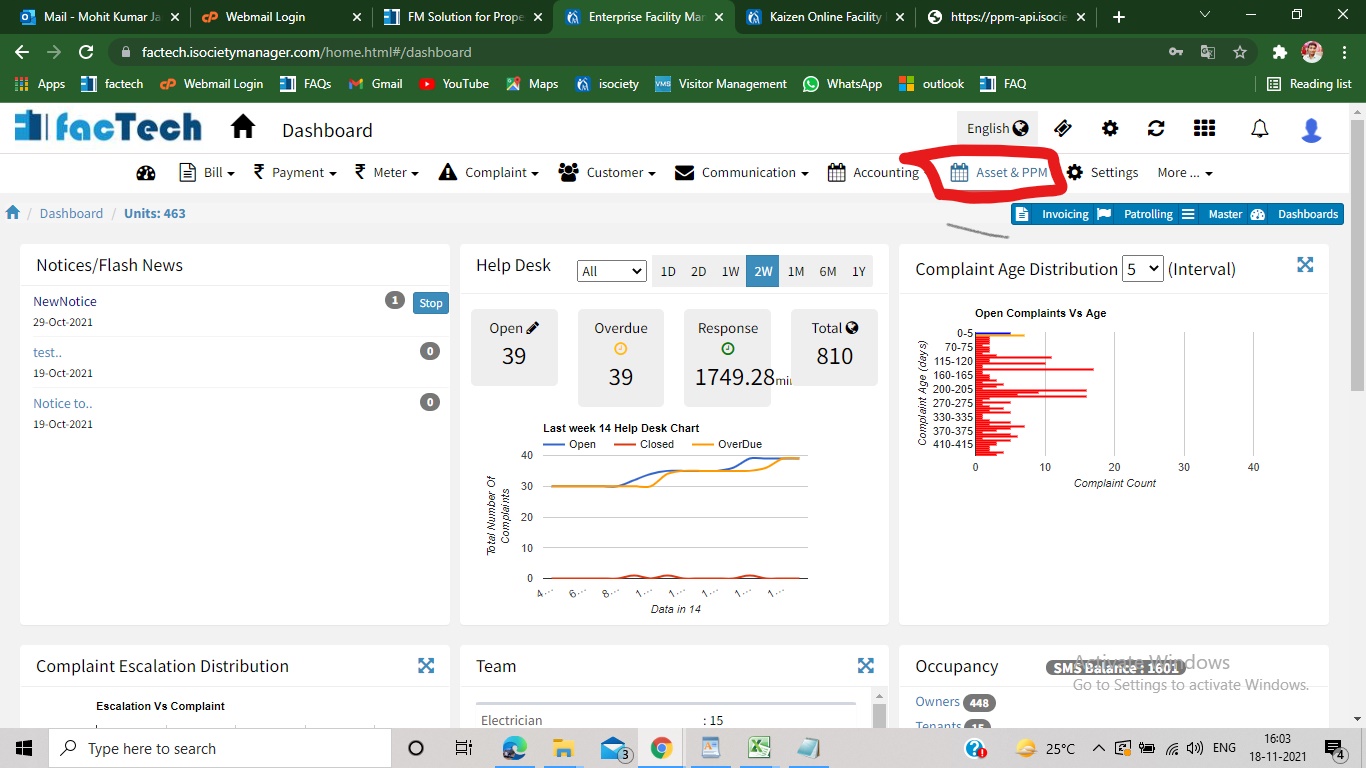
How to Print QR Code in Asset Management?
Step 1. Sign in to https://factech.co.in using your login id and password. Step 2. Click on Asset&PPM tab, available on the upper right of the screen. Step 3. From the left side…
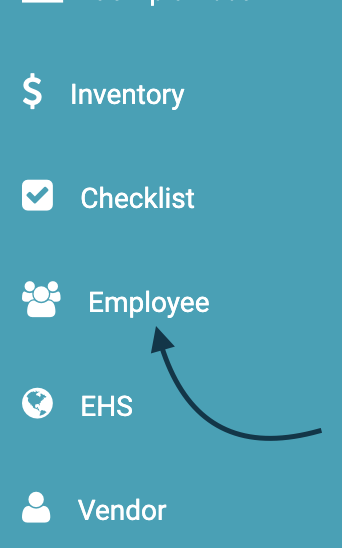
Add Employee & Staff | KaiZen
Admin with permission to add User can add the staff in the system through main admin view as well as from the KaiZen view. Here is the demonstration to add Employee from…

What are different reports in Kaizen?
Kaizen system is used to simplify and automate Facility Operations for Hard FM or Engineering Services Soft FM including housekeeping services Kaizen reports can be categorized in below: Work Order / Maintenance…