Site’s Logo On Asset QR Code
We are excited to announce a new update to the Asset QR code view in the FacTech system. Now, we can download the Asset QR Codes along with the site’s logo, which…
 Simplifying Facilities...

We are excited to announce a new update to the Asset QR code view in the FacTech system. Now, we can download the Asset QR Codes along with the site’s logo, which…
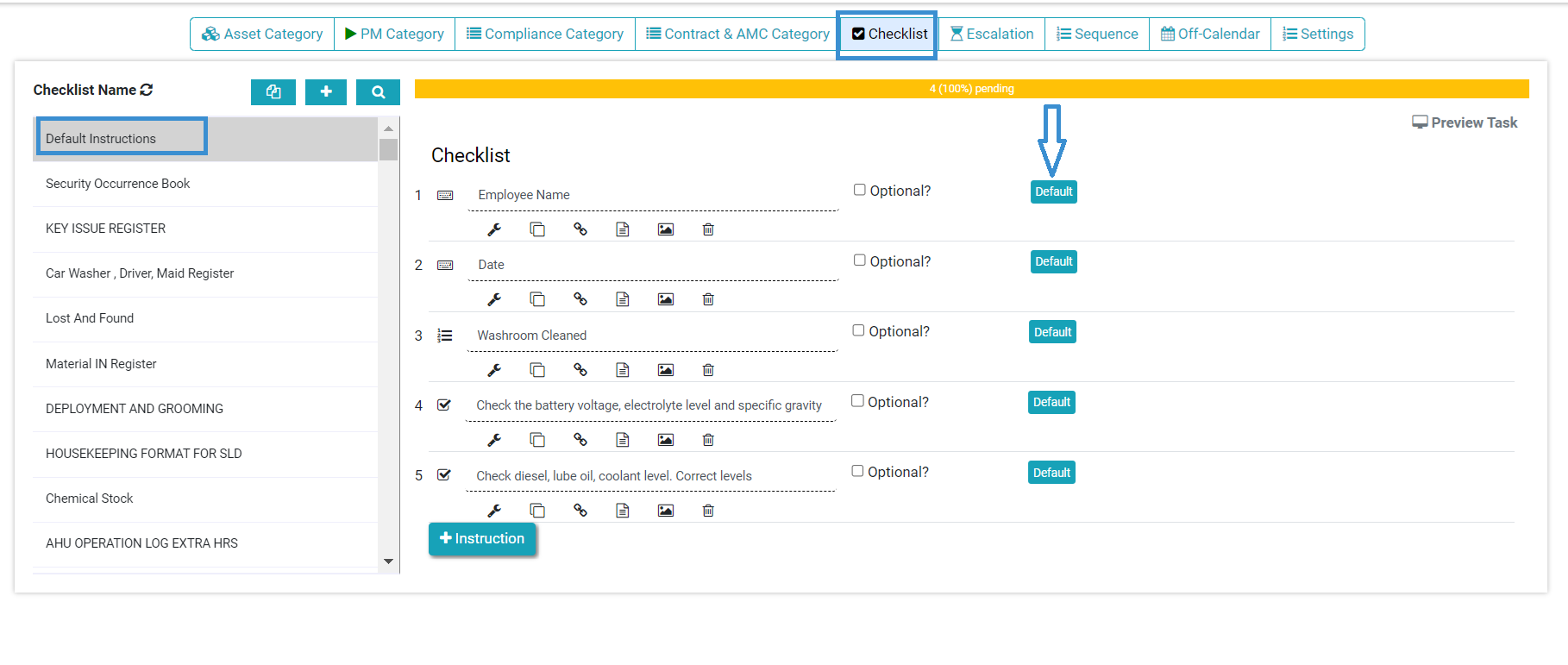
Previously, the FacTech system did not have a pre-filled checklist feature. Now, we can add a pre-filled checklist with default values, which means the system will provide prefilled instructions once we set…
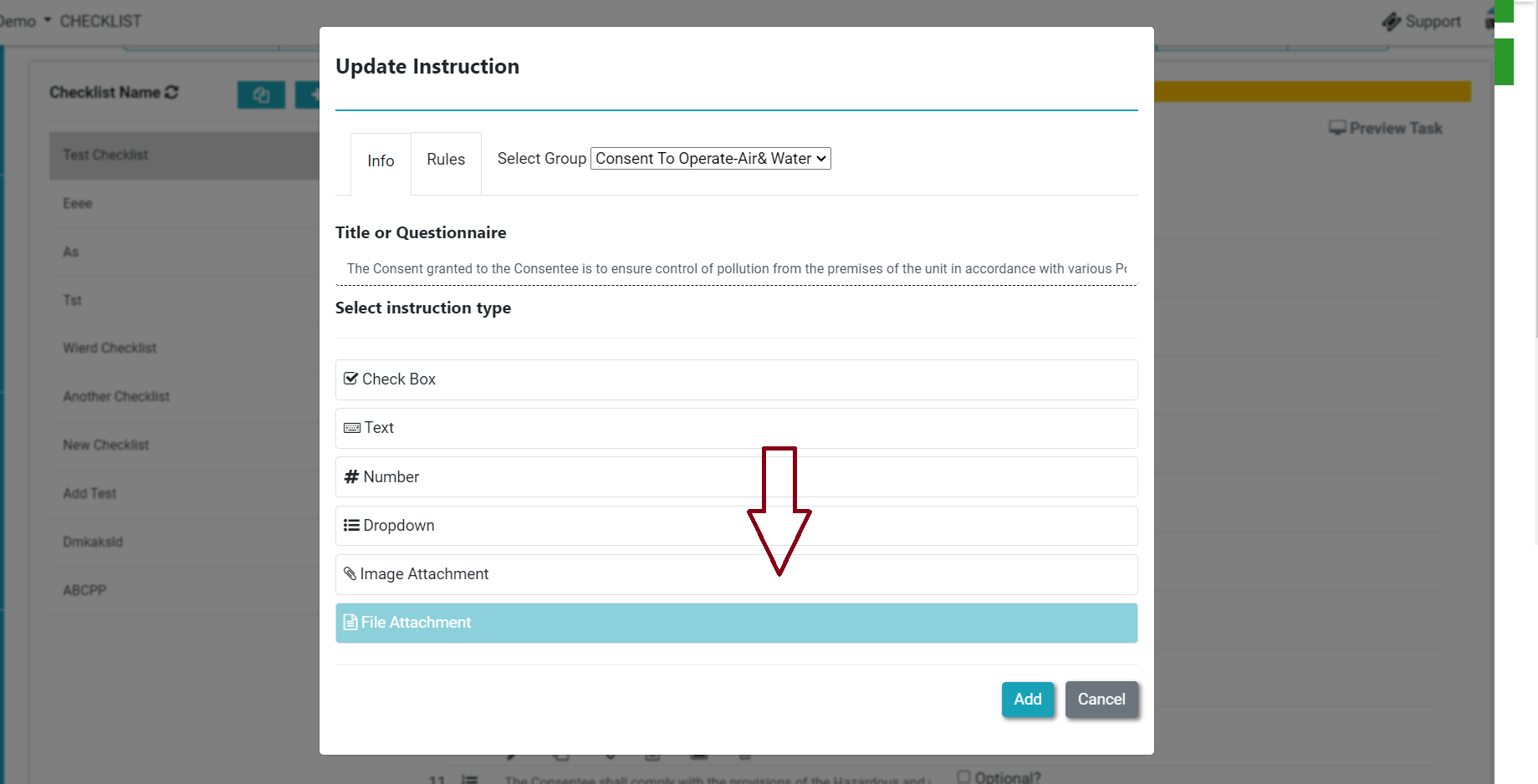
Previously, we could take only live photos as per the instructions. Now we can add both, live pictures and documents from the instructions. It enables the facility manager to upload related documents…
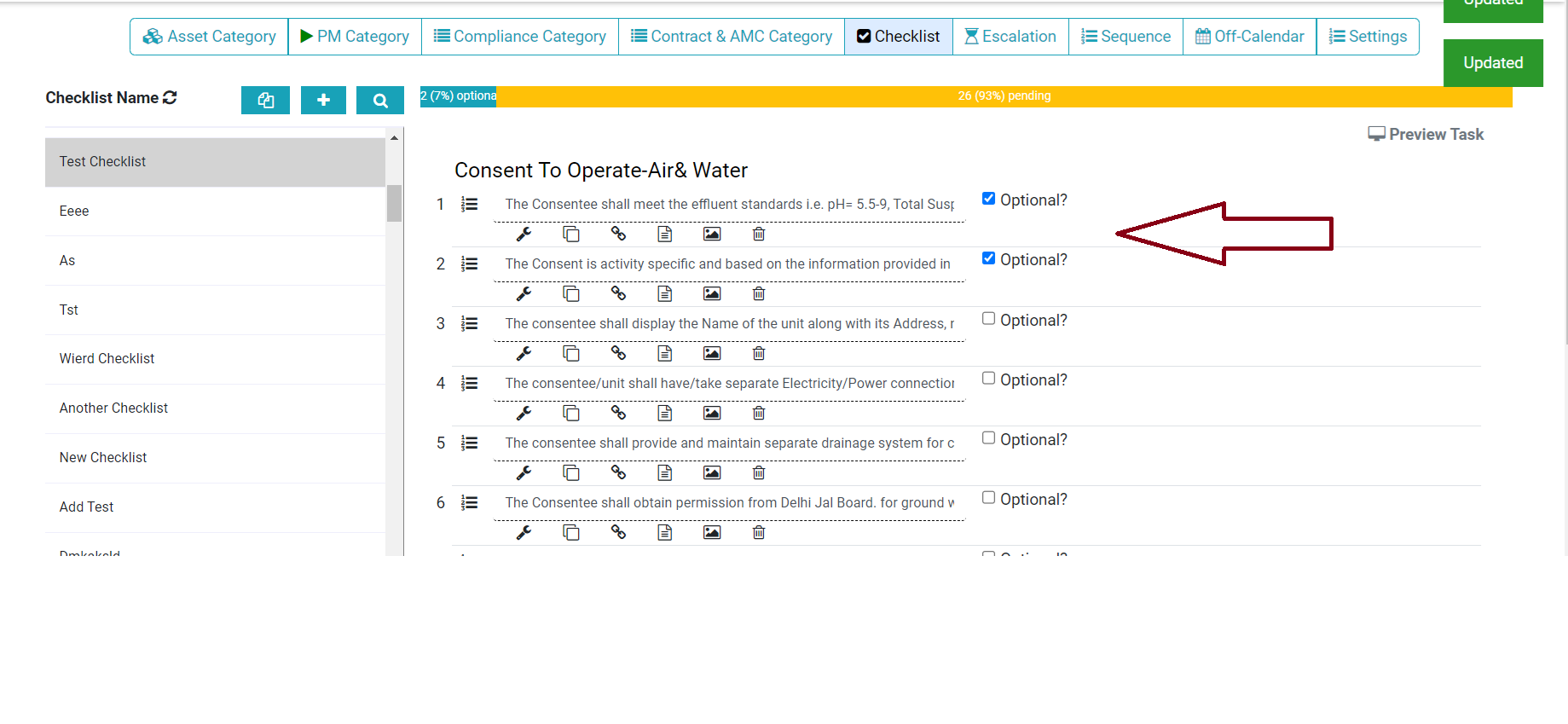
Now we can add the optional instruction in the checklist. This enables the facility manager to add instructions that are not recurring. Check the step below to configure optional instruction. Step 1.…
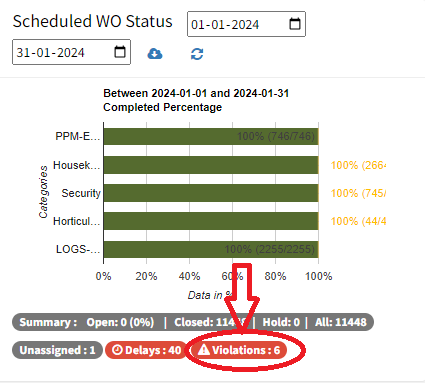
Violations occur when a condition specified in the checklist (e.g., equal, not equal to) does not match the expected result. Follow are steps to see all violations in a checklist Log in…
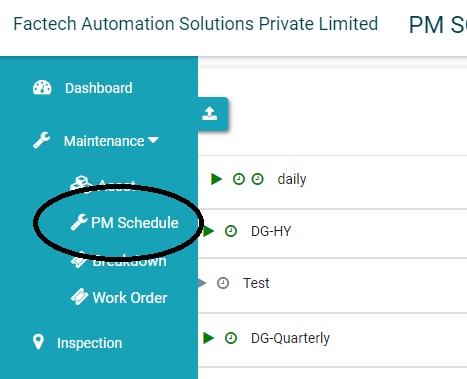
As admin, if you have update permission for schedule you can set off any week days on which you don’t want to create schedules. 1. Go to PM Schedule and open the…