
FAQ Category: Dashboard

How to add Sub-Location in Common Area Loaction?

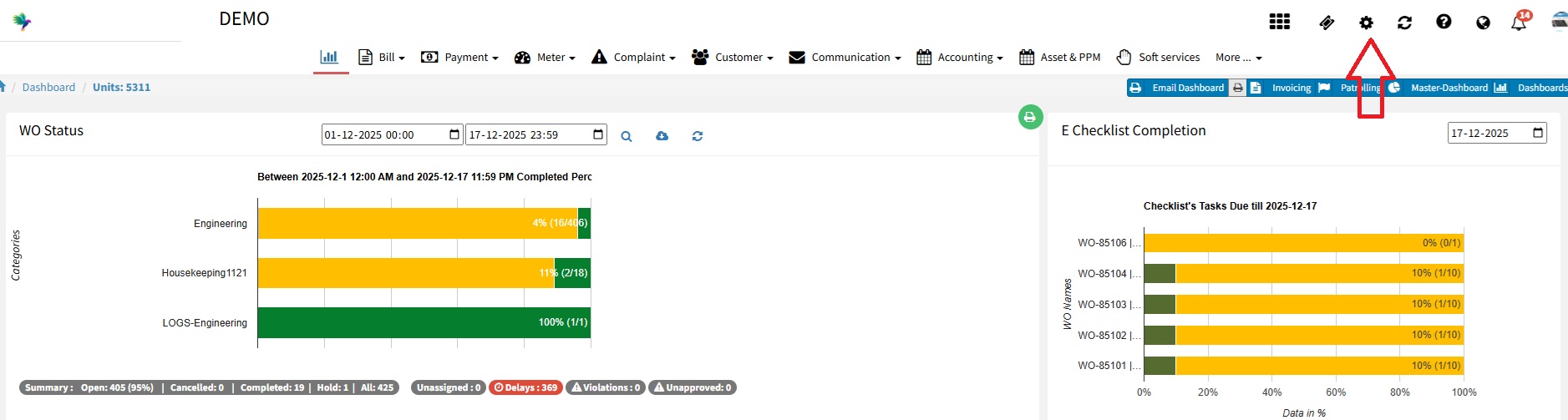
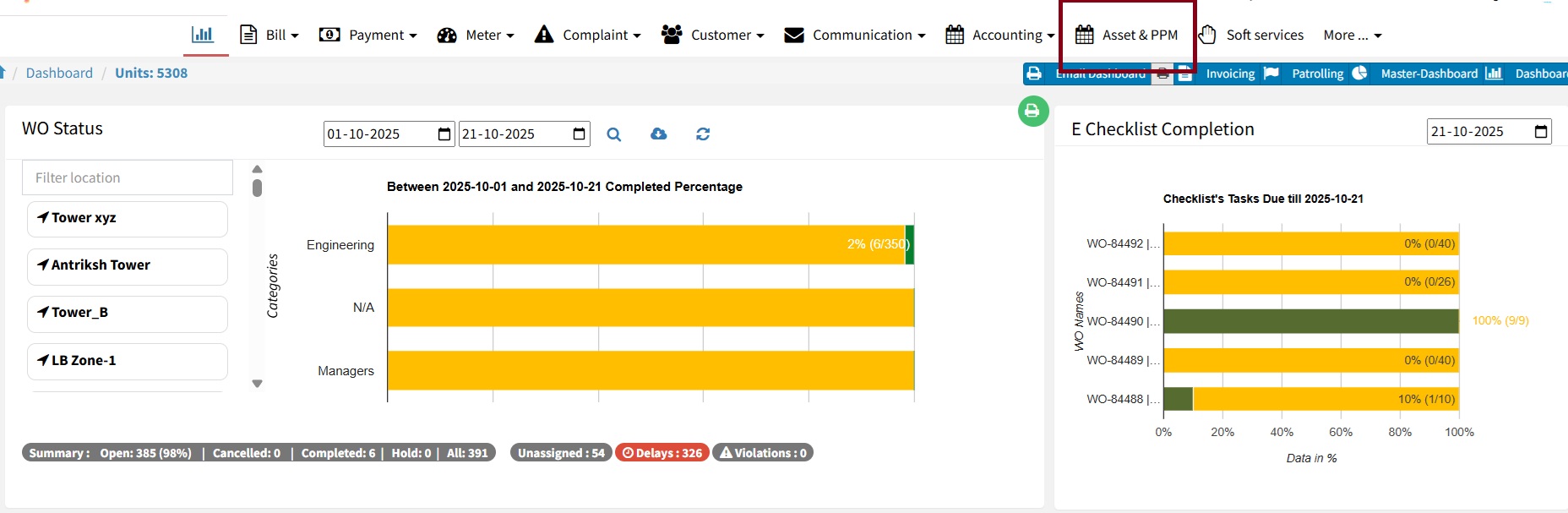
Now you can add sub-location to common area location list. You can set multiple sub-location chain based on primary location. Below are the steps to add sub-location. Step 1 Log in to https://factech.ai/ with the admin credential. Step 2 Go to the setting and select Complaint Configuration- Step 3 Go to the common area list
Read more

How to Enable Geo-Fencing for Checklists and Attendance??

Overview FacTech has introduced a Geo-Fencing feature that allows site locations to be mapped within the system. With this feature enabled, ground staff can mark attendance and fill checklists only when they are physically present within the defined site location. The location range (radius) can be configured by the concerned authority based on site requirements.

Read more

Housekeeping and Technical Checklist Separation

At FacTech, we are continuously working to enhance your CAFM experience based on valuable client feedback. Previously, both Housekeeping and Technical Checklists were managed under a single module, separated only by categories (for example, HK for Housekeeping and Electrical/Mechanical for Technical). To improve clarity, speed, and reporting, we have now separated them into two dedicated

Read more

How to Access the Master Dashboard?

The Master Dashboard provides a consolidated view of all data across multiple sites, including complaints, work orders, assets, and performance metrics.Using it helps you monitor, analyze, and manage site data efficiently from a single interface. Steps to view the Master Dashboard: 1. Login: Access your Factech account 2. Open Master Dashboard: Click on Master Dashboard

Read more

How to configure multi-site dashboard in FacTech

Previously, we did not have a Multi-Site Dashboard (Enterprise Dashboard) feature in the FacTech system. Now, we can configure multi-site dashboard functionality on a single site, allowing us to track data from multiple sites through a single dashboard. To configure the Multi-Site dashboard(Enterprise Dashboard) we need to follow these steps: Step 1: Log in to

Read more

Hello ! If You Are Ready To Take Your Facility Management To Next Level...