FAQ Category: customer

customer app related faq

How to add Sub-Location in Common Area Loaction?

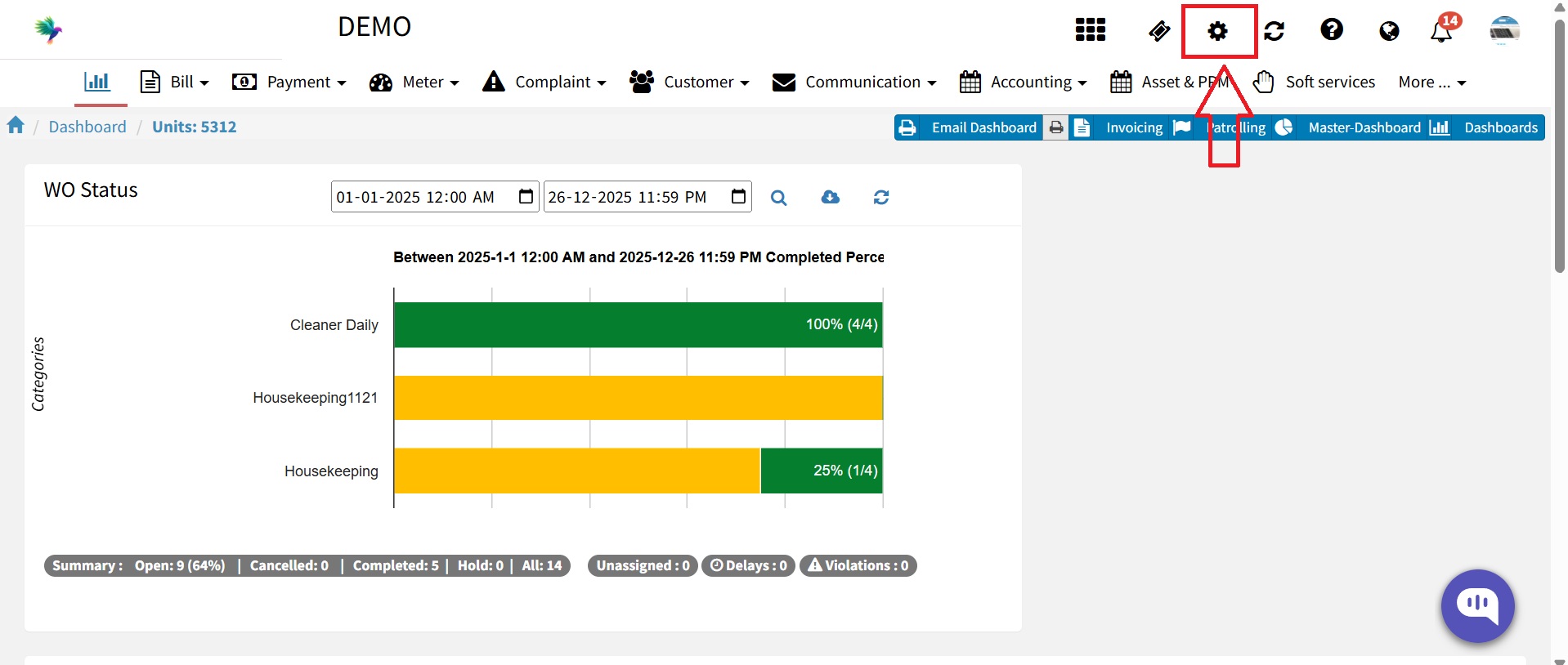
Now you can add sub-location to common area location list. You can set multiple sub-location chain based on primary location. Below are the steps to add sub-location. Step 1 Log in to https://factech.ai/ with the admin credential. Step 2 Go to the setting and select Complaint Configuration- Step 3 Go to the common area list
Read more

How to Add Job Card Custom Fields?

Factech Automation allow users to add Job Card Custom fields to a job card based on their specific operational requirements. These fields help capture extra information. Follow the steps below to add Job card custom fileds: Log in to the Factech application. (Users with appropriate admin or configuration access can add and manage Job Card

Read more

Complaint Multi Site Enterprises Dashboard

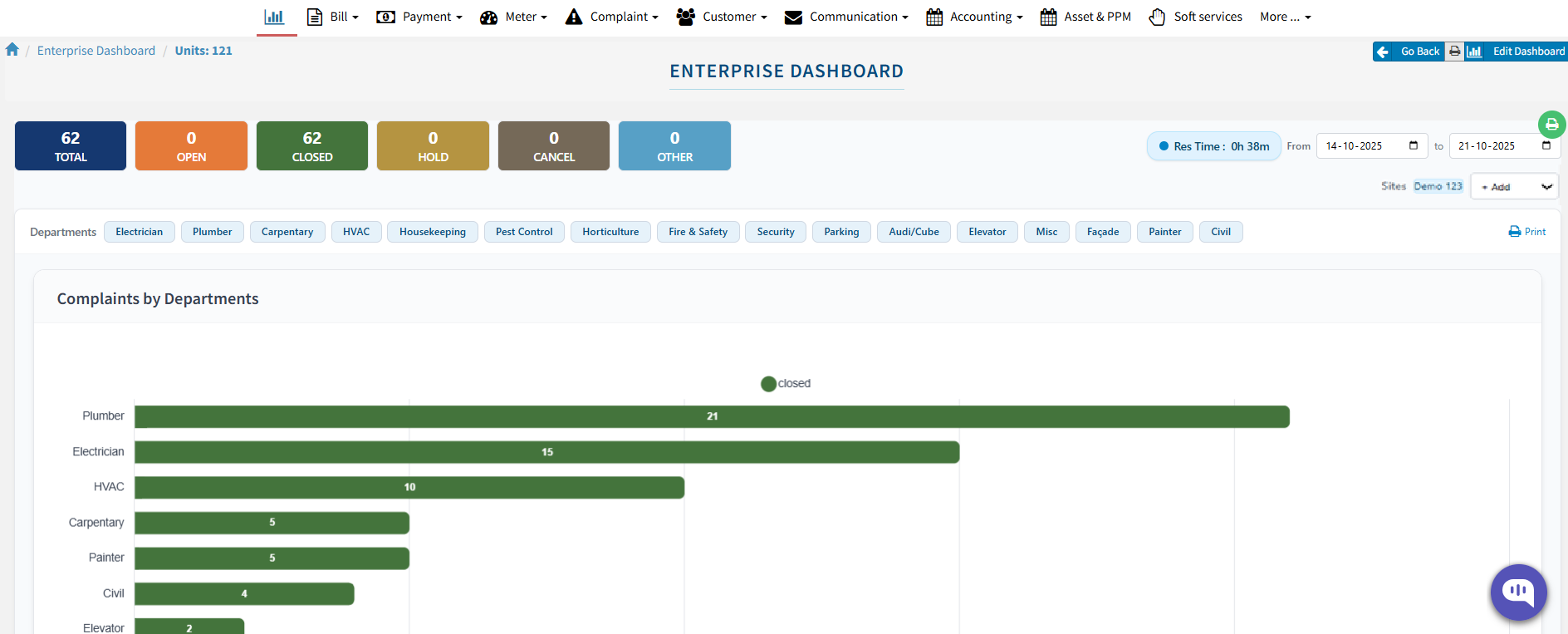
The FacTech platform offers the functionality to configure a Complaint Multi-Site Enterprise Dashboard, enabling organizations to monitor and manage multiple site performances from a single, unified view. This dashboard helps in tracking complaints, analyzing performance metrics, and identifying improvement areas efficiently. You can configure the Enterprise Dashboard for: Multiple Sites: View and compare the performance

Read more

How can I export unit or owner details to Excel?

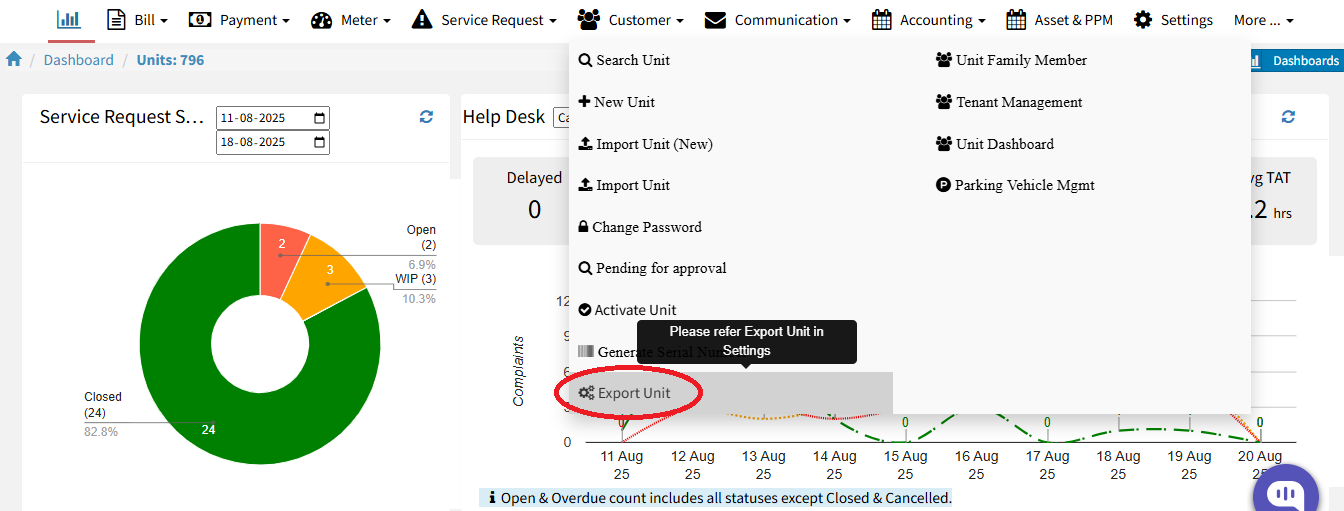
This feature allows authorized users to export unit and owner information from Factech Automation into an Excel file for reporting and auditing purposes. Users must have the appropriate admin role/designation with export permission enabled to access this functionality. Steps: Login to your Factech portal using valid admin credentials. After login, Go to the Customer module

Read more

How to use Factech Smart Support?

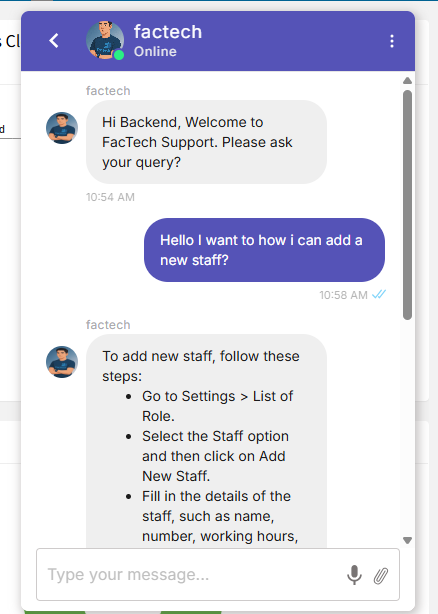
Factech CaFM System now offers an AI-powered Support Chatbot, seamlessly integrated with WhatsApp and Email, ensuring faster, smarter, and more convenient assistance for all your facility management software application needs. 1. Using Smart Chat Bot Here are the steps to use the AI chatbot:   Step 1: Log in to the FacTech website as an

Read more

Hello ! If You Are Ready To Take Your Facility Management To Next Level...