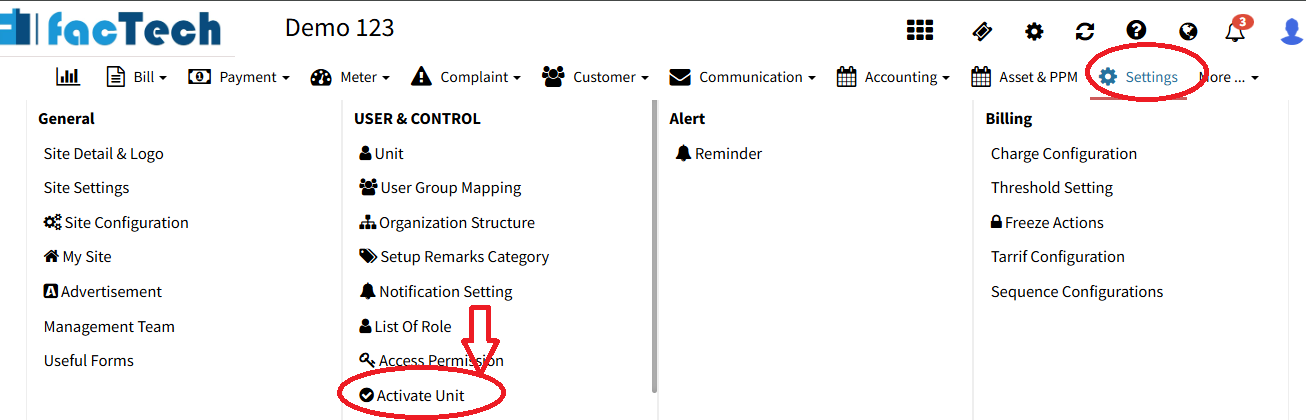
How do we check which owners/units have activated their accounts and logged in?
Description: This feature allows authorized users to view and export activation and logged in details in Factech Automation. It helps track which units are active or inactive, supporting follow-ups, onboarding, and smooth communication. Steps: Login to your Factech portal using valid admin credentials. Go to Settings. Click on Activate Unit under the User Control System