How can I update my site details like address, logo, country, and time zone in Factech?
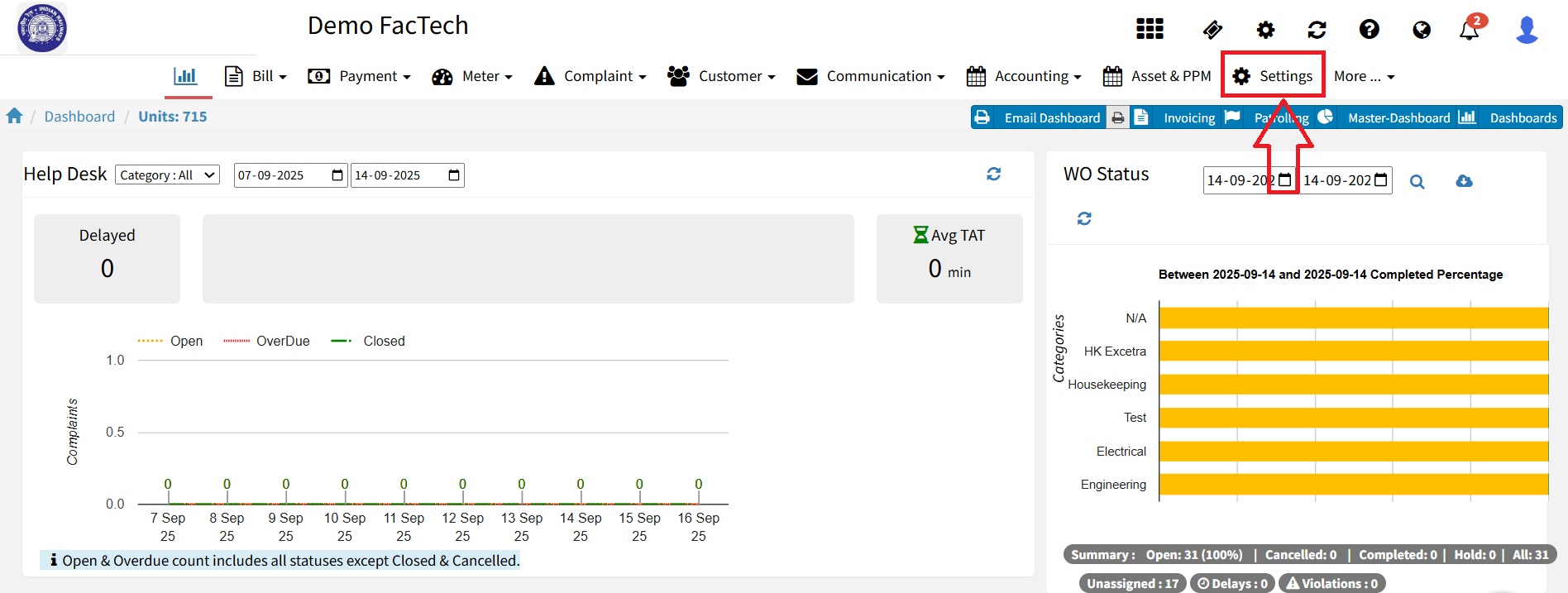
In Factech, administrators can easily manage site-related details such as address, logo, country, and time zone from the Site Settings & Logo section. Updating these details ensures that your reports, dashboards, and notifications reflect accurate information. Follow the step-by-step instructions below: 1.Login to Factech 2.Navigate to Settings 3. Go to Site Settings & Logo Under