FAQ Tag: my gate survey

How to view Survey Response?

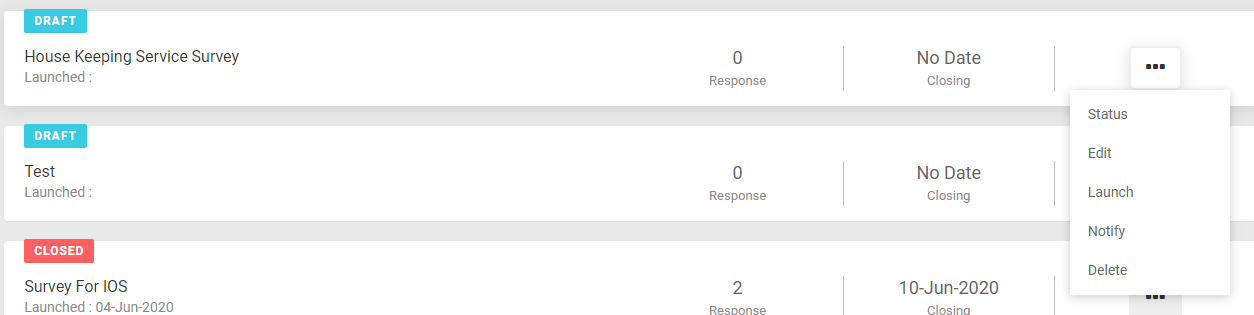
In Survey Dashboard page, you see a list of all Surveys. To view the response of any Survey select Status from Survey sub-menu On click of Status, you can see the Survey response summary. You can view the details question wise by expanding at the question level. Export Survey Report You can export Survey response

Read more

How to Launch Survey

Survey launching is a 2 step process: Create a Survey Launch Surve 1. Create a Survey a) After login, Go to Survey ( More -> Survey) b)  On click of the Survey, you can see the Survey Home Page. This display list of all Surveys with the details – number of responses, status, launch date,

Read more