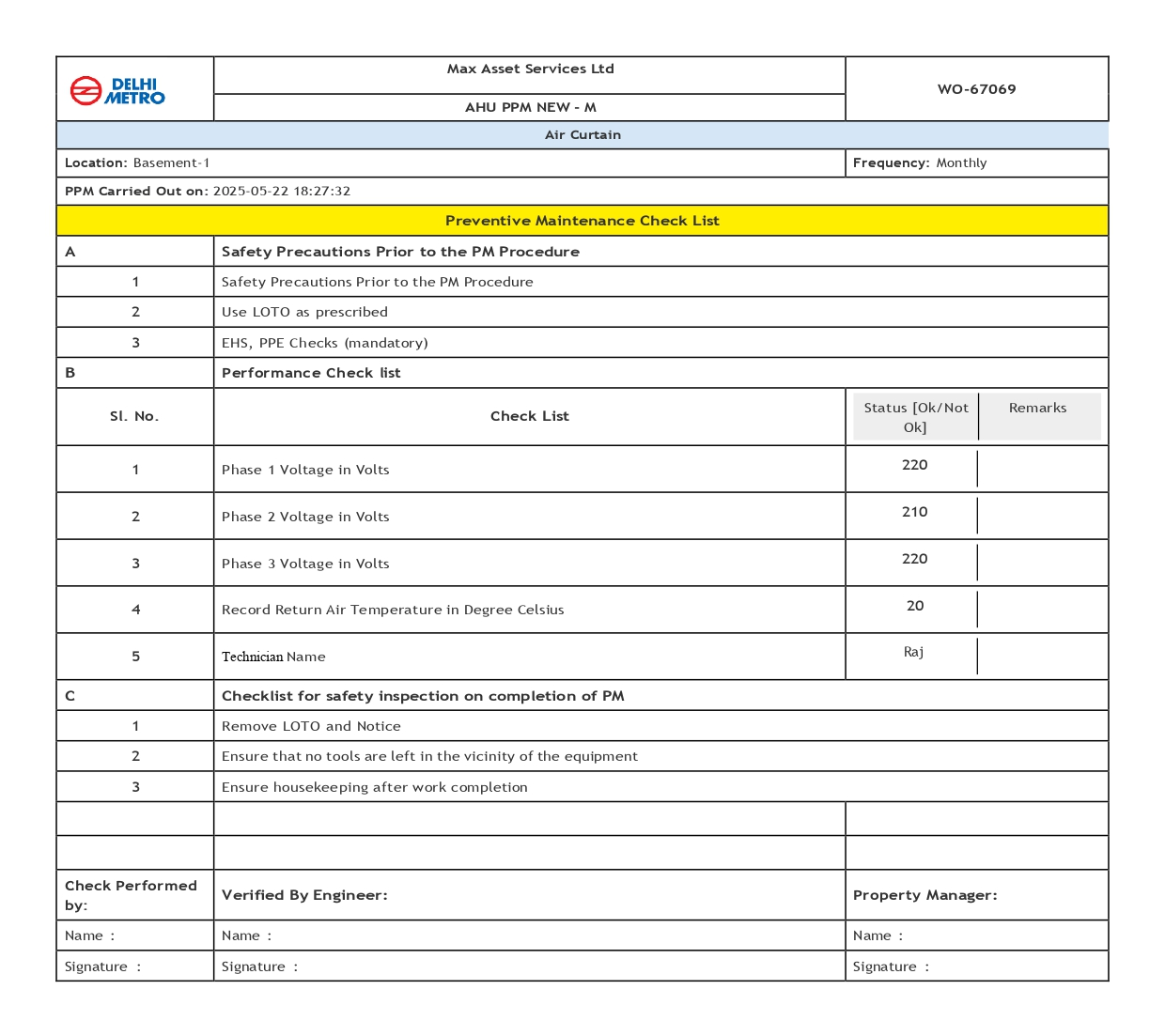
How to take the print of completed Work order in the specific format
After completing a work order or checklist, we can now print it in a specific format. To do this, we need to follow these steps: Step 1: Log in to FacTech as an admin, then go to Asset & PPM and select Work Order. After that, we have to click on completed. Step 2: Choose