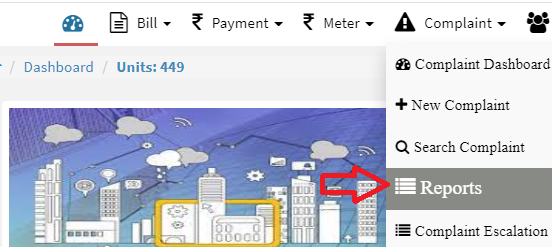
How to export complaint report in excel?
iSocietyManager help you to download complaints report in excel to take a better decision. Following steps to export complaint report in excel. Step 1: Go to Main Menu (Complaint), Select “Report” option from drop down menu Step 2: Select date period and click on “Export All Complaints” button under Date wise report. An excel file