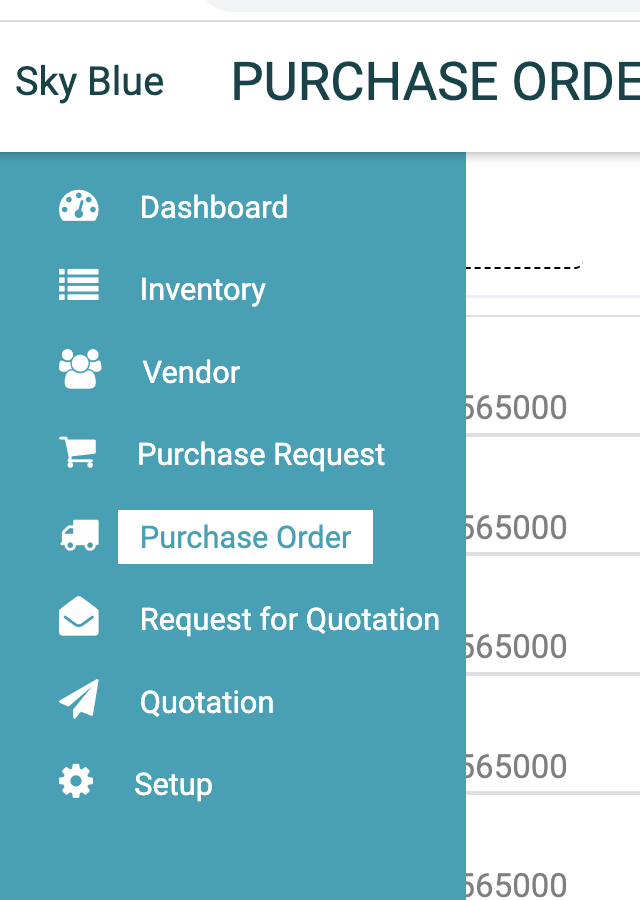
How to export PO list?
Login as Admin with Permission of PO export 1. Go to Purchase Order 2. Click on download 3. Choose date & Select Custom fields if you want those in PO exported list 4. Select custom fields (optional) and Status. Click again on Add custom field if you want to view/ edit from/ to dates 5.