FAQ Tag: add

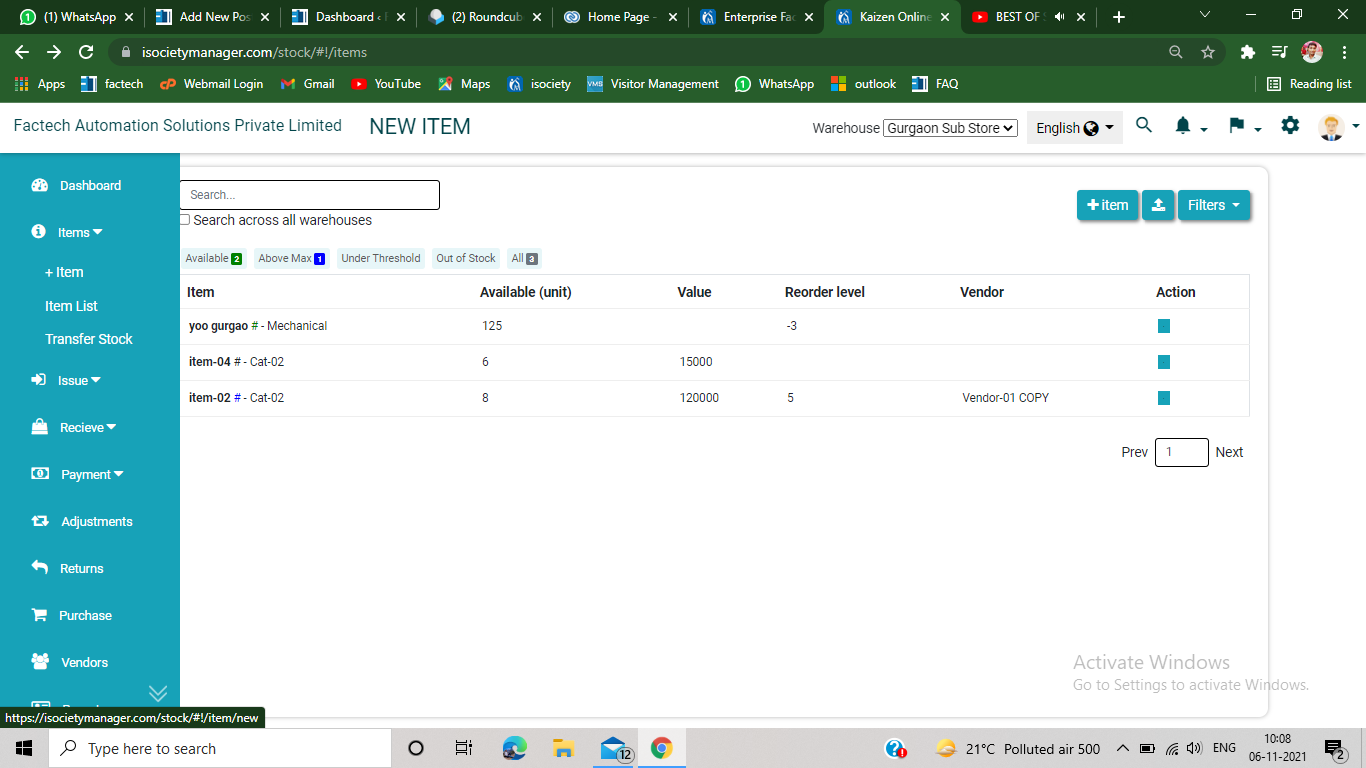
How to add item in Inventory Management?

Step 1. From the upper left side of the inventory management, you will see an option of +item under item section. Step 2. Click on +item, the following screen will appears on the screen. Step 3 Add details of your inventory, you can also upload relevant image of your inventory. Under +Add field section you
Read more

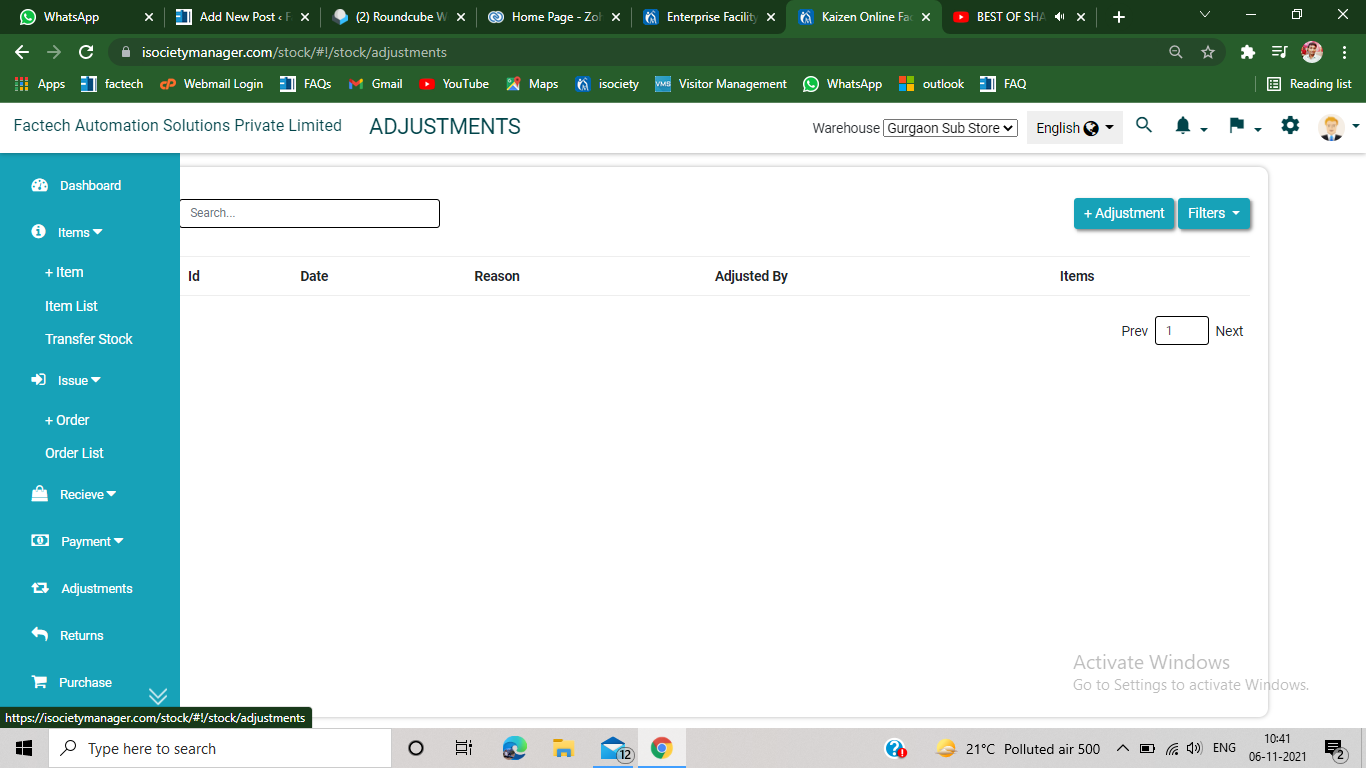
How to adjust stock in the inventory Management?

Step 1. Click on the adjustment section, appears on the left side of the inventory management page. Step 2. Click on +Adjustment option, appears on the upper right side of the screen. Step 3 After click, following screen will appears on the screen. Step 4 Select the adjust type, add or reduce stock. Step 5

Read more